01 Made for everyday use02 You choose when to update03 Always without ads
YOUR COLLECTION
A home for our apps.
Loading apps…
AI-created lifestyle illustrations. RideTalk and ClearTorrent use real app screenshots; open the original capture links above to inspect each interface.
ON THE WEB · FIELD OPERATIONS
FieldGoal
ATTENDANCE WEB PILOT 0.7.0
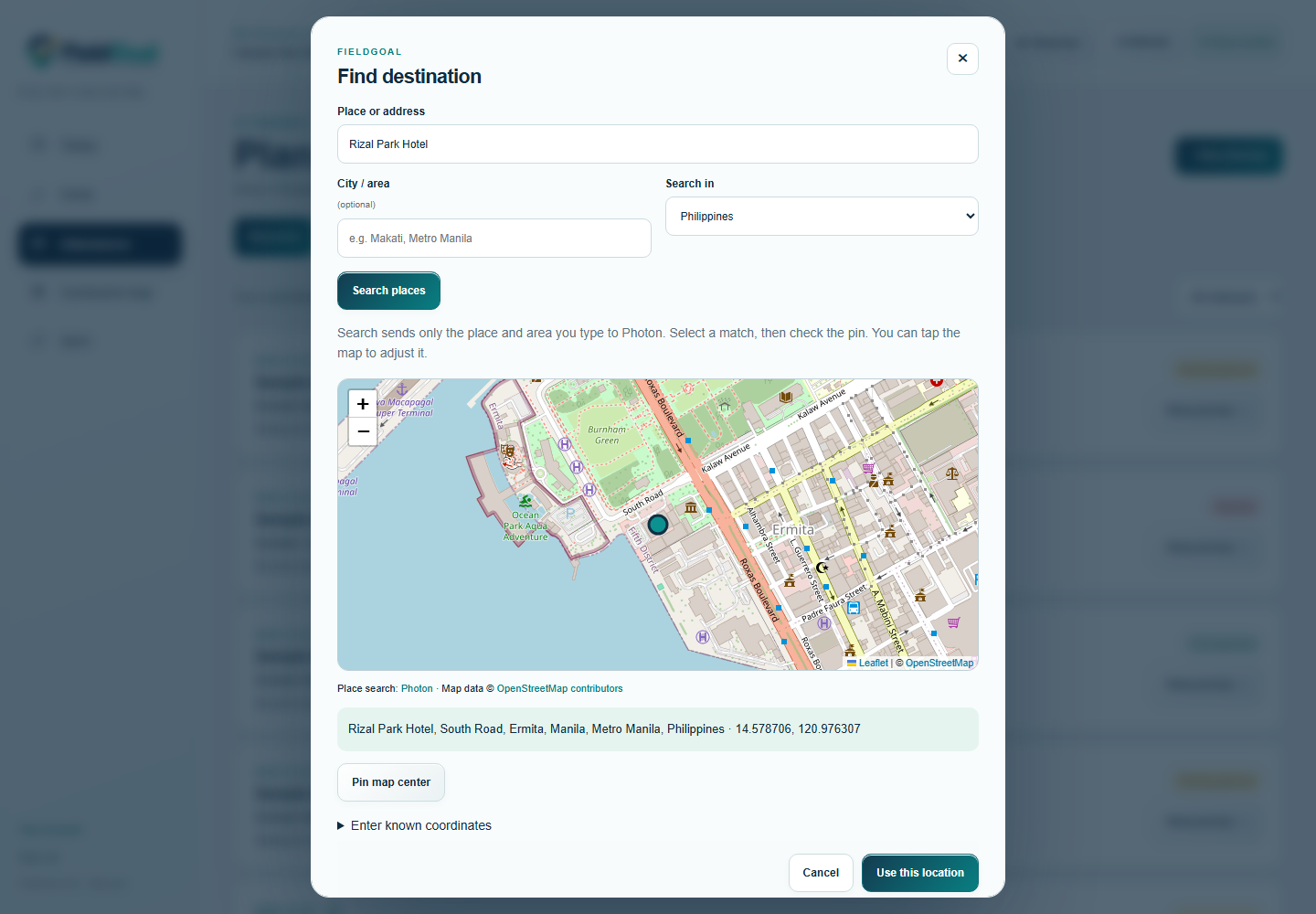
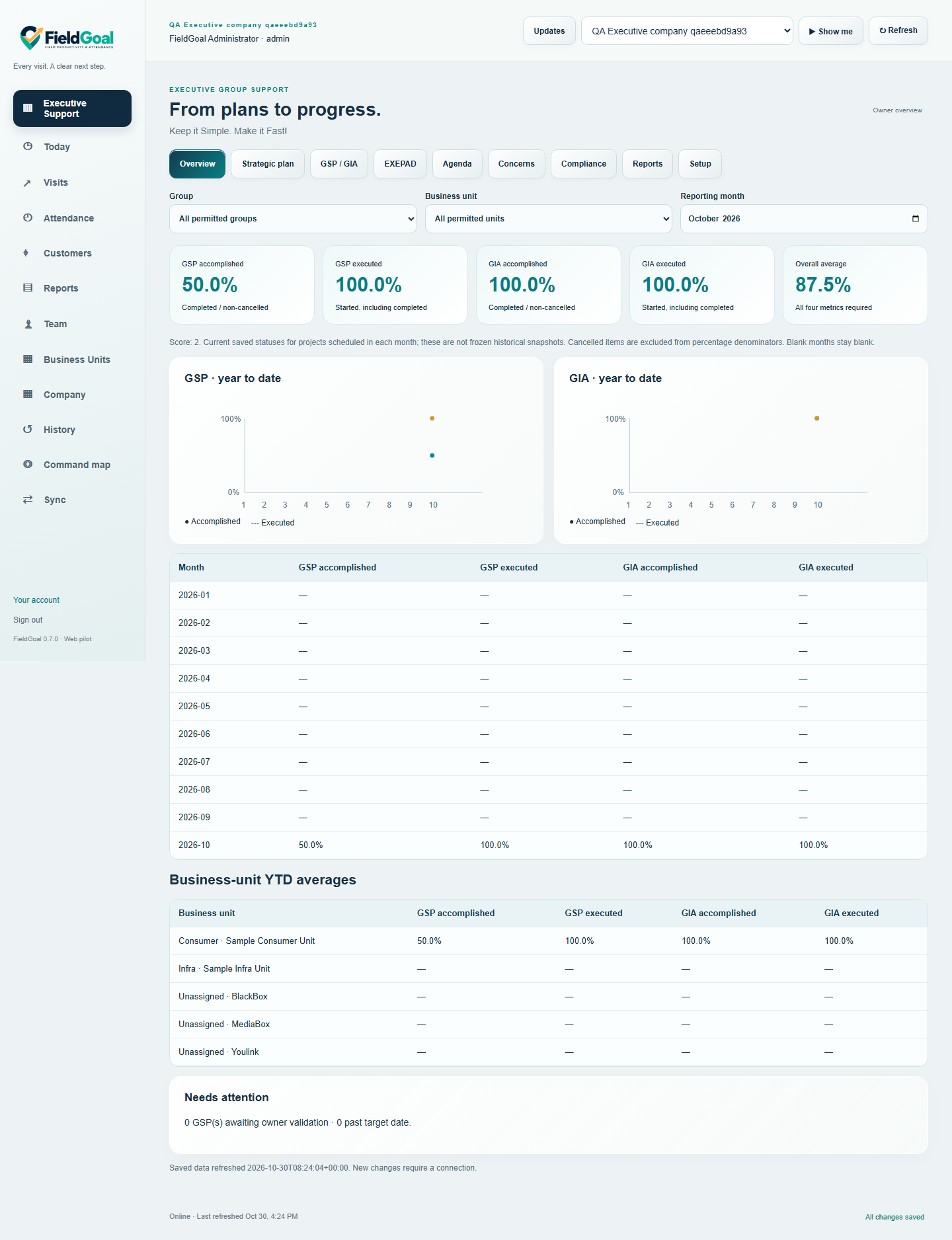
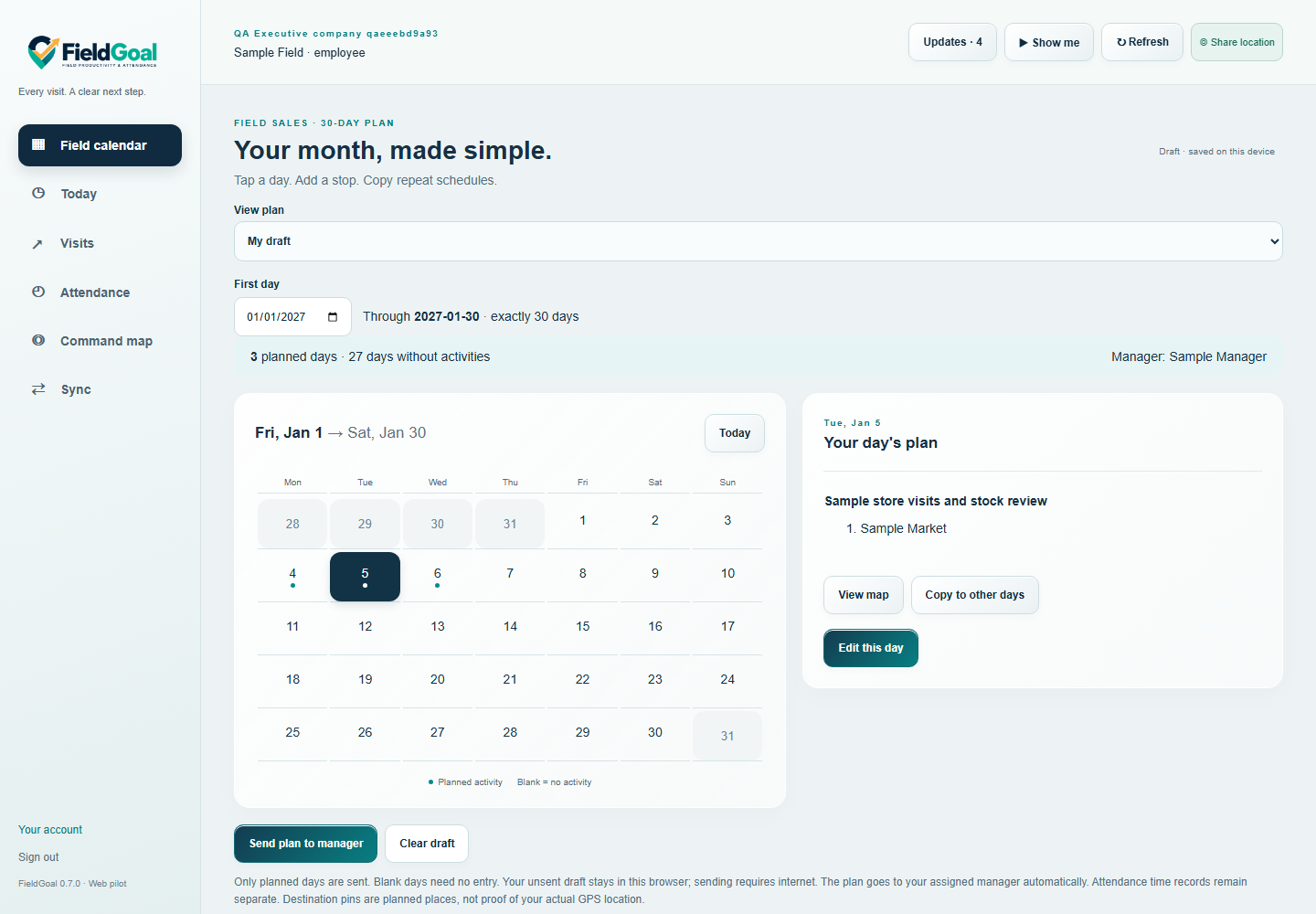
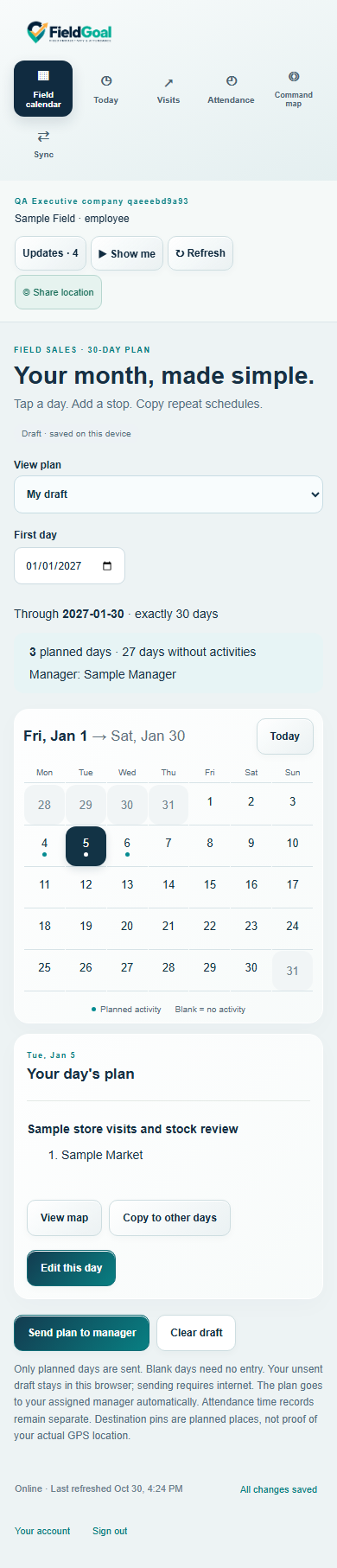
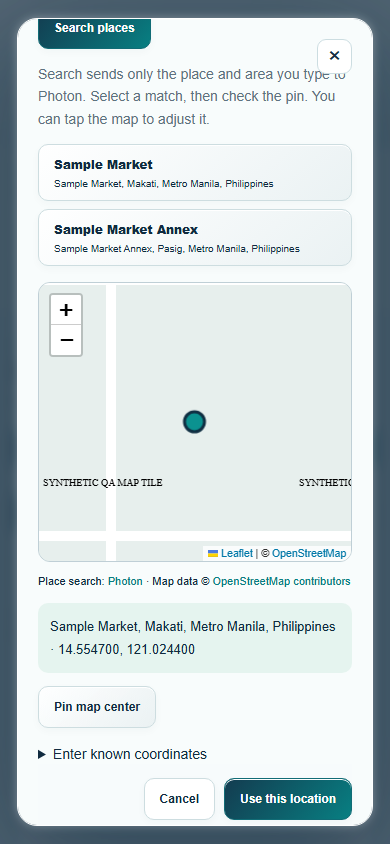
Actual live Chromium capture on Windows, October 30, 2026. Public landmark search and real OpenStreetMap imagery. Other test records are synthetic; phone viewports are emulated, not physical-device or field-test evidence.
0.7.0: Executive Support dashboards now cover strategic plans, GSP/GIA progress, EXEPAD, meeting actions, critical concerns and compliance. Admin Business Units is prepopulated with Youlink, BlackBox and MediaBox and feeds every teammate’s dropdown. Employee setup selects EGS access and Office or Field sales. Office staff use Travel Order Forms; field staff submit a simple 30-day calendar to their manager. The calendar reuses JuanClick’s established layout. Open Executive Support. Original executive dashboard · Original desktop calendar · Original phone calendar. Captures use synthetic test records in Windows Chromium; phone images are emulated viewports. Current-status reporting is not a frozen historical snapshot; assessment percentages are owner-entered. Physical-device testing and staff acceptance remain pending. Existing map image below is retained from 0.6.0.
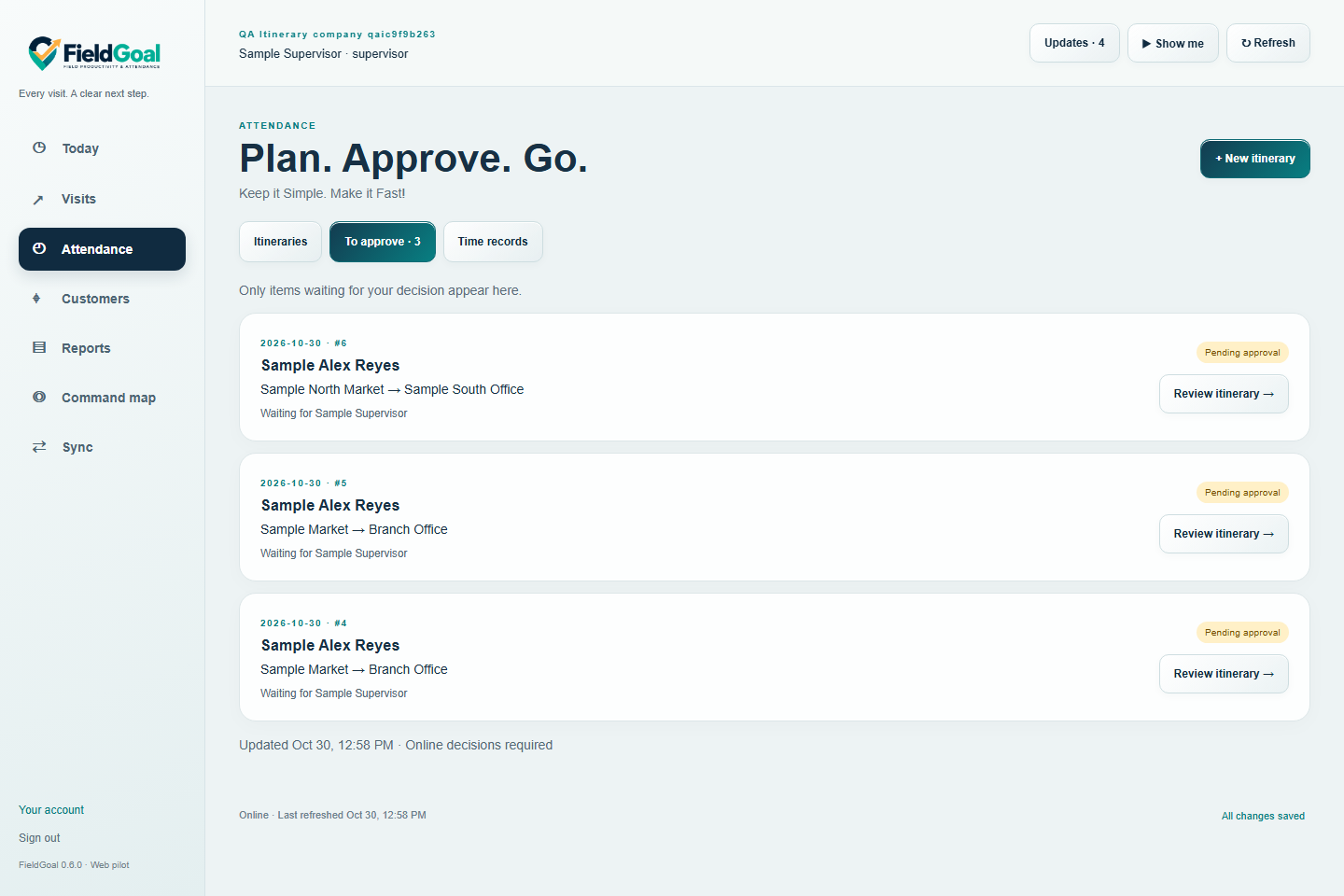
FieldGoal helps employees and supervisors plan field visits, record attendance, capture original photos and notes, and review work.
New Attendance workflow: add multiple destinations, find each on a Leaflet map using place and city/area search, confirm its coordinates, choose an officer and send for approval. Your identity is filled in automatically.
Officers approve, reject with a reason, or approve their step and send to a higher officer. Employee and HR receive in-app updates at every step; pending higher approval is clearly distinguished from final approval. FieldGoal suggests usual approvers from approved itineraries. HR explicitly confirms official reporting lines. Time-in/out stays separate.
Attendance and Team include updated Show me guides with Ricairtec Clear narration, captions, a large cursor, typing/click sounds and playback controls. The existing command map and opt-in foreground browser location sharing remain available.
Status: Web pilot 0.7.0, build 9. Physical-device testing, staff acceptance, native Android/background tracking and the full roadmap remain pending. In-app updates appear while using FieldGoal; email/push notifications and a full org-chart visualization are not included.
Requirements: Authorized account and modern JavaScript-enabled browser. Internet is needed for search, submission and approval; itinerary drafts stay in the current browser. The owner enables HR/approving-officer access in Team. Confirm the correct destination: a map match does not verify physical presence.
Open: Sign in, choose Attendance, then New itinerary or To approve. Web-only release; no APK or desktop installer. Browser updates offer Update or Later.
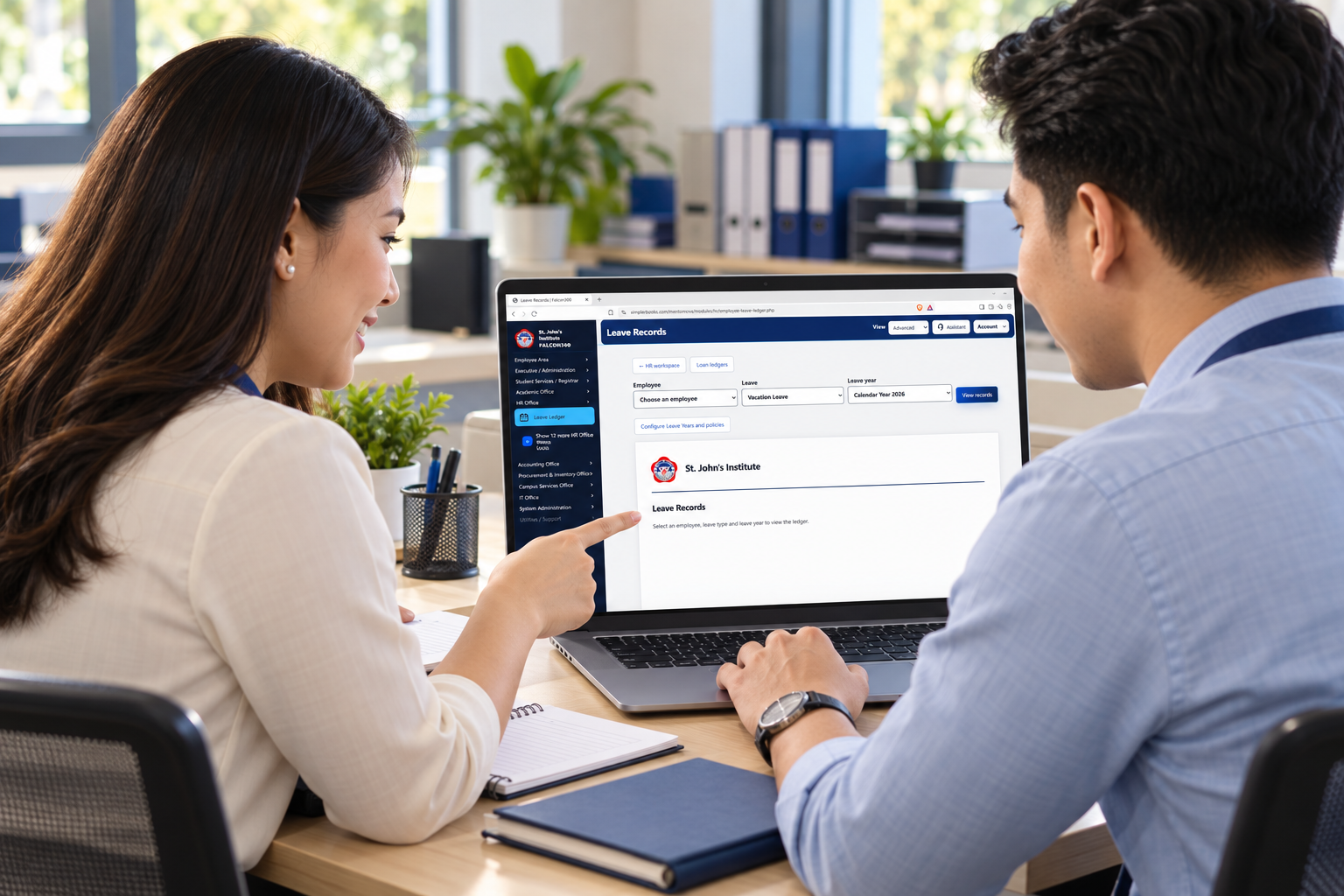
AI-generated illustration of fictional school staff, based on the live Falcon360 screen captured October 27, 2026. Not a customer testimonial or field-test photograph. Original: Brave on Windows, desktop browser, no employee selected. Generated screen details may vary; the original screenshot shows the real interface.
Falcon360 connects school administration, HR, timekeeping, payroll, finance and staff portals. The October 27 HR clarity update explains Finalize availability for the selected cutoff and simplifies leave summaries, dates taken and expandable accounting history.
Live web app · HR clarity update 2026-10-27.1 · Authorized school account required. This update changes presentation, not payroll amounts or leave balances.
What changed: Cutoff-specific Finalize explanations, payslip release guidance, clearer leave balances and pending requests, a separate dates-taken view, and expandable accounting history. Balance adjustments are clearly distinguished from recording absence dates.
Requirements: Internet, a current JavaScript-enabled desktop or phone browser and an authorized school account. Open Falcon360 and sign in. Refresh to load this hosted update. Web-only; no installer required.
Verification: Live leave-screen review and desktop/phone-width component checks completed. Full workflow regression remains pending; physical-phone testing was not performed. Payroll and leave-policy corrections that require approved source records remain separate work.
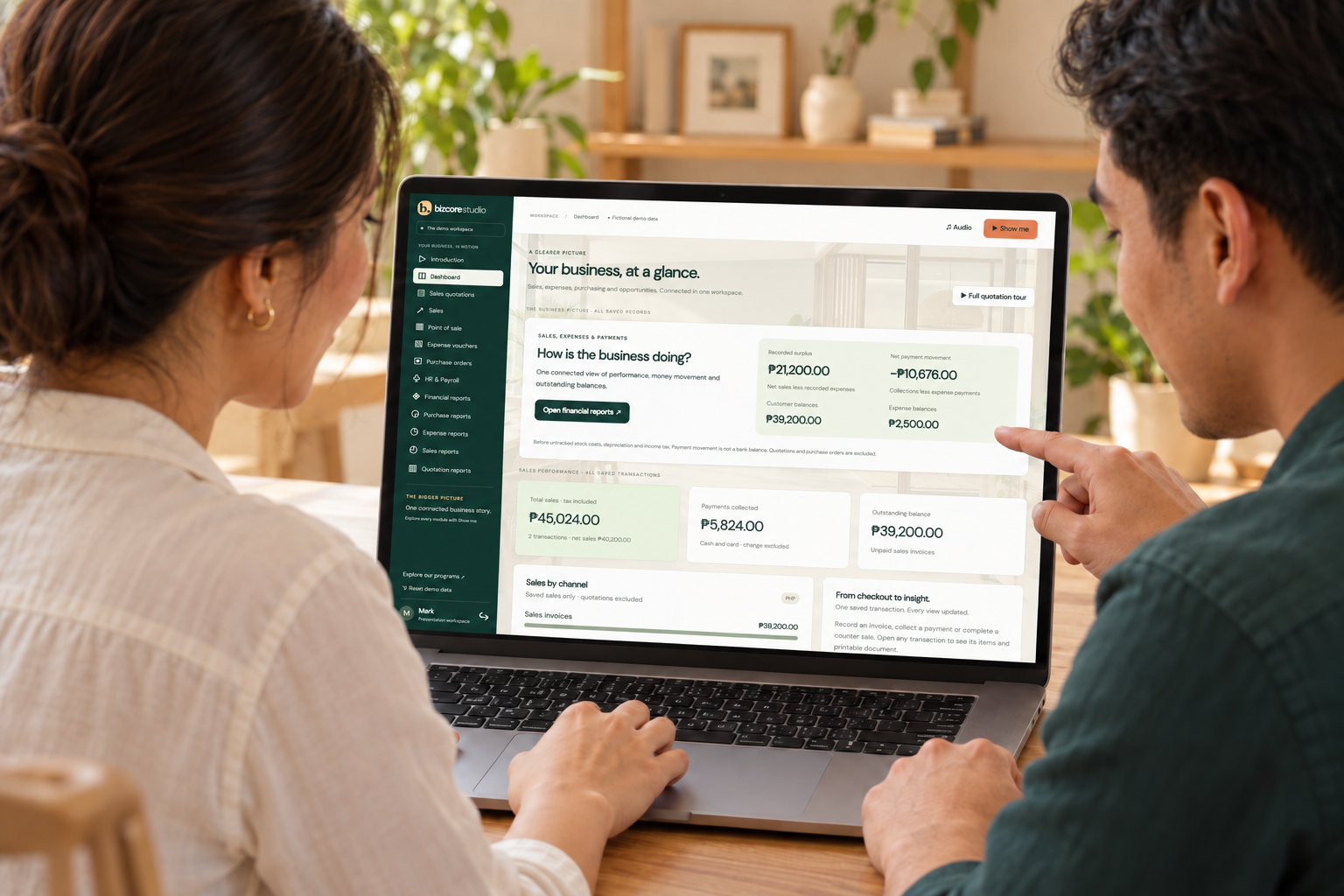
AI-generated illustration using an actual BizCore Studio 1.5.4 screenshot as the screen reference. Fictional people, not customers or field-test evidence. Original captures: October 24, 2026, headless Chromium on Windows; 1440×1000 desktop and 390×844 phone-width viewports. Browser captures, not physical-device tests. Generated screen details may vary; original screenshots show the real interface.
A complete guided business demonstration for client presentations. Explore quotations, Sales, POS, expense vouchers, purchase orders, HR and manual payroll, then follow the results into connected dashboards and management reports. Ricair and the smiling female Shih Tzu hostess demonstrate real entry, saving and reporting with a large pointer, narration, music and typing sounds. Branded payslips and compact paysheets are ready to print or save as PDF. Pause, replay or take over at any time.
Version 1.5.4 · Live web demonstration with fictional data; authorized account required. Desktop and responsive phone browser layouts verified. Manual illustrative payroll and management summaries; no statutory payroll calculations, full general ledger, inventory movement or real funds transfer. Physical-phone audio/touch and manual screen-reader testing remain pending.
Requirements: Internet, a current JavaScript-enabled desktop or phone browser and an authorized demo account. Enable sound for narration; captions remain visible. Web-only; no installation required.
Present with confidence: Start with the sixty-second Introduction and acoustic guitar. Choose a module and select Show me. Ricair and the Shih Tzu hostess guide entry, saving and the resulting dashboard and reports. Pause, Resume, Replay and Exit are available; narration, music and effects have separate volume controls.
Connected workflows: Quotations show opportunity; Sales and POS show sales and collections. Expense vouchers show spending and payment. Purchase orders track commitments separately. Posting payroll creates salary and remittance vouchers and updates expenses and financial reports once. Print branded payslips and the compact landscape paysheet, with employee numbers in a separate column.
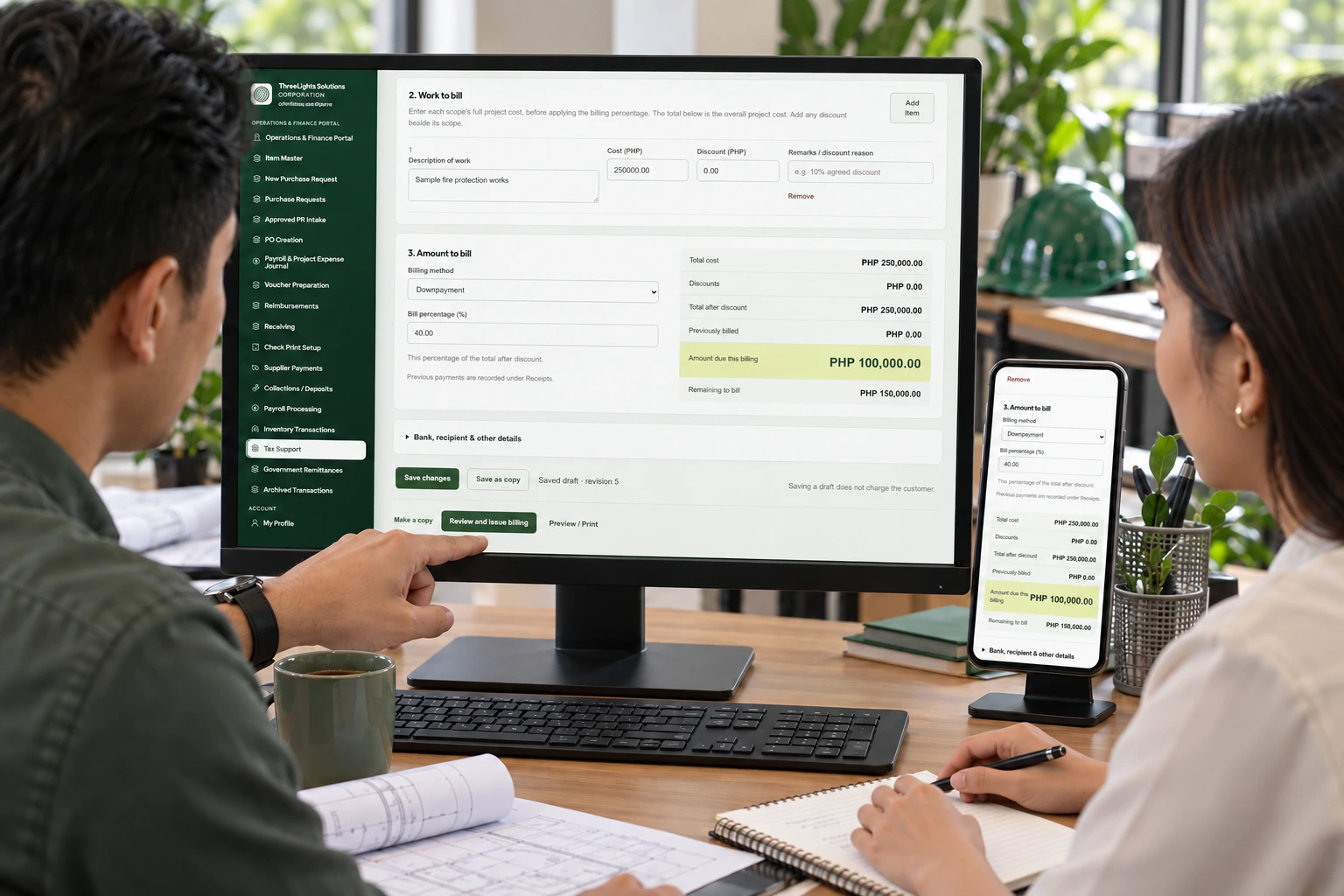
AI-generated illustration using actual release 0.1.5 screenshots. Fictional people, not customers or testimonials. Original captures use synthetic demonstration data in local Chromium on Windows, October 23, 2026, at 1440×1000 desktop and 390×844 phone-width viewports. Phone-width captures are responsive browser tests, not physical-device tests.
ThreeLights / InfraNova connects engineering project teams with procurement, receiving, inventory and finance workflows.
Release 0.1.5, October 23, 2026: select a preserved proposal version as the current client-approved proposal, with confirmation and audit history. Downpayment billing automatically uses zero previously billed. Billing accepts properly grouped peso amounts and calculates totals in exact centavos. Attach supporting PDFs or images to saved billing drafts and download them with authorized access. Existing invoice, contract, approval and VAT-allocation workflows remain in place.
Web-only, sign-in required. Use a current desktop or phone browser with internet and an authorized ThreeLights account. Choose Select as Client Approved from quotation Version History. Save a billing first to add attachments: PDF, PNG, JPG or WEBP, up to 2 MB each and 10 files per billing. Uploads are available while the billing is an editable draft; files remain readable after invoice preparation. Hosted updates are available on refresh; no installer is required.
Validation: 61 focused feature and failure-path checks, 43 VAT regression checks, and browser checks for save, attachment upload/download, proposal selection, popup feedback, print and responsive layouts. Physical-phone testing and live acceptance by authorized account owners remain unverified.
AUTHORIZED WEB WORKSPACE
AFPCES HRIS & Security Monitoring
WEB 2026.11.03.1
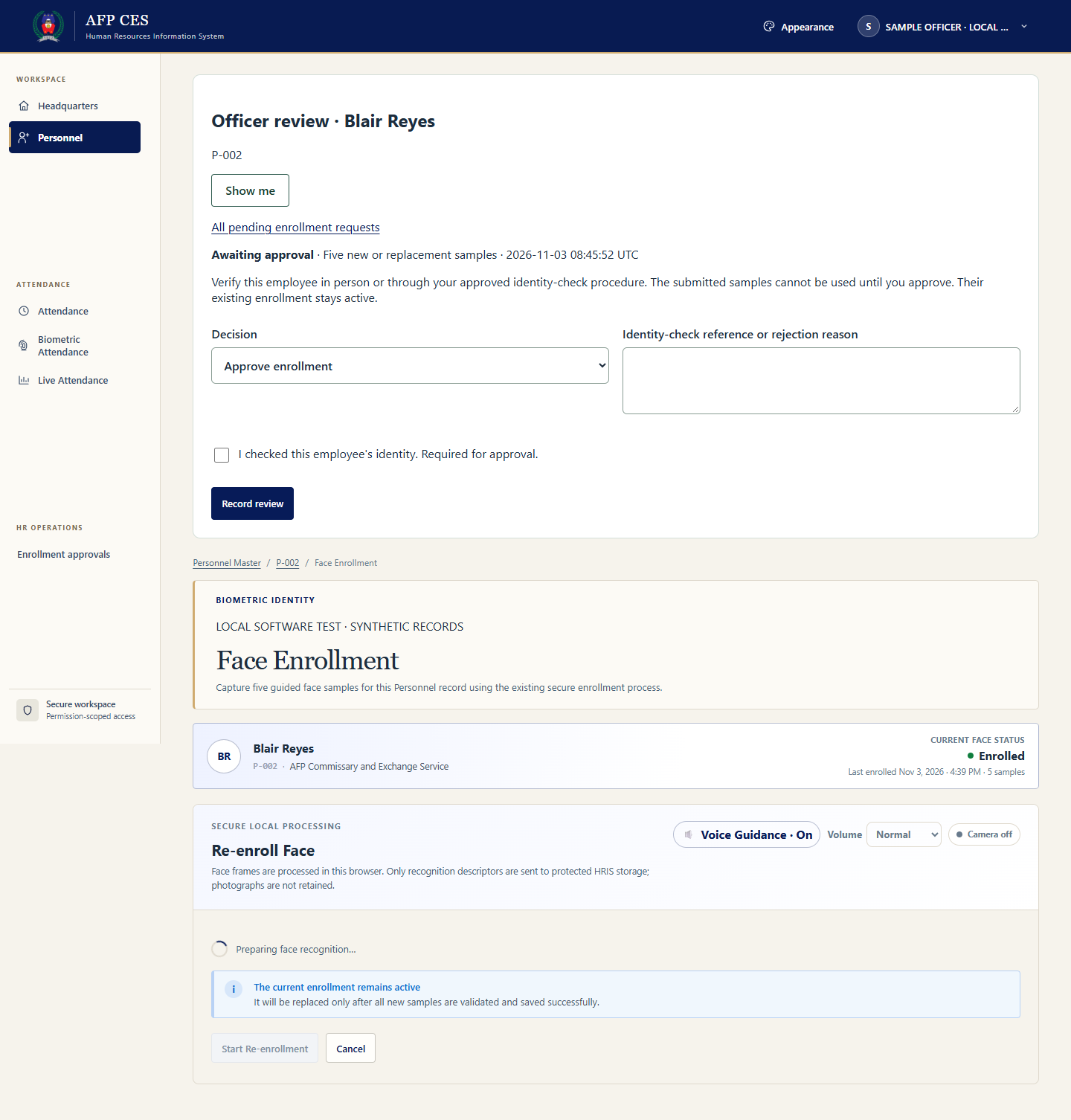
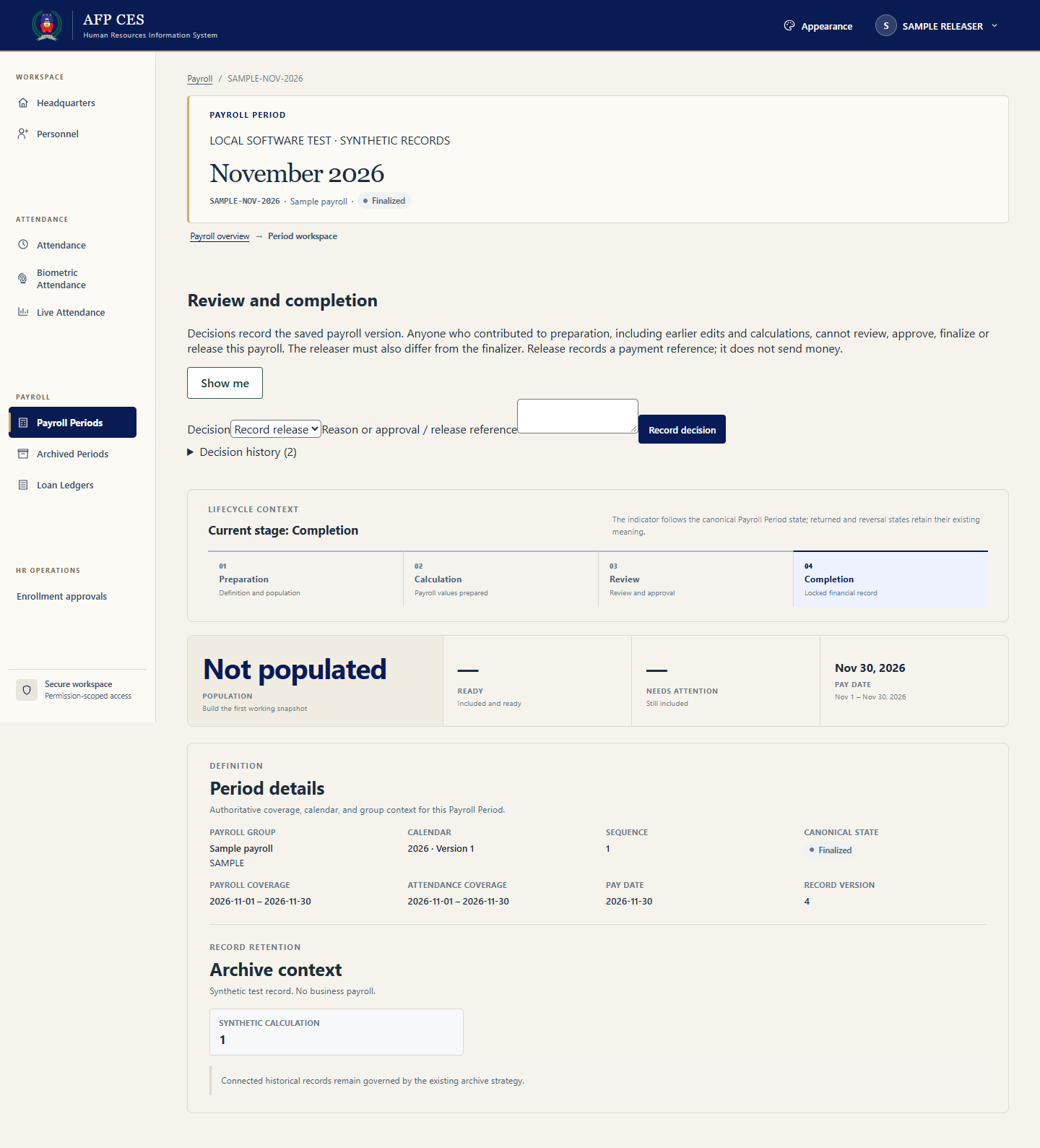
Actual local software capture, November 3, 2026, Chromium 156 on Windows. Synthetic records; desktop 1440×1000 and emulated phone width 390×1000. Not physical-device or field-test evidence.
AFPCES connects personnel, timekeeping, leave, payroll and Security Monitoring.
New in 2026.11.03.1: Employee face enrollment requests wait for authorized officer approval. Existing enrollment stays active during review. Officers verify identity, approve or reject with a reason, and cannot approve their own enrollment. Payroll contributors cannot release the payroll they helped prepare; release requires an independent authorized account, separate from the finalizer. Release records a reference and does not transfer money.
The updated screens include accessible Show me sample guides and dismissible viewport messages. Samples never change business records.
Requirements: Authorized AFPCES account with the relevant officer or payroll permissions, internet and a current desktop or phone browser. Choose Enrollment approvals from the navigation, or open the payroll period's workflow controls. Refresh when ready to load this hosted web update; no installer is required. The Android duty companion is unchanged.
Verification: 26 focused enrollment checks, 26 independent-release checks, regression scripts, isolated MySQL transactions and desktop/phone-width browser checks passed. Business-owner acceptance and physical-camera enrollment testing remain pending. Existing enrollments are preserved, not retroactively certified.
Security Monitoring release 2026.10.22.1 covers ID-card registration, work zones, access attempts, confirmed passages and CCTV viewer links. The screen reports the last confirmed passage, not continuous location. RFID readers and door controllers are not yet installed; CCTV needs viewer configuration and verification. Physical reader, lock, passage sensor, emergency egress and NVR playback tests remain pending.
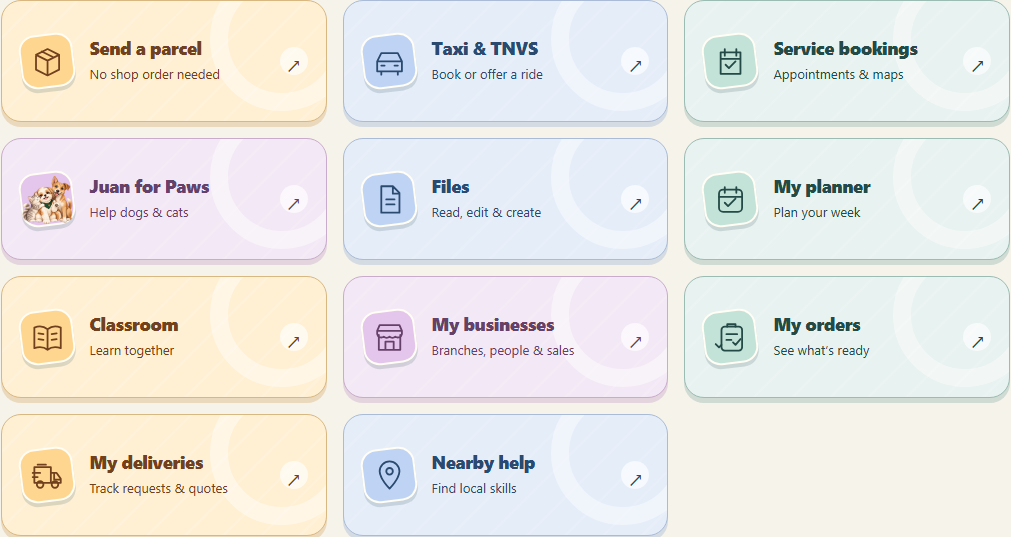
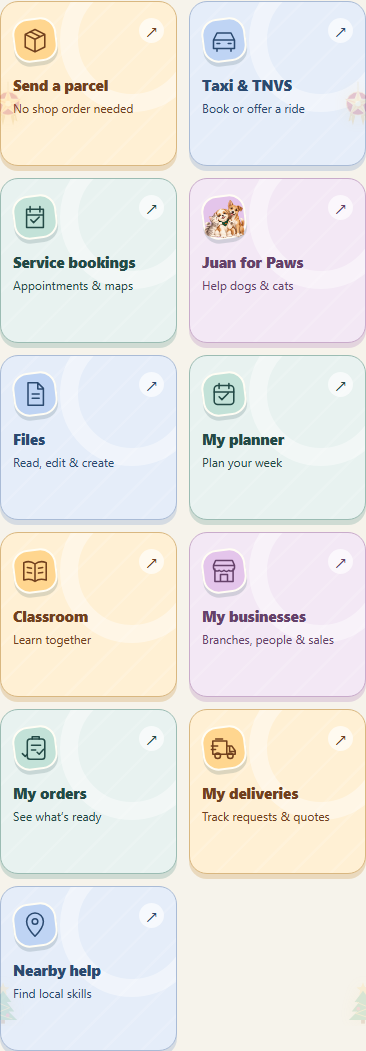
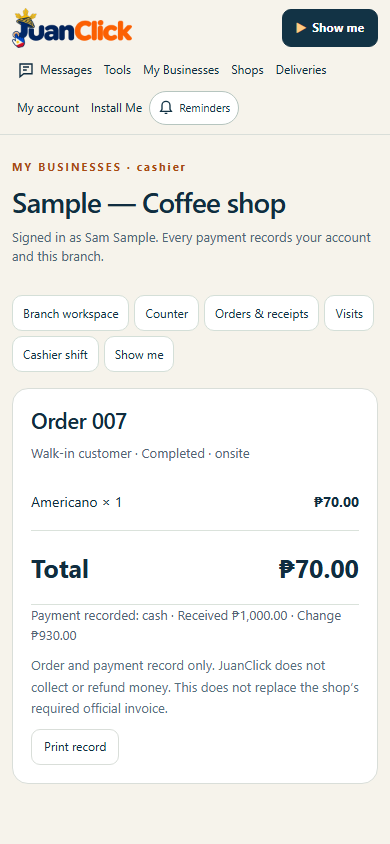
Actual local release interface with synthetic member data. Chromium on Windows, 9 November 2026; phone widths are viewport emulation, not physical-device or customer evidence.
A little more joy in every JuanClick.
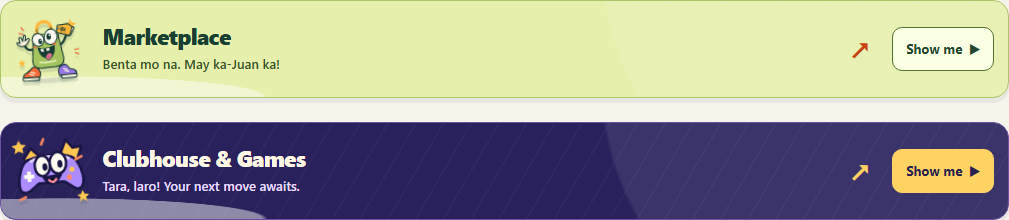
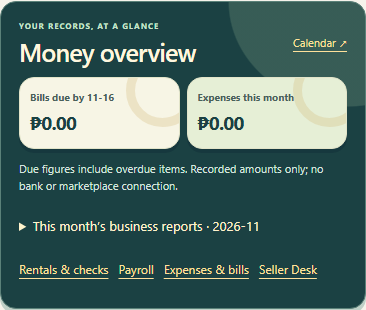
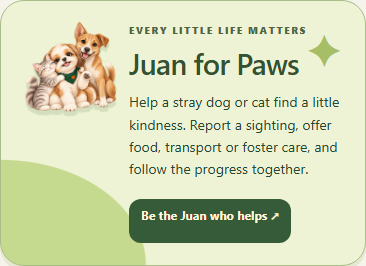
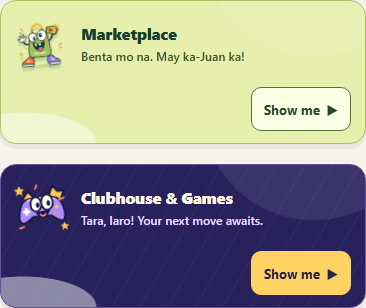
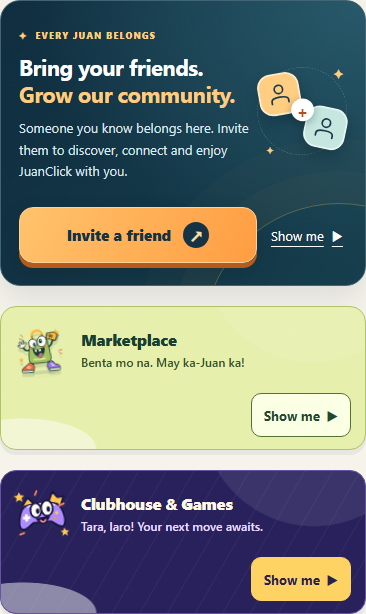
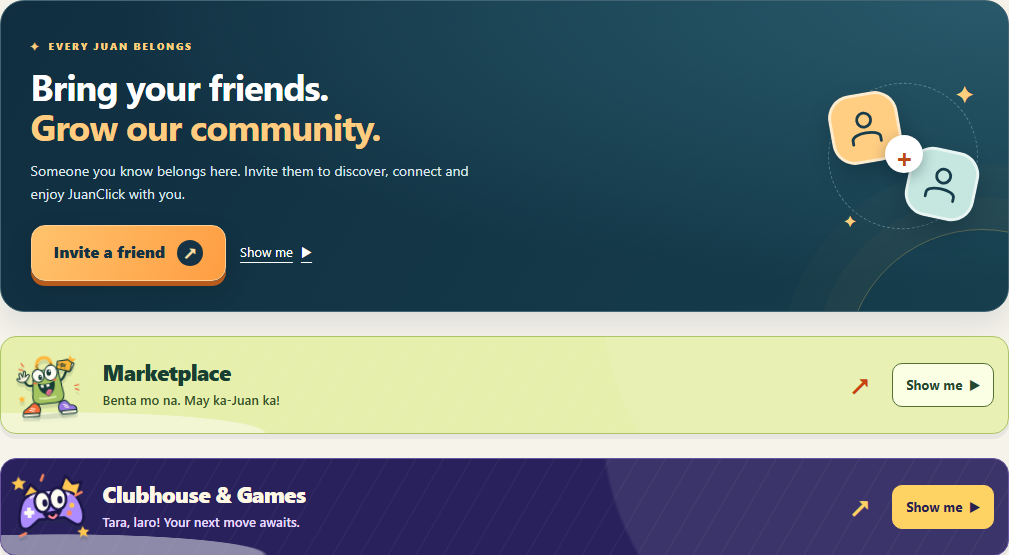
The home makeover now includes everyday shortcuts, Favorites/recent tools, money overview, merchandise, assistance, Paws, services and account details. Marketplace stays below Invite a friend, followed by Clubhouse; both retain their compact size. Existing tools, prices and records keep their behavior.
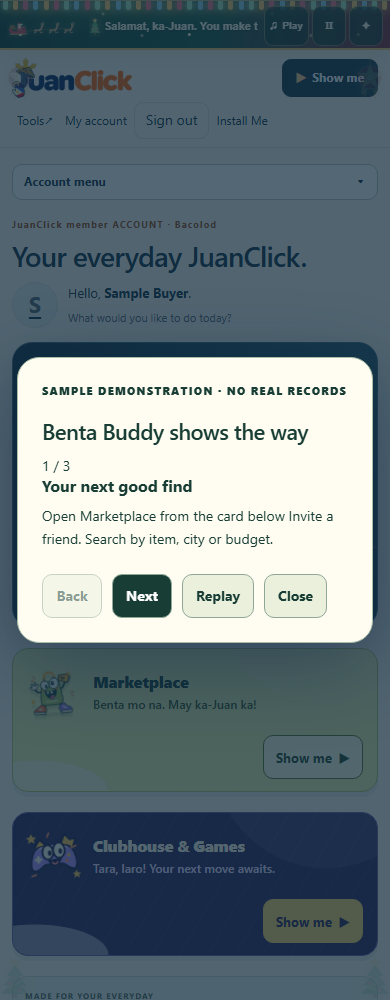
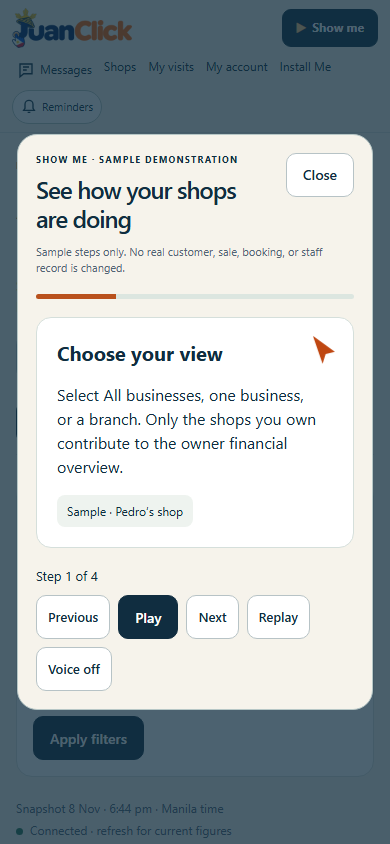
Safe Show me guides explain the home and feature cards. Dismissible messages stay in view; keyboard focus and reduced-motion preferences are respected.
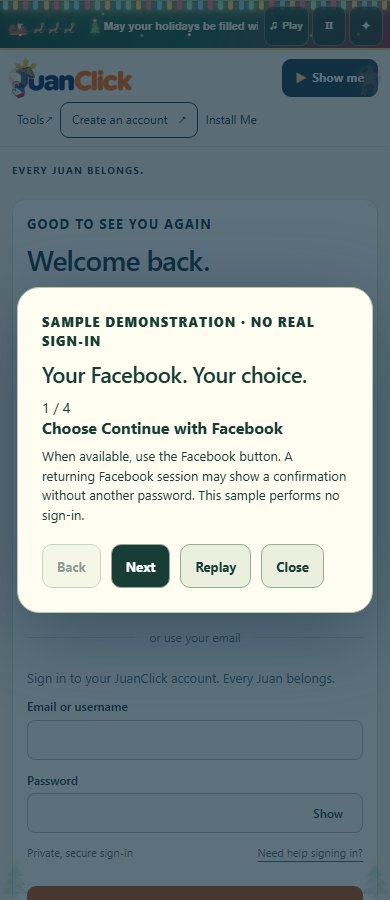
Facebook login is prepared, not activated. The official Meta SDK/FedCM integration can reuse eligible Facebook browser sessions and offer an account picker, with an explicit fallback. The Meta app and website settings are prepared; Meta business verification, required review, private credentials and real acceptance are still pending, so the Facebook button stays unavailable. JuanClick does not ask for a Facebook password. Recognition of a session held only inside the native Facebook phone app is not guaranteed.
Marketplace listings/photos, private offers, reservations, mutual handover, separate buyer/seller reviews and moderation remain available. Marketplace phone/ID verification providers remain unconfigured and full badges unavailable.
Requirements: Current browser, internet and JuanClick account for member tools. Existing web/PWA identity and user-controlled Update / Later retained; no separate installer required.
Verification: Real local browser captures at 320/390/768/1440px, synthetic backend checks and mocked SDK tests, no demo record writes, responsive layouts and focus handling. Source-only release with unchanged schema. Public assets, version feed and catalog verified. Real Meta sign-in, physical phones, Safari and manual screen readers remain pending.
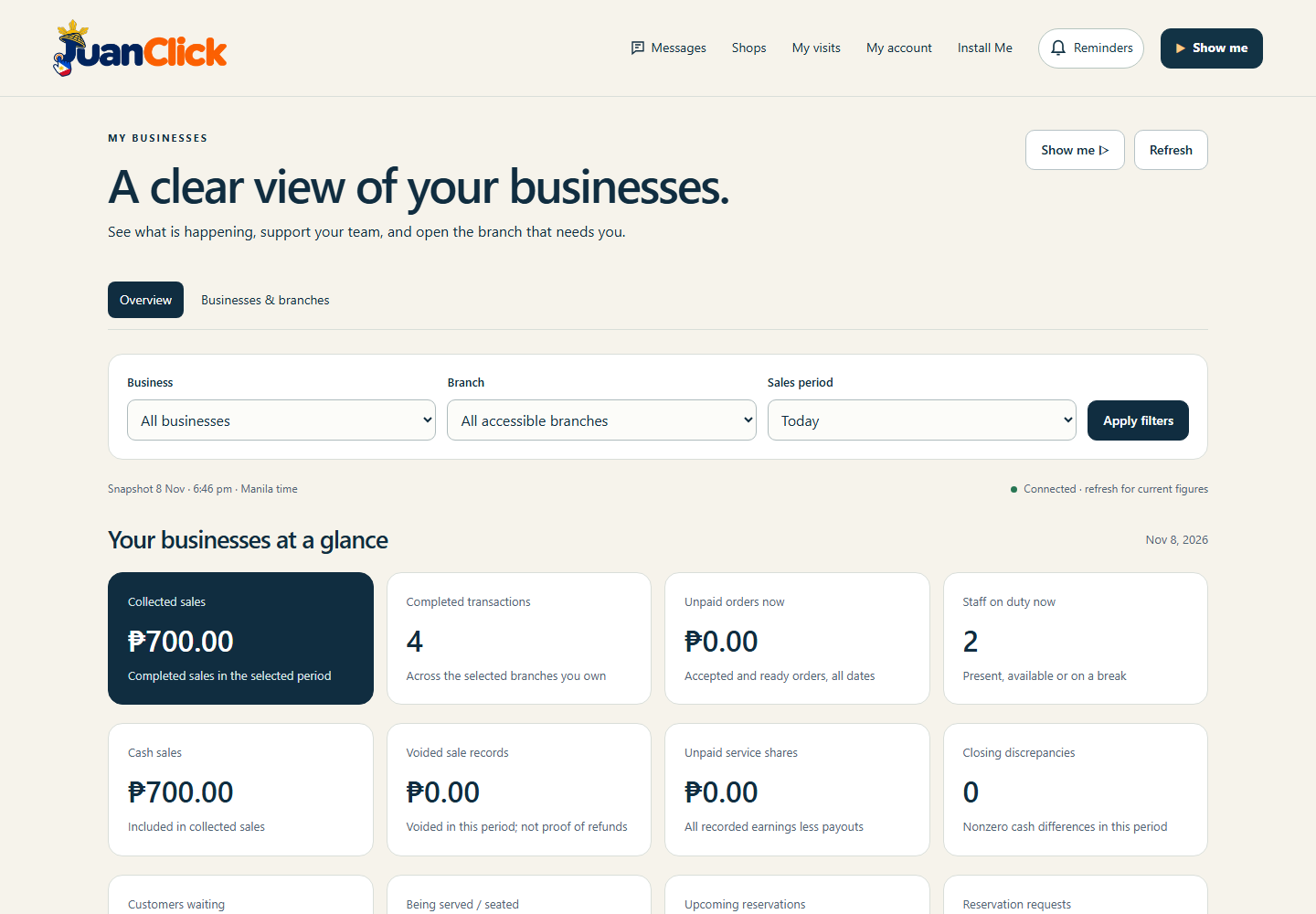
Previous releases 1.66.2 and earlier — features, screenshots and recordsActual 1.66.2 local interface, synthetic member account. Chromium on Windows, 9 November 2026. Phone screenshots use viewport emulation, not physical devices or customer testimonials.
More fun, right on your home screen.
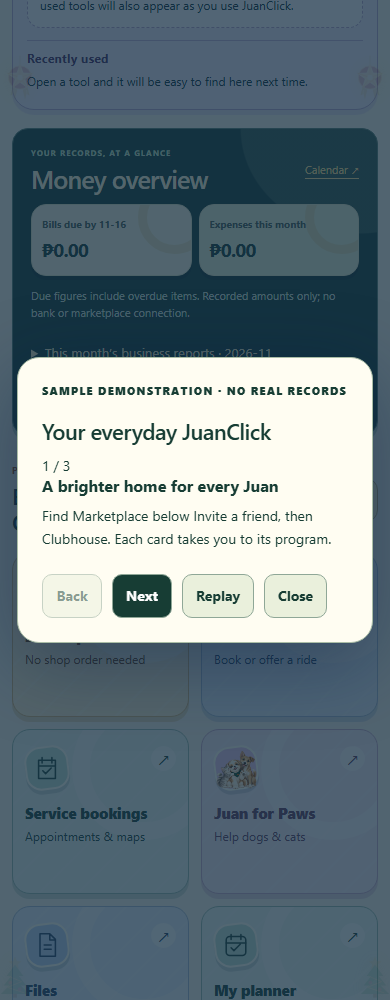
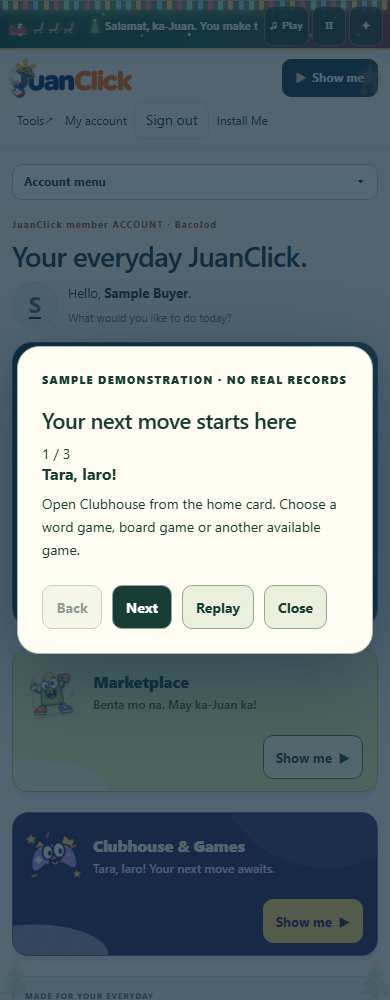
Marketplace now sits directly below Invite a friend. Benta Buddy welcomes members with “Benta mo na. May ka-Juan ka!” Clubhouse follows with an original purple controller character, a golden crown and “Tara, laro!” Both preserve the previous Clubhouse card size: 98px on desktop and 144px on phone.
Each card opens its existing program and includes a safe Show me sample with Back, Next, Replay and Close. Keyboard focus, visible popups and reduced-motion support are checked. Demonstrations create no real records.
Marketplace retains listings/photos, search and saved finds, private enquiries/offers, reservations, mutual handover, separate buyer/seller reviews, reports and moderation. Phone and ID verification services remain unconfigured; full badges are unavailable. Clubhouse keeps its existing games, account access and family/age controls.
Requirements: Current browser, internet and JuanClick sign-in for the member home. Existing web/PWA identity, quick background checks and user-controlled Update / Later are retained. No separate installer is required.
Verified: 320, 390, 768 and 1440px layouts; exact card sizes/order; both links and safe demonstrations; keyboard focus restoration and no demo writes; source-only release backups and unchanged schema. Public assets and version metadata verified. Physical phones, Safari, manual screen readers, phone/ID providers and real email-code inbox confirmation remain pending.
Previous releases 1.66.1 and earlier — features, screenshots and records
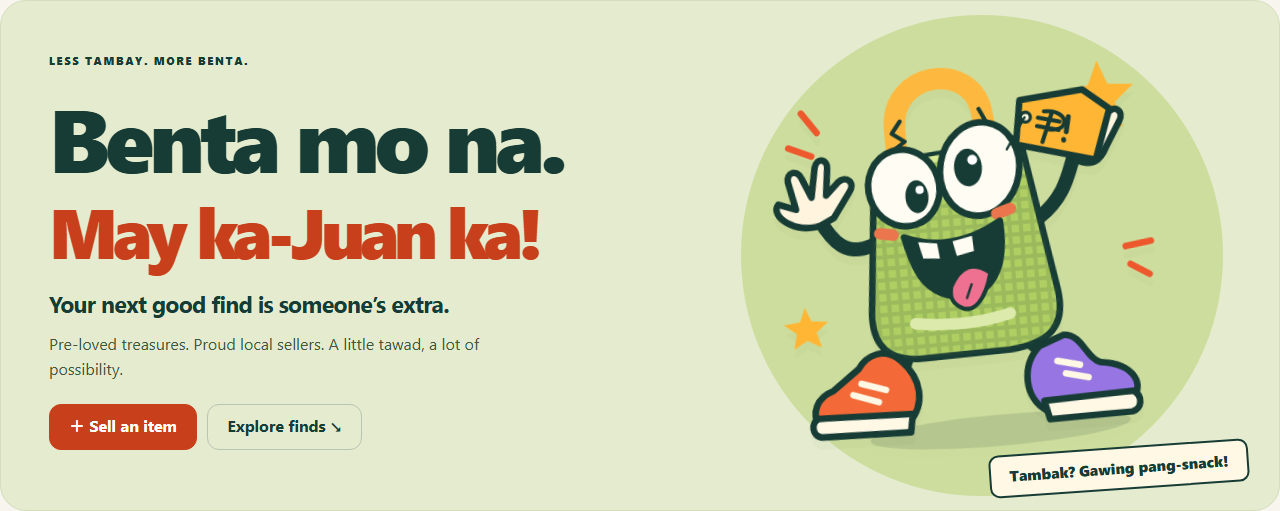
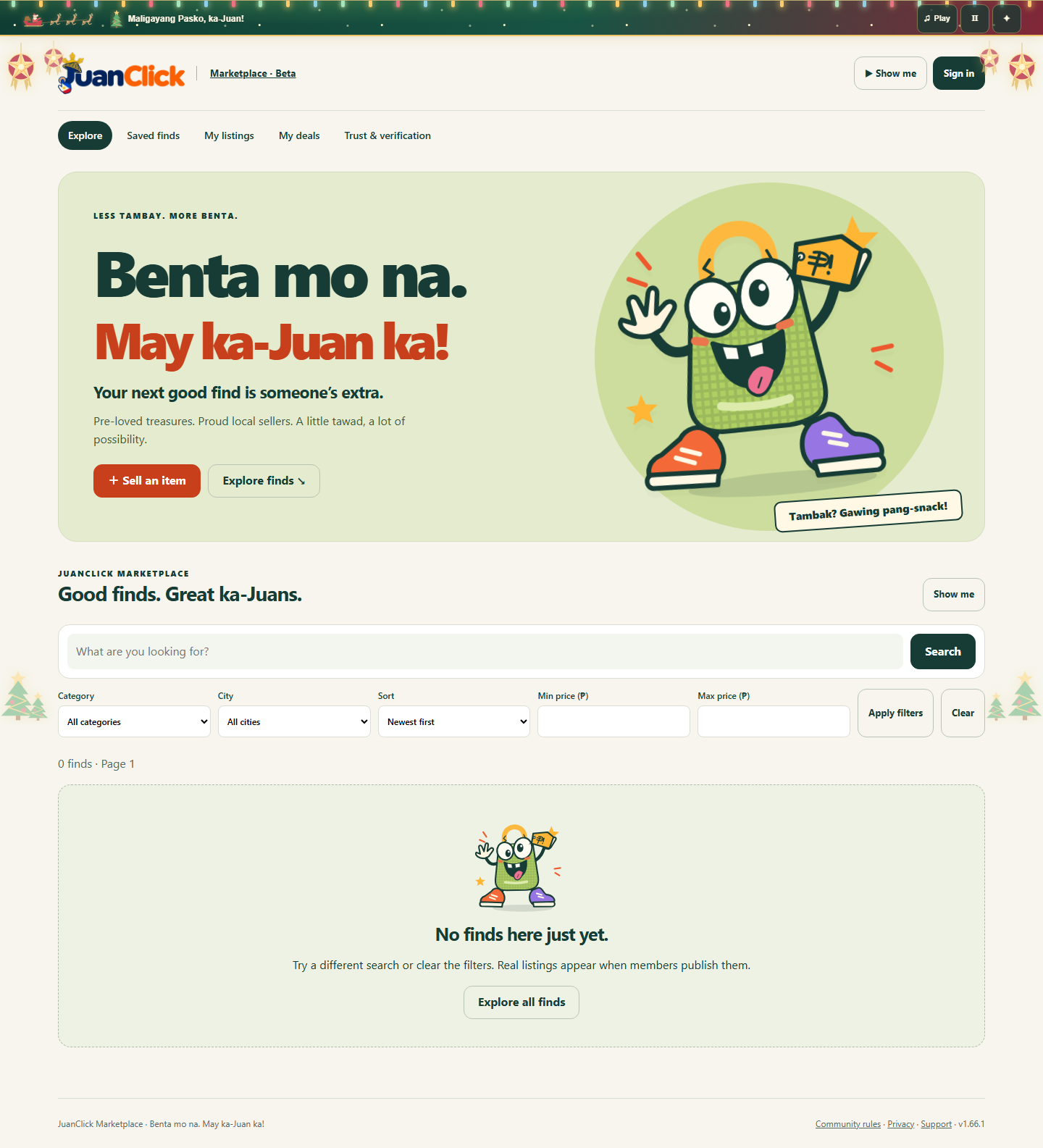
Actual public marketplace interface, 9 November 2026. Chromium on Windows; phone captures use viewport emulation. Benta Buddy is an original editable vector illustration, not customer or field-test evidence.
Benta mo na. May ka-Juan ka!
JuanClick Marketplace helps members buy and sell pre-loved items in Manila, Cebu and Bacolod. Meet Benta Buddy: a wacky bayong with googly eyes, a huge grin and mismatched sneakers.
Post actual item photos, save drafts, search and filter finds, save favourites, enquire privately, make offers and reserve a listing for one buyer. Buyer and seller confirm handover separately. Existing JuanClick messaging setup, family-contact approvals and blocks apply; optional configured message screening is retained.
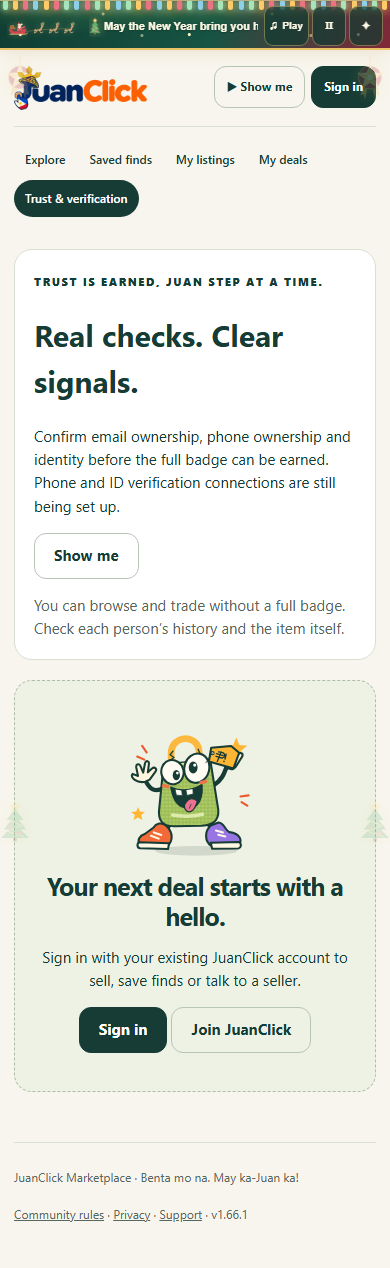
Reviews go both ways. Buyers and sellers have separate reputations. Each participant can review a mutually confirmed deal once within 14 days. Reviews reveal together or at the end of that window. These are member-confirmed transactions, not independently verified payments.
Verification is explicit. Email ownership codes are implemented. Phone and ID services are not connected yet, so full verified badges are unavailable. Reports, blocks and administrator moderation are available. No escrow, payment processing, identity guarantee or courier booking is claimed.
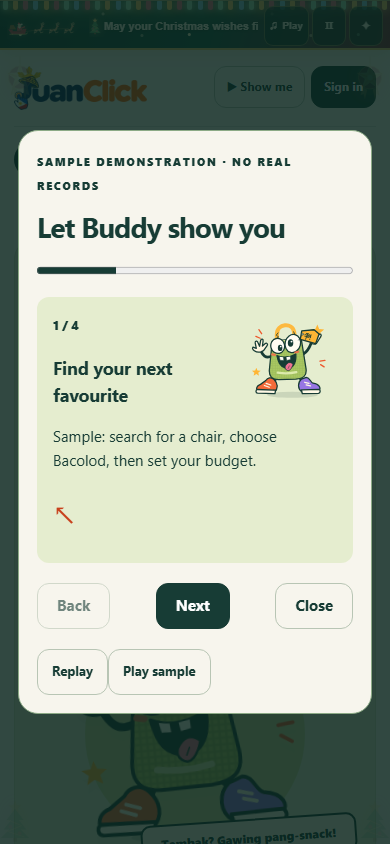
Seven safe Show me walkthroughs explain browsing, listing creation, saved finds, deals, reviews, verification and moderation. Accessible dismissible popups stay in view and link to the next correction step.
Requirements: Current browser and internet; existing JuanClick sign-in for trading. Messaging setup and applicable Family approvals are needed for enquiries. This is a web/PWA beta, with the same app identity and user-controlled Update / Later. No separate installer is required.
Verified scope: Phone/desktop browser checks at 320, 390, 768 and 1440 pixels, synthetic transaction/review/security tests, account-data cleanup, backups, additive schema migration and rollback. Public pages and assets checked live. Physical phones, Safari, manual screen readers, real email inbox delivery and phone/ID-provider integration remain pending.
Previous releases 1.65.1 and earlier — features, screenshots and records
Actual 1.65.1 public interface, 9 November 2026. Chromium on Windows; phone captures are viewport emulation. Decorations use native SVG/CSS. Merch artwork remains labeled illustration.
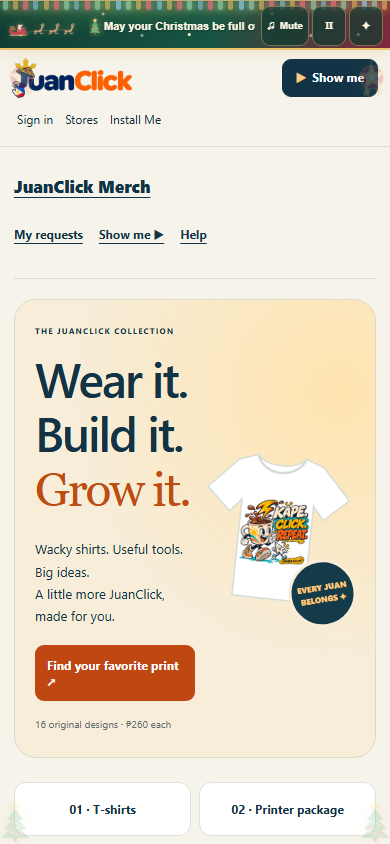
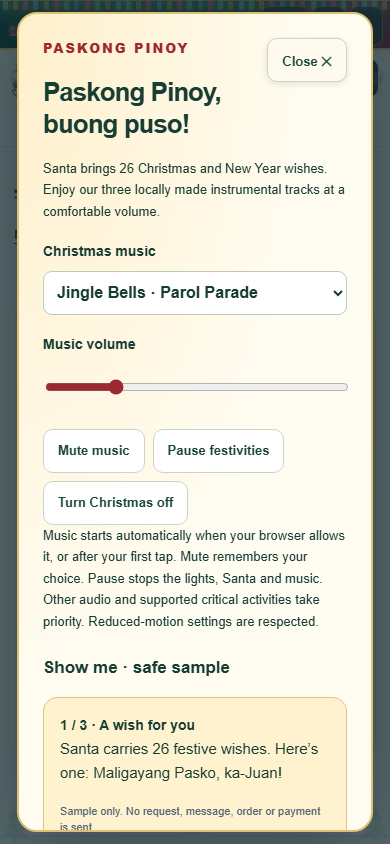
Paskong Pinoy mode adds a compact one-line Christmas strip across JuanClick pages: Santa and three reindeer, corner trees, swaying parol lanterns, richer four-color glowing lights and 26 shuffled Christmas and New Year wishes.
Three locally made Christmas music tracks are available through Play/Mute, track selection and volume. Music defaults to on when browser policy permits, with first-tap or Play recovery if blocked. An explicit Mute choice is remembered. Pause stops music and movement; Christmas off and reduced-motion preferences are supported. Other playing media, hidden tabs and supported critical activities take priority. A safe Show me sample explains the controls.
The recordings were generated and mastered with the existing local studio workflow and saved in BizCore Motion. No paid generation was used for the three production tracks. Browser playback and loudness checks passed; the user approved the music. Physical-device testing remains pending.
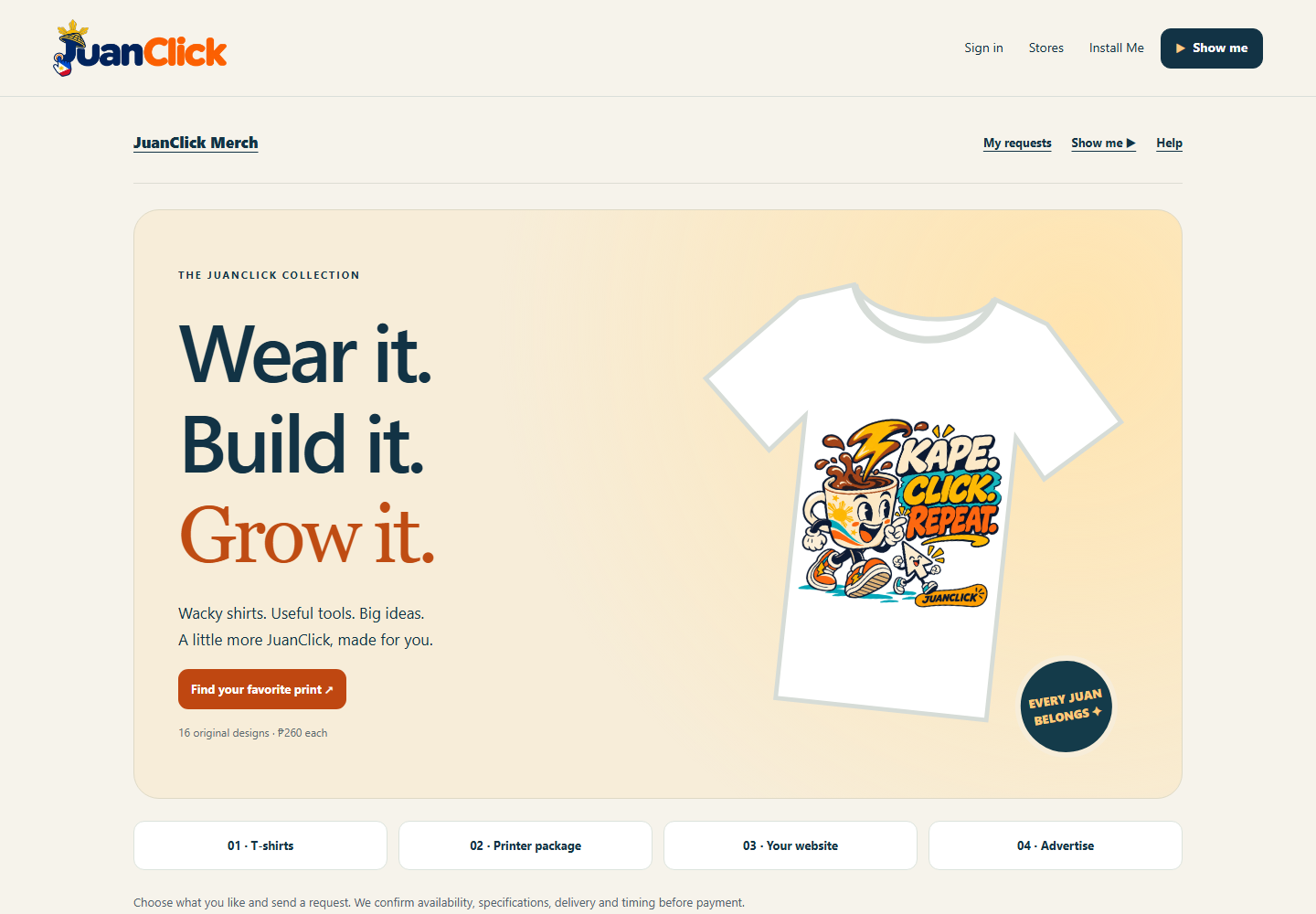
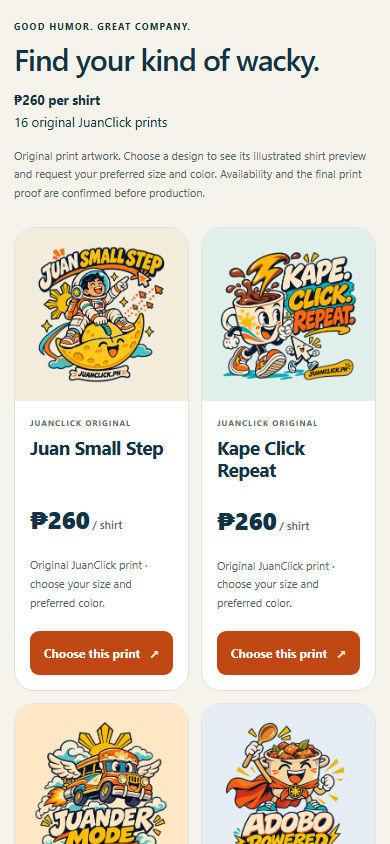
The prior Merch release remains available: 16 wacky shirt prints carrying JUANCLICK.PH, improved printer/website offer designs and request-only forms.
Requirements: Current browser and internet. If your browser blocks sound, tap the page or Play to start music. Existing PWA identity and user-controlled Update / Later retained.
Verification: Local and public browser checks at 320, 390 and 1440 pixels cover compact layouts, all 26 wishes, three-track playback, controls, preferences and safe demos. Source-only release, backup, unchanged schema, public assets and feed verified. Physical-device, full gameplay, microphone/call and manual screen-reader acceptance remain pending.
Previous releases 1.65.0 and earlier — features, screenshots and records
Actual 1.65.0 public interface, 9 November 2026. Chromium on Windows; phone captures are viewport emulation. Decorations use native SVG/CSS. Merch artwork remains labeled illustration.
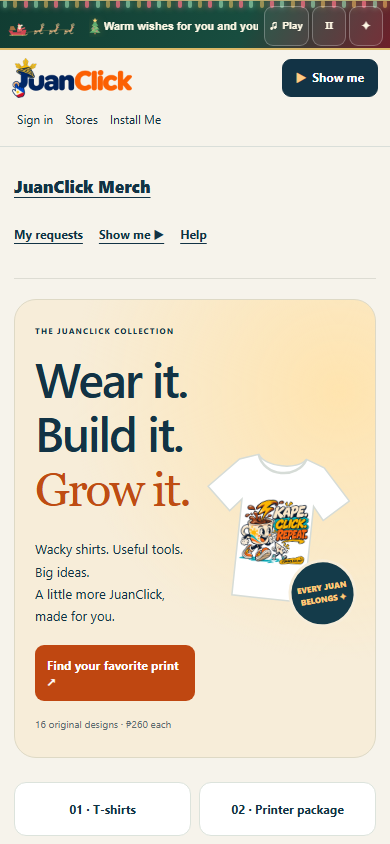
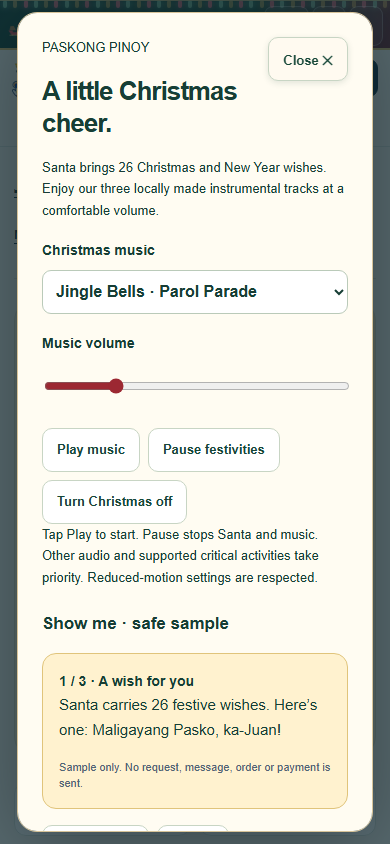
Paskong Pinoy mode adds a compact one-line Christmas strip across JuanClick pages: Santa and three reindeer, a tree, a parol accent, gently glowing lights and 26 shuffled Christmas and New Year wishes.
Three locally made Christmas music tracks are available through Play/Mute, track selection and volume. Music starts after opt-in and resumes only when browser policy permits. Pause stops music and movement; Christmas off and reduced-motion preferences are supported. Other playing media, hidden tabs and supported critical activities take priority. A safe Show me sample explains the controls.
The recordings were generated and mastered with the existing local studio workflow and saved in BizCore Motion. No paid generation was used for the three production tracks. Browser playback and loudness checks passed; exact melodic fidelity and physical-device listening approval remain pending.
The prior Merch release remains available: 16 wacky shirt prints carrying JUANCLICK.PH, improved printer/website offer designs and request-only forms.
Requirements: Current browser and internet. Tap Play to permit music. Existing PWA identity and user-controlled Update / Later retained.
Verification: Local and public browser checks at 320, 390 and 1440 pixels cover compact layouts, all 26 wishes, three-track playback, controls, preferences and safe demos. Source-only release, backup, unchanged schema, public assets and feed verified. Physical-device, full gameplay, microphone/call and manual screen-reader acceptance remain pending.
Previous releases 1.64.1 and earlier — features, screenshots and records
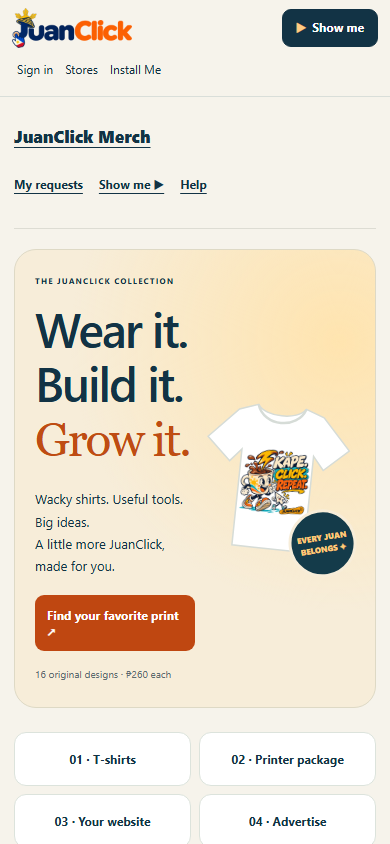
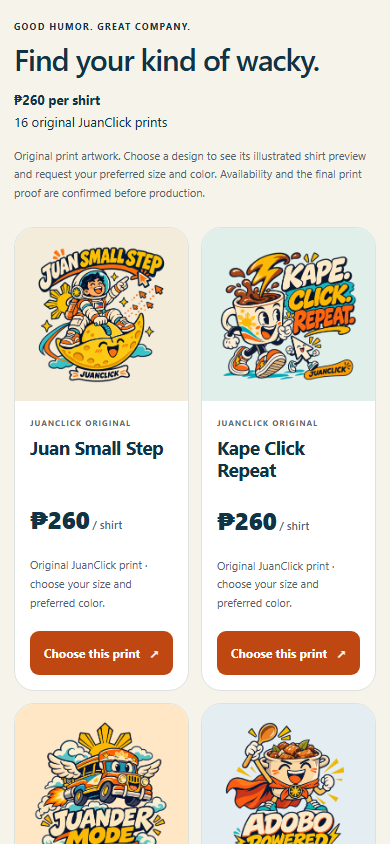
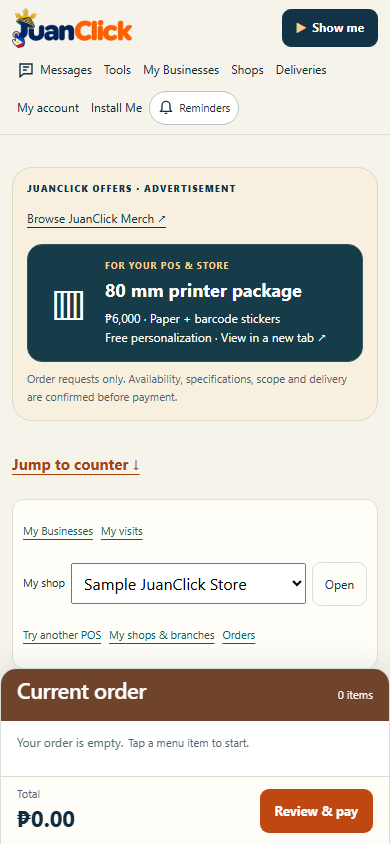
Actual 1.64.1 public interface, 9 November 2026. Chromium on Windows; phone captures use viewport emulation. Product artwork is generated illustration. The printer is a generic concept, and the website preview is a sample design.
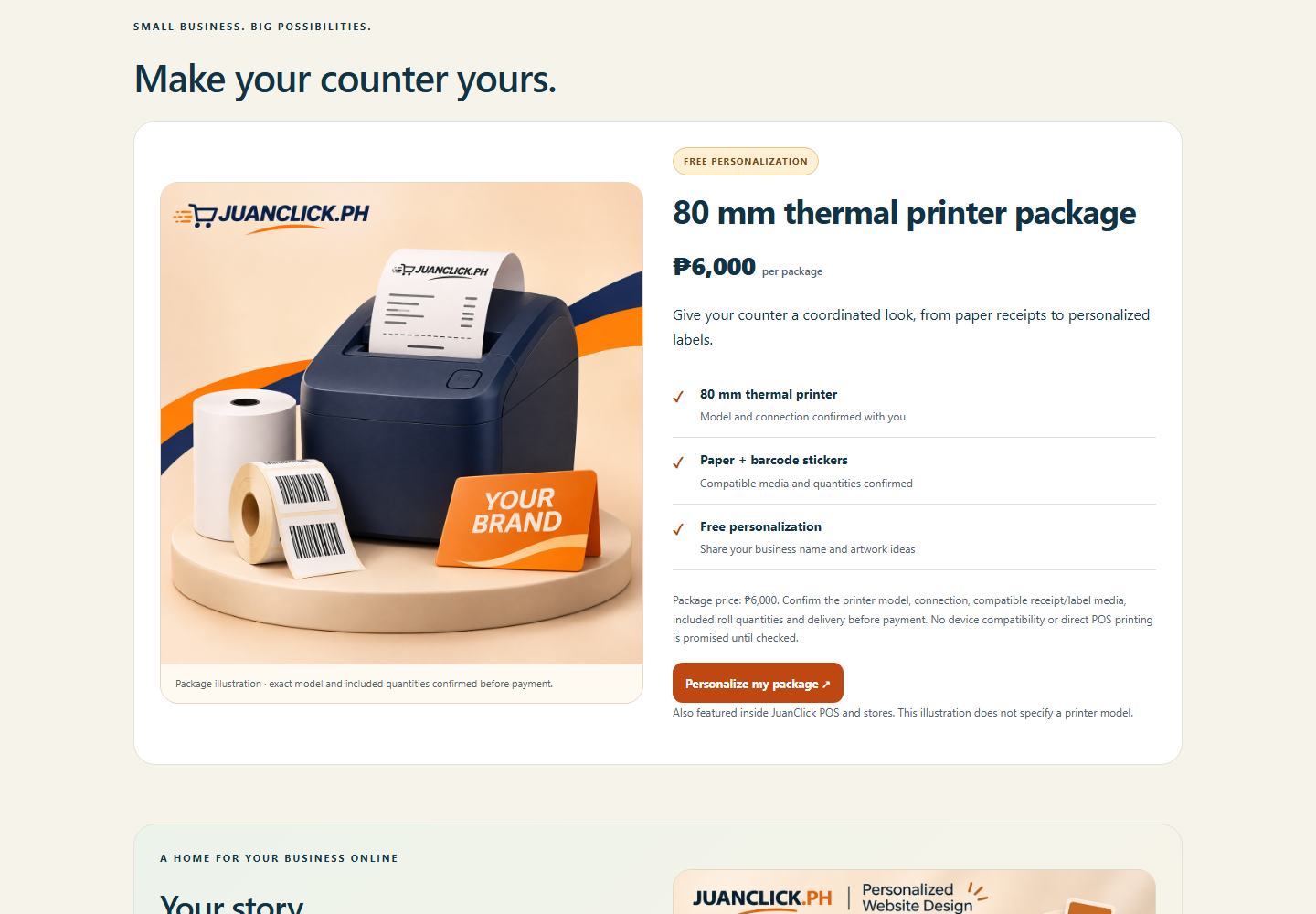
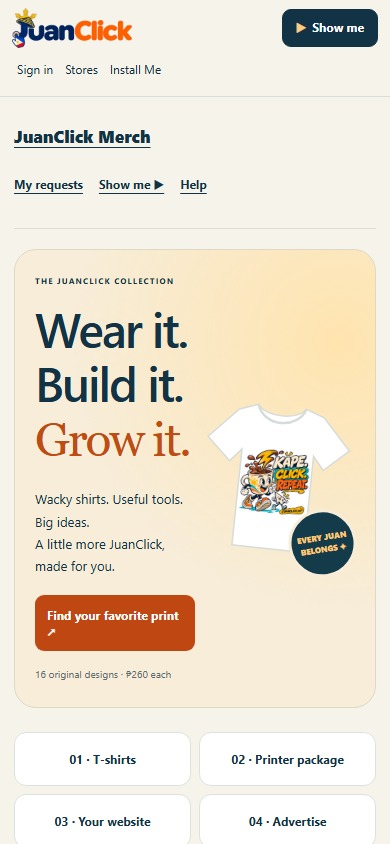
All 16 wacky shirt prints now carry JUANCLICK.PH. The 80 mm printer package and personalized website offers feature new illustrations, clearer inclusion lists and refreshed in-app advertisements.
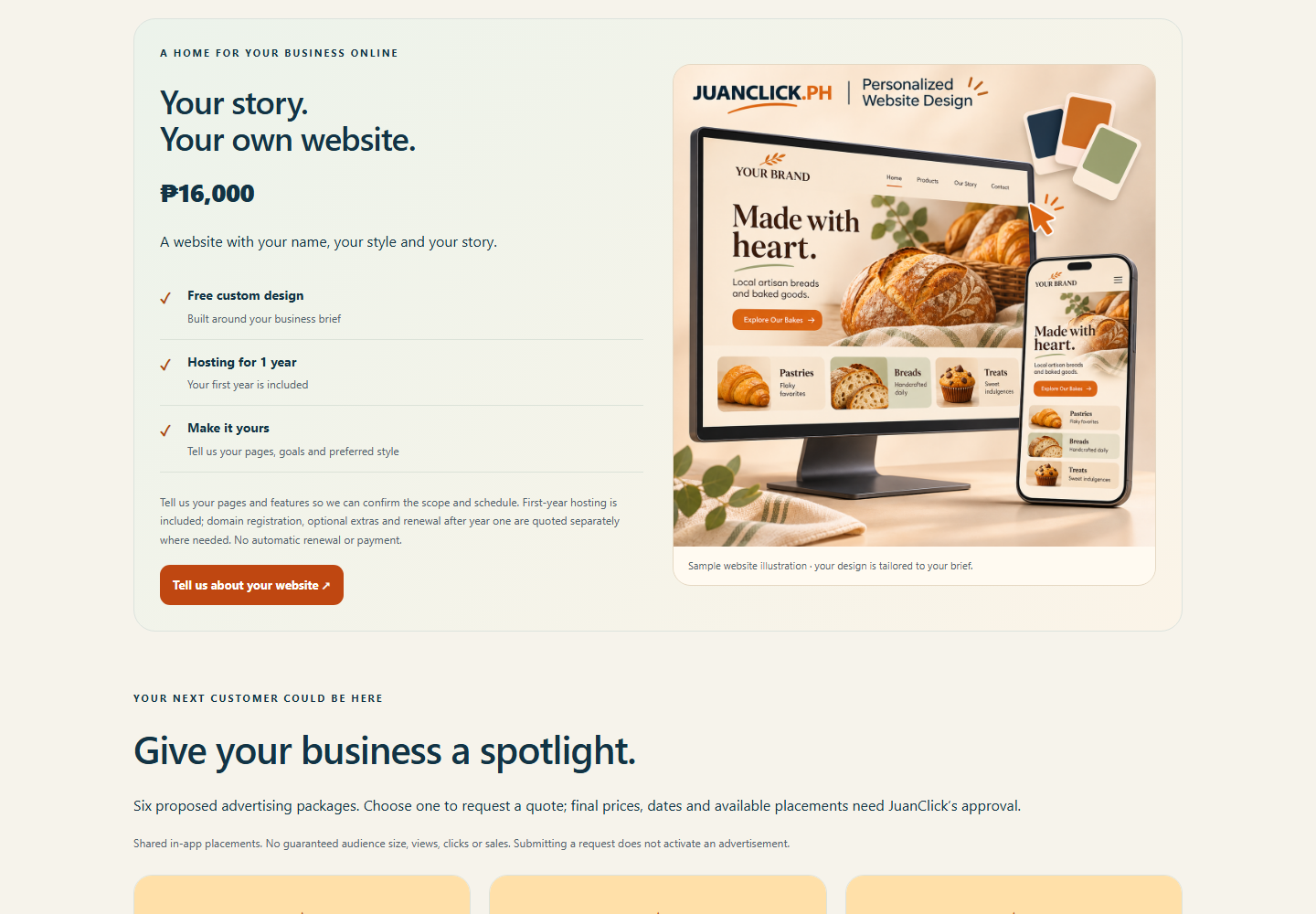
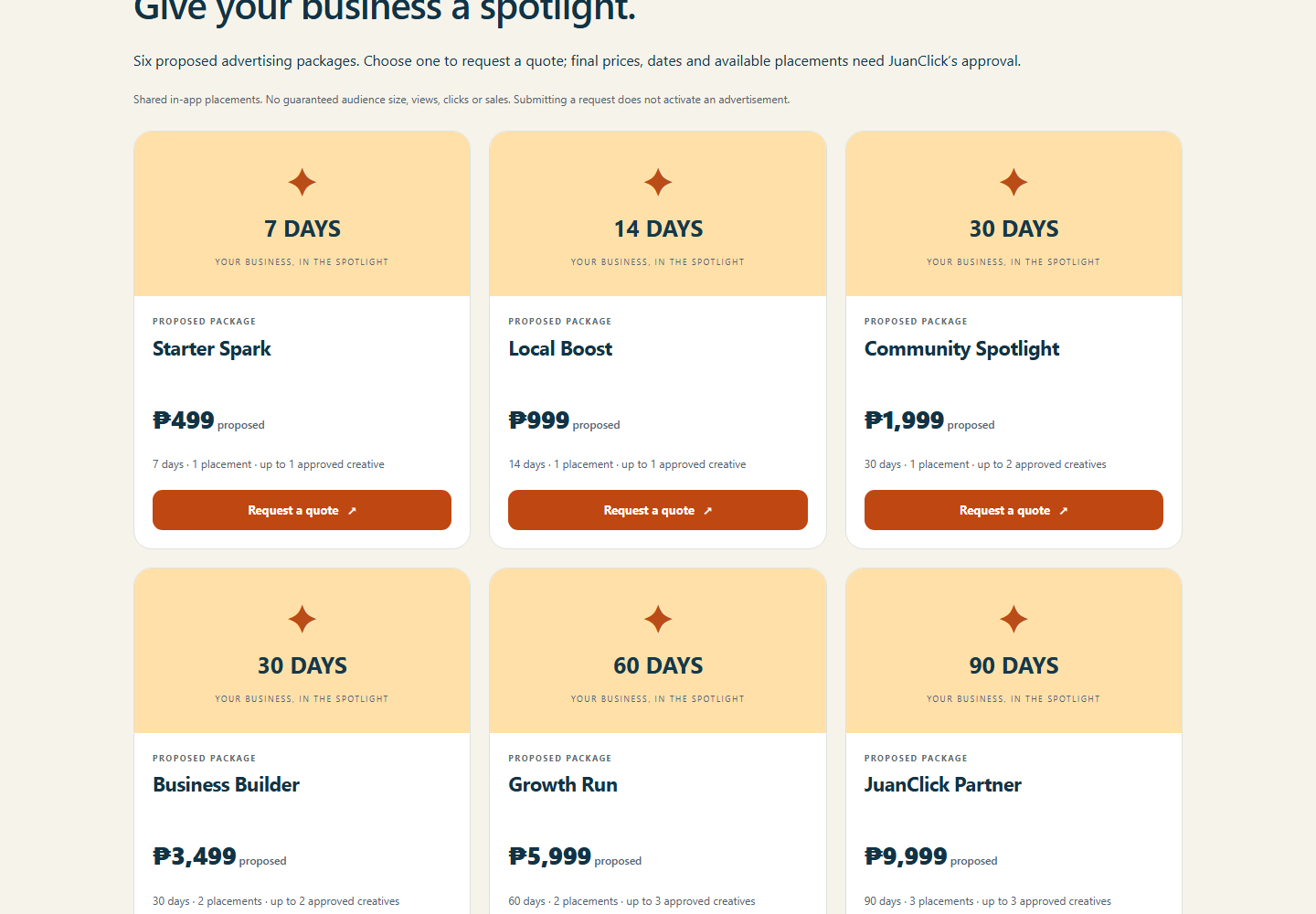
₱260 per shirt · ₱6,000 printer package · ₱16,000 personalized website. The printer package includes paper, barcode stickers and free personalization; exact model, media compatibility and quantities require confirmation. The website includes free design and one year of hosting, with scope, domain and renewal terms confirmed separately. Six advertising packages remain proposed quotes.
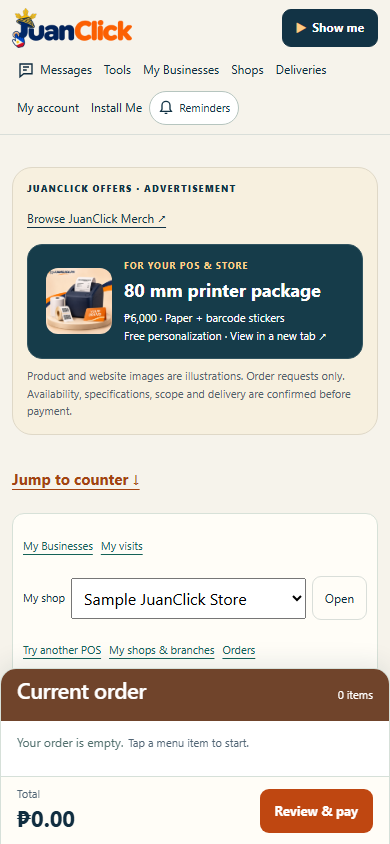
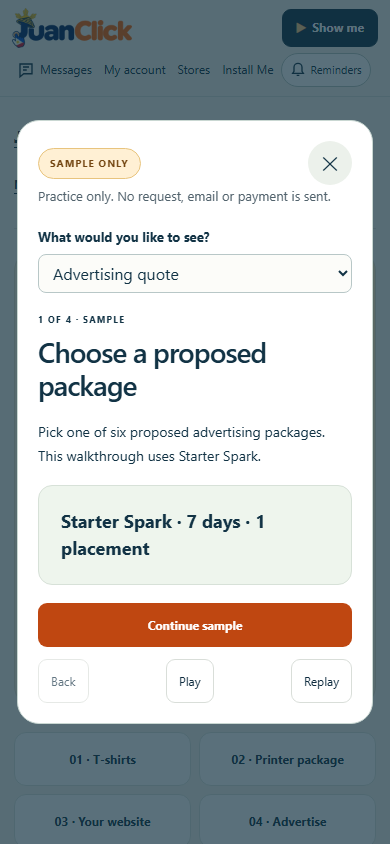
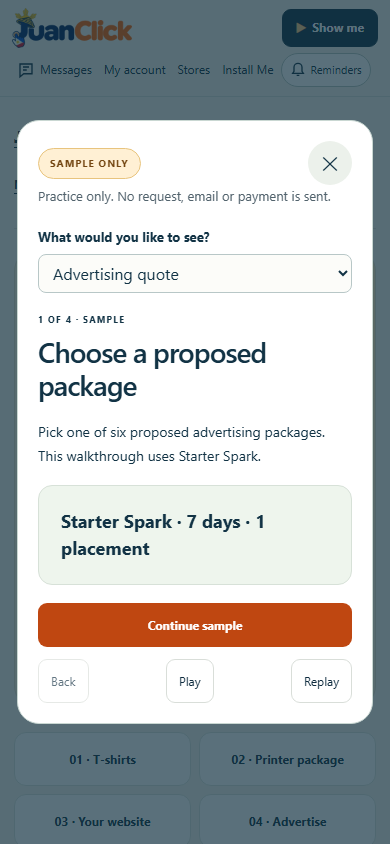
Members submit requests for confirmation. No payment is taken or customer campaign activated. Printer offers appear in POS and stores, opening a new tab. Four accessible Show me samples explain the forms without submitting requests.
Requirements: Current browser and internet; sign in to submit or track requests. Existing PWA identity and user-controlled Update / Later behavior retained.
Verification: All 18 artworks inspected and checked, layouts tested at 320/390/1440 pixels, existing forms and sample demos checked, source-only release backed up with conflict and rollback checks, public assets and version feed verified. Physical garment, printer, device and manual screen-reader testing remain pending.
Previous releases 1.64.0 and earlier — features, screenshots and records
Actual 1.64.0 public interface, 9 November 2026. Chromium on Windows; phone captures use viewport emulation. Shirt artwork is generated illustration, not manufactured-stock photography. Authenticated POS captures use a synthetic local store.
JuanClick Merch brings together 16 wacky shirt prints at ₱260 each, an 80 mm thermal printer package at ₱6,000 with paper, barcode stickers and free personalization, and a personalized website at ₱16,000 with free design and one year of hosting.
Six proposed in-app advertising packages range from ₱499 to ₱9,999. Members request a quote; final price, dates, placements and creative requirements need approval. No audience size, views, clicks or sales are guaranteed.
Each product has a tailored request form. Members can follow private requests and cancel an open request; JuanClick administrators review details and record status updates. No payment is collected and no customer ad campaign is activated by submitting a request. Product availability, printer/media compatibility, included roll quantities, website scope and delivery are confirmed before payment.
Clearly labeled JuanClick advertisements appear on the dashboard and Tools, with the printer offer also inside POS and stores. POS links open a new tab to preserve the active sale. Four safe Show me samples cover the forms without creating records, sending email or taking payment.
Requirements: A current browser and internet; sign in to send or follow a request. The catalog and sample are public. Existing PWA identity and Update / Later behavior are preserved.
Verification: Synthetic backend and browser checks at 320, 390 and 1440 pixels cover authoritative prices, duplicates, owner privacy, admin permissions, stale changes, cancellation, account deletion, visible popups and no-write demos. Live public pages, artwork, version metadata and MyApps are verified separately. Physical-device, actual garment printing, printer hardware and manual screen-reader tests remain pending. No real orders, emails, payments or paid ad campaigns were created by verification.
Previous releases 1.63.1 and earlier — features, screenshots and records
Actual 1.63.1 interface, 9 November 2026. Chromium on Windows with a synthetic local member; phone captures use viewport emulation.
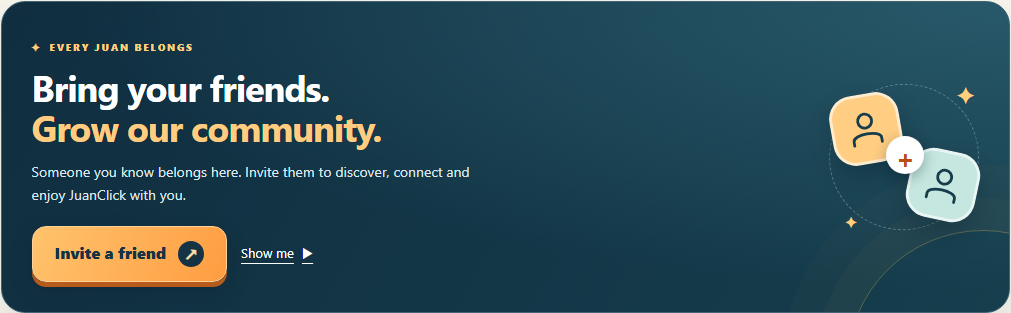
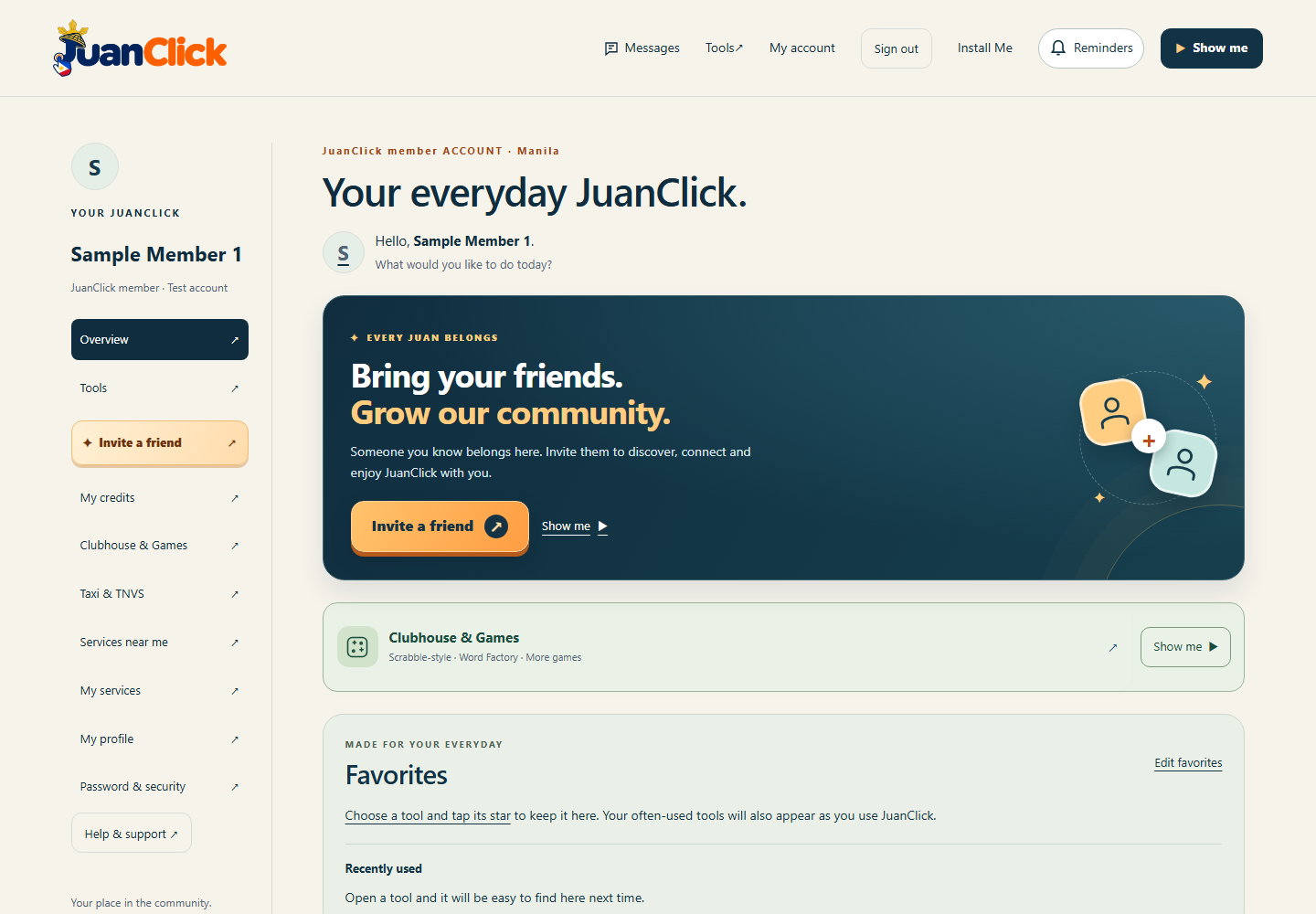
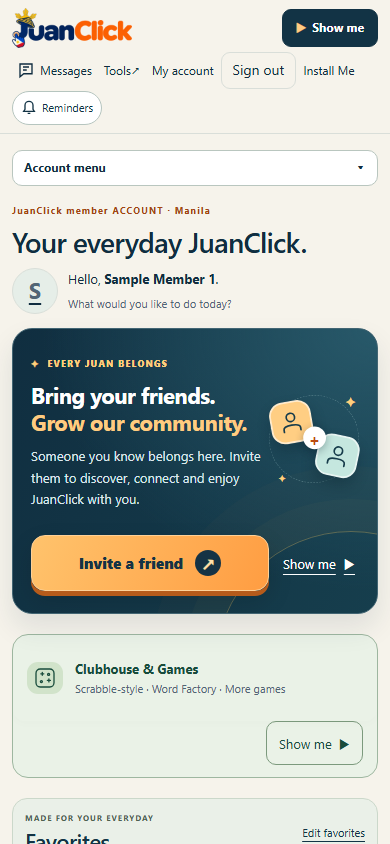
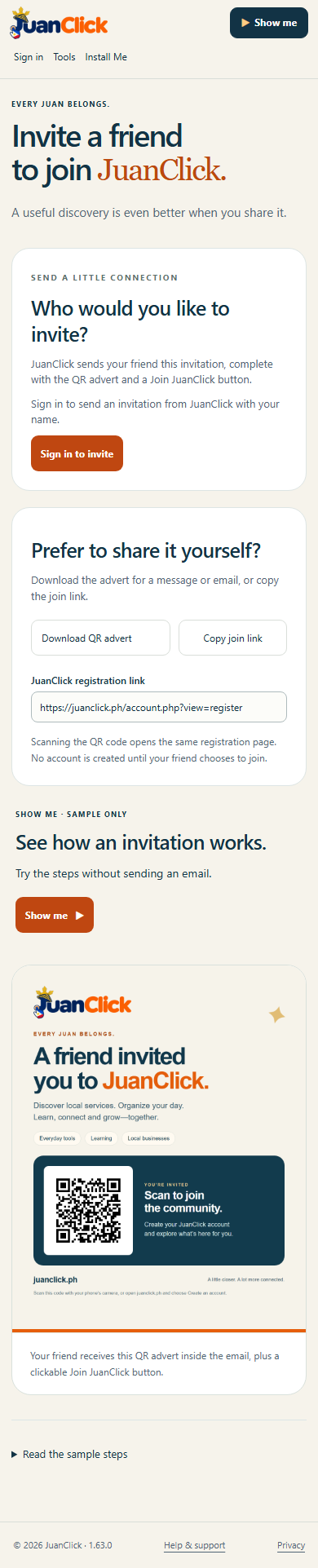
Bring your friends. Grow our community. A prominent invitation card now appears above the dashboard shortcuts, with a large orange Invite a friend button, warm community message and illustrated connection icons. The account-menu invitation link also stands out.
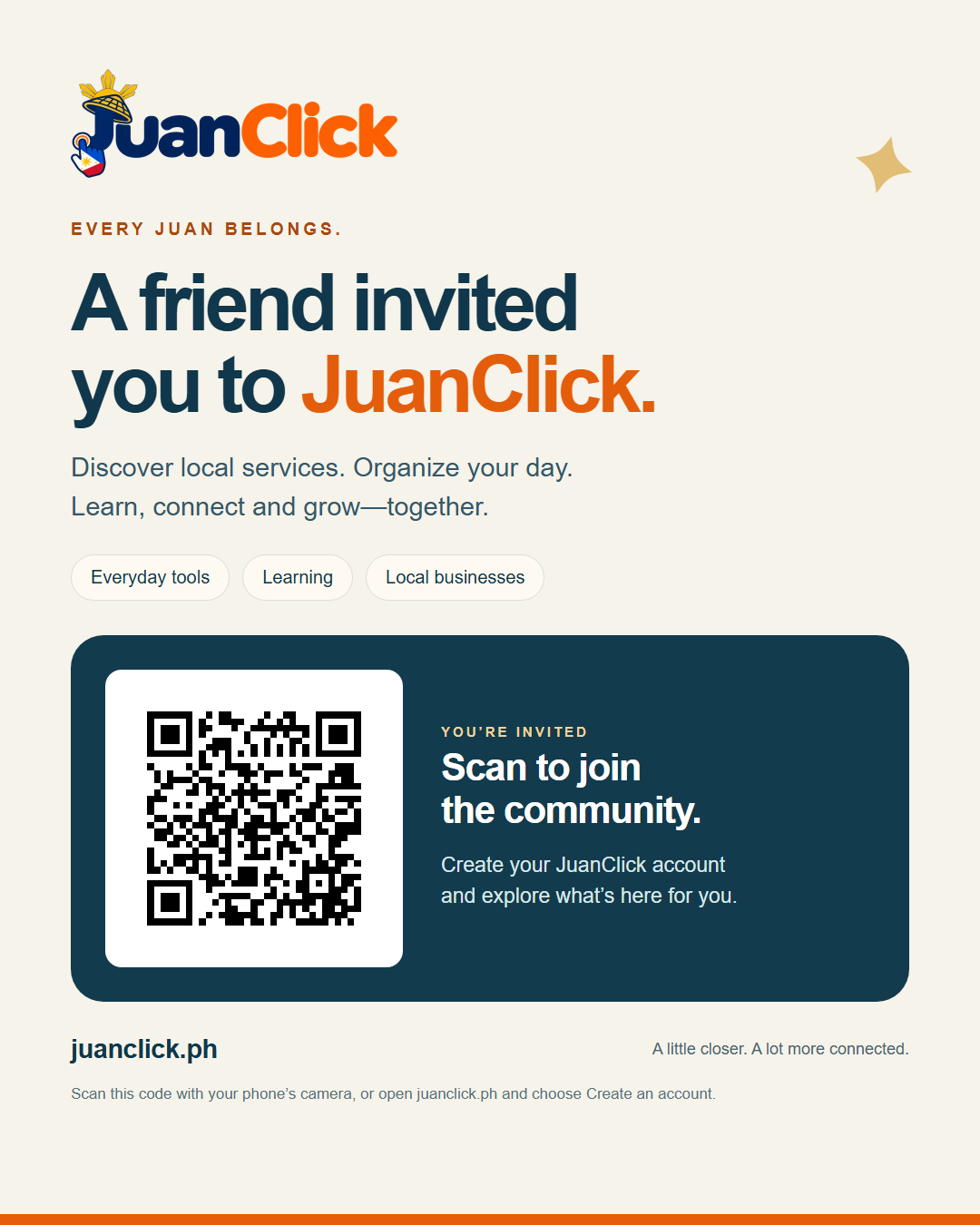
Signed-in members can send the existing QR advert and registration button directly from JuanClick. A matching button on the invitation page continues the design. This visual release changes no sending limits or payment settings and sent no test emails.
The nearby Show me link opens a safe sample with Play/Pause, Back, Replay, Close and readable steps. It sends no email. Large touch targets, keyboard focus, persistent recovery popups and reduced-motion support were checked.
Requirements: A current browser, internet and a JuanClick account to send invitations. Public sample and advert remain available without signing in. Use Install Me or Add to Home Screen; existing app identity and Update / Later choices are retained.
Verification: Synthetic member checks at 320, 390 and 1440 pixels, source-only publication and rollback, live public assets and version metadata. Physical-device and manual screen-reader acceptance remain pending. Credit top-ups and GCash payments remain unconfigured.
Previous releases 1.63.0 and earlier — features, screenshots and records
Actual 1.63.0 live public page in Chromium on Windows. Phone screenshots use viewport emulation; the signed-in form capture uses a synthetic local account with mail disabled.
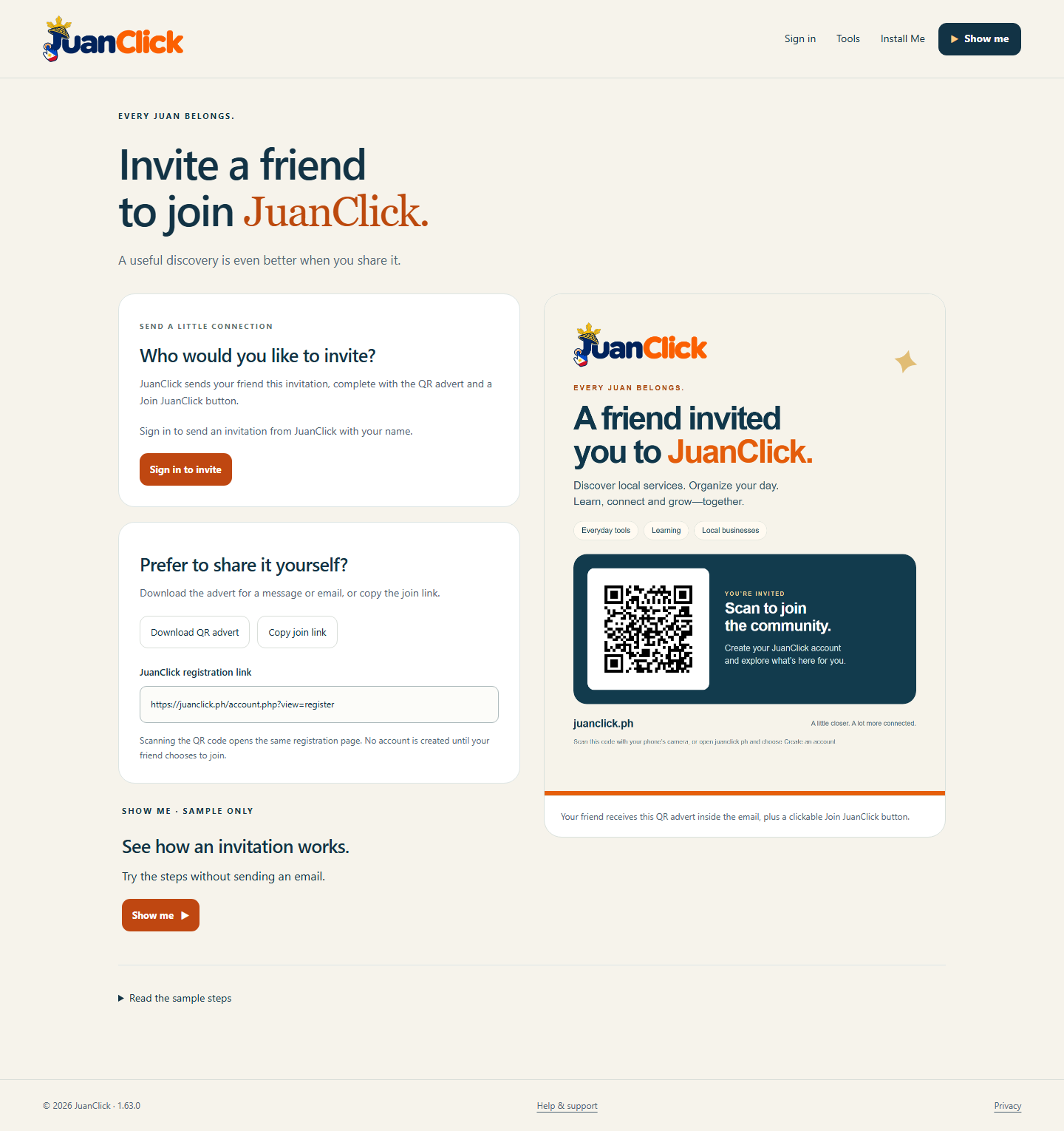
Invite someone you know to JuanClick. Signed-in members can send a branded email directly from JuanClick with their name, a QR advert and a Join JuanClick button. Your friend chooses whether to register.
Download the advert or copy the join link for manual sharing. The accessible Show me sample includes Play/Pause, Back, Replay, Close and readable steps; it sends no email.
Clear popups explain submission status and recovery. Duplicate protection and sending limits help prevent repeated invitations. One authorized test was received in Gmail with its full advert and QR visible. Mail-service acceptance does not guarantee inbox delivery; recipients may need to check Spam.
Requirements: A current browser and internet connection; sign in to send invitations. The public advert and sample are available without signing in. Use Install Me or Add to Home Screen. Existing web-app identity and background Update / Later choice are retained.
Verification: Synthetic backend and browser checks cover validation, duplicate/rate limits, error popups, keyboard recovery, account deletion and no-write demonstration. QR decoding and migration rollback were checked. Physical-device scanning, other email clients and manual screen-reader acceptance remain pending. Credit top-ups and GCash payments remain unconfigured.
Previous releases 1.62.0 and earlier — features, screenshots and records
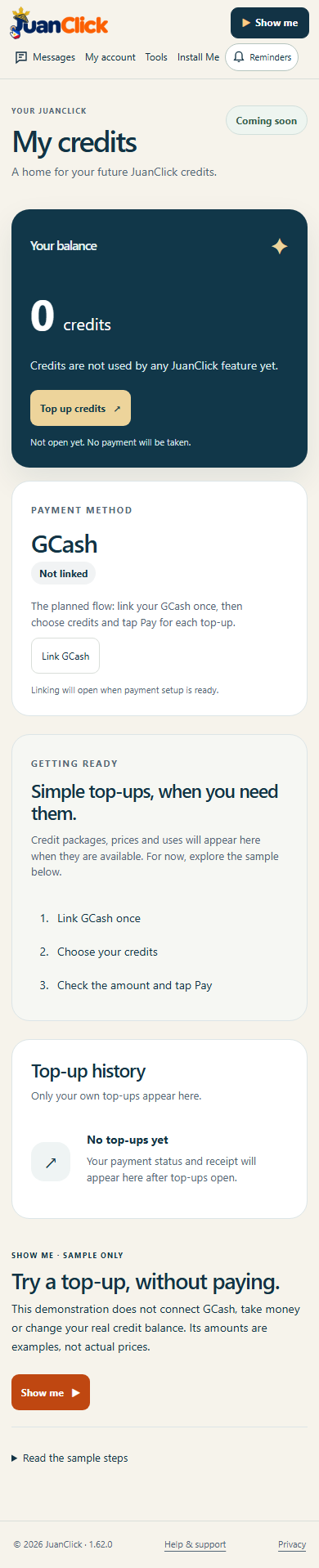
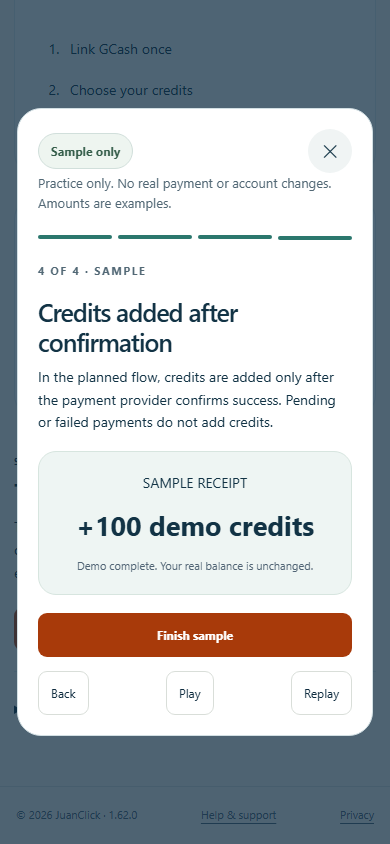
Actual 1.62.0 release UI, 8 November 2026. Synthetic account in Chromium on Windows; phone-size captures use viewport emulation. The sample receipt is a demonstration, not evidence of a real payment.
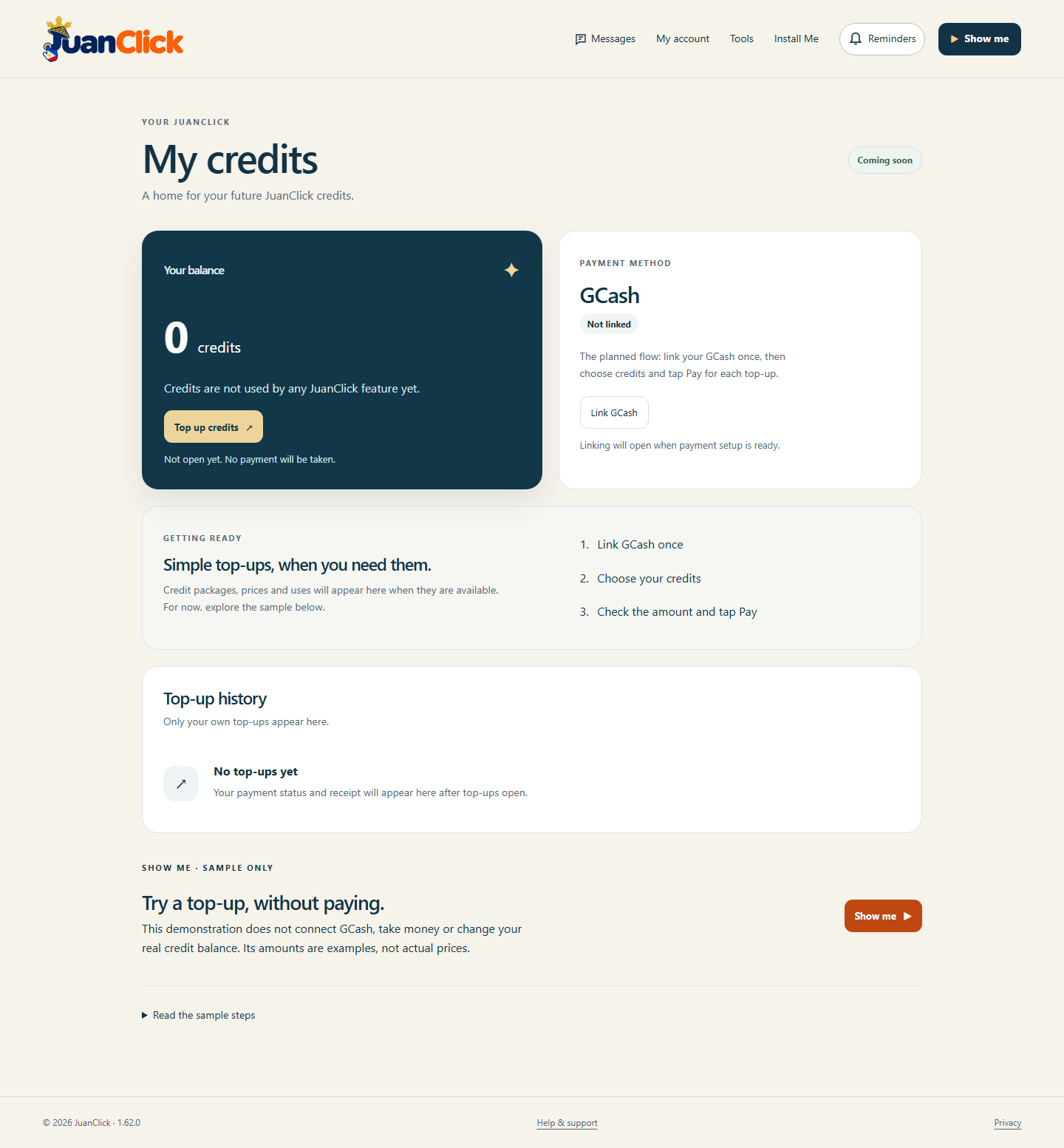
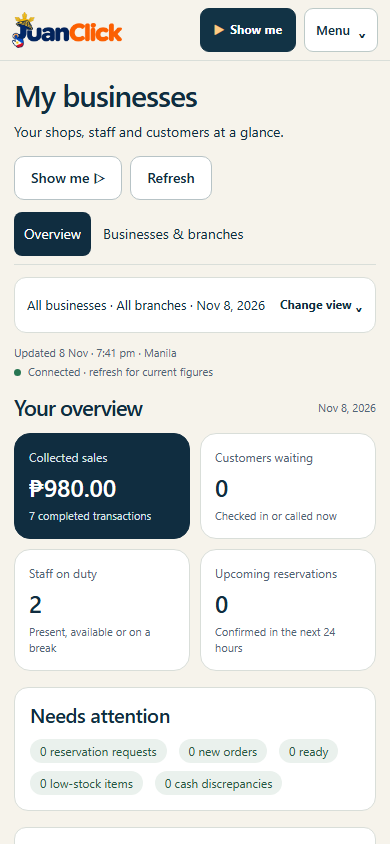
JuanClick brings local shops, services, learning, messages and games together. The new My credits page prepares a private wallet and top-up history for future use.
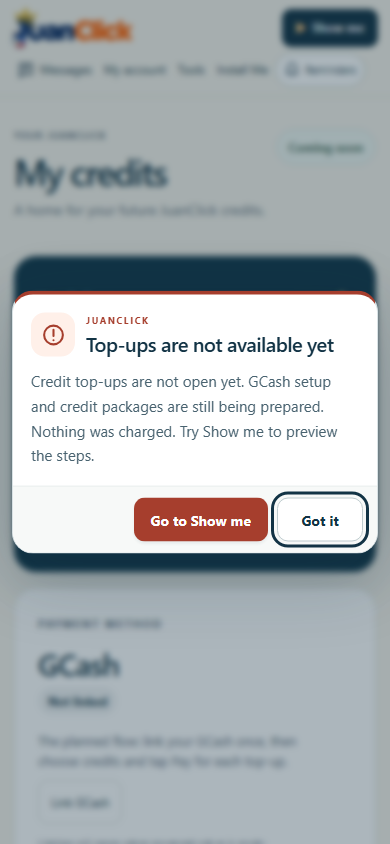
Coming soon: no real credit purchases or GCash links are enabled. Credit uses, packages and prices have not been set. Top up credits and Link GCash explain the current status in a persistent popup and offer a next step to the sample demonstration. No money is taken and no credits are granted.
The sample Show me walks through linking, choosing a package, approving a payment and seeing confirmed credits. It includes Play/Pause, Back, Replay, Close and readable steps. Sample amounts are examples only. The demo does not contact GCash or alter an account.
Private wallet/history views and empty storage tables are prepared with account ownership and duplicate-reference safeguards. The actual Xendit linking, payment verification, credit posting, refunds and reconciliation still need implementation and testing after merchant setup and pricing are confirmed.
Requirements: A current browser, internet and a JuanClick account to see a private wallet. The sample is available without signing in. Use Install Me or Add to Home Screen. Existing web-app identity is preserved; no new native installer is needed.
Updates: Quick background checks retain the user-controlled Update / Later choice. No silent install or automatic purchase is enabled.
Verification: Local synthetic-account checks at 320, 390 and 1440 pixels cover privacy, blocked payments, visible popups, keyboard focus, navigation and the no-write demo. Transactional migration and rollback were tested. Live public page and sample checks are recorded separately. Xendit sandbox/live payments, physical-device acceptance and manual screen-reader testing remain pending.
Previous releases 1.61.3 and earlier — features, screenshots and records
Actual 1.61.3 release screen, 8 November 2026. Synthetic records in Chromium on Windows. Phone-size captures use viewport emulation.
JuanClick connects local shops, services, learning, messages and games. Owners oversee businesses and branches; each staff member and customer uses their own account.
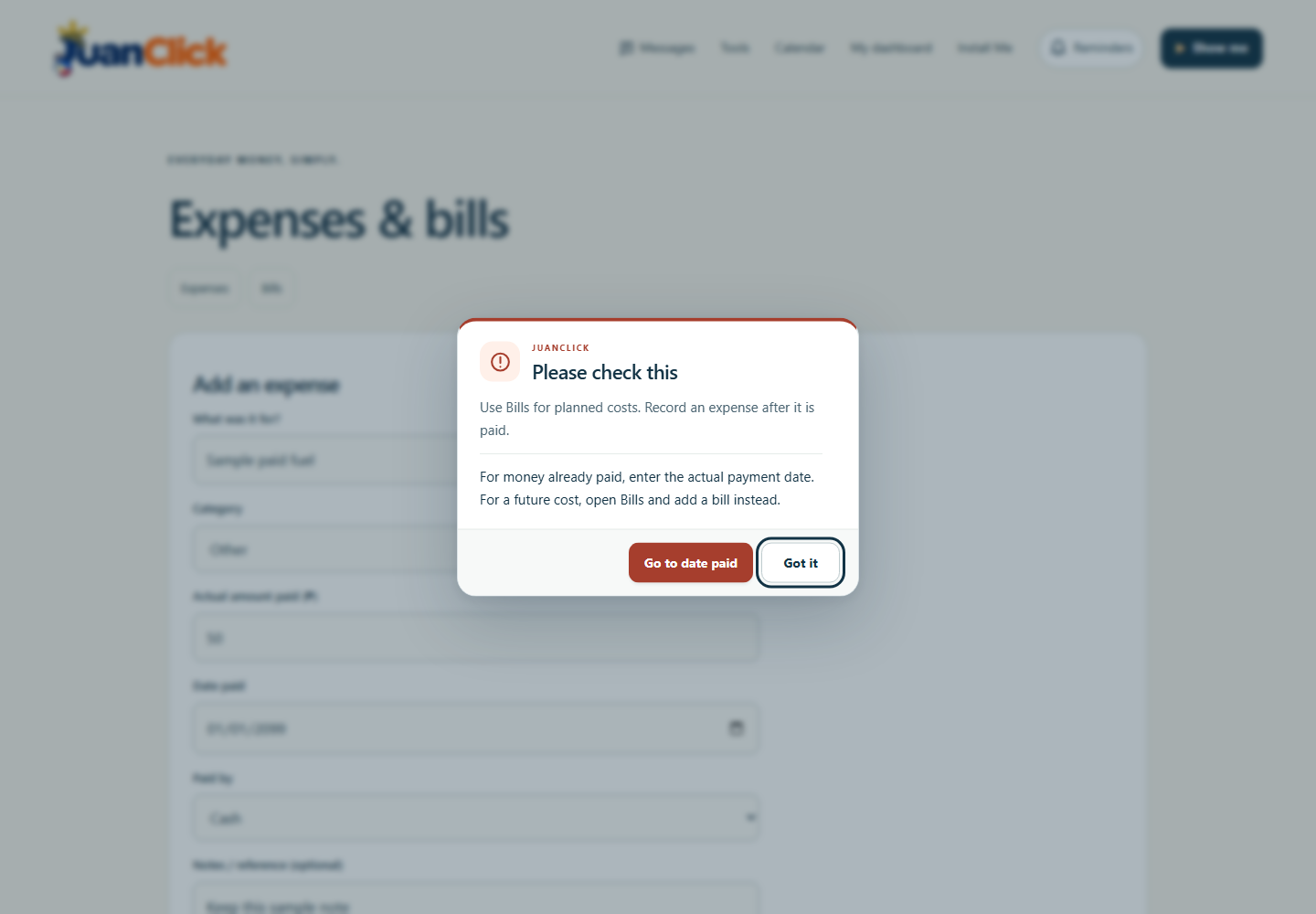
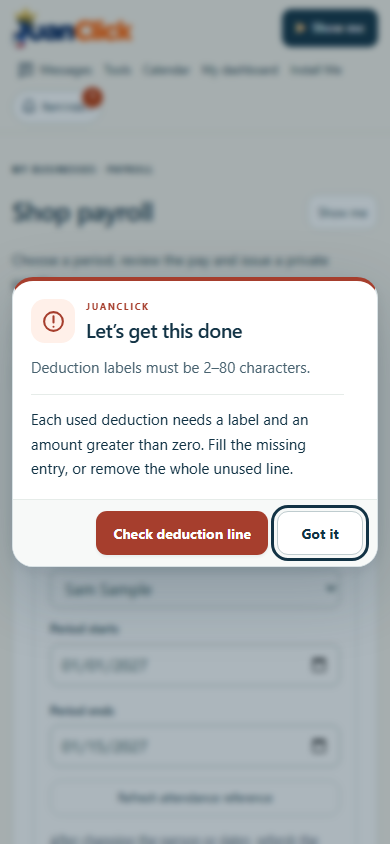
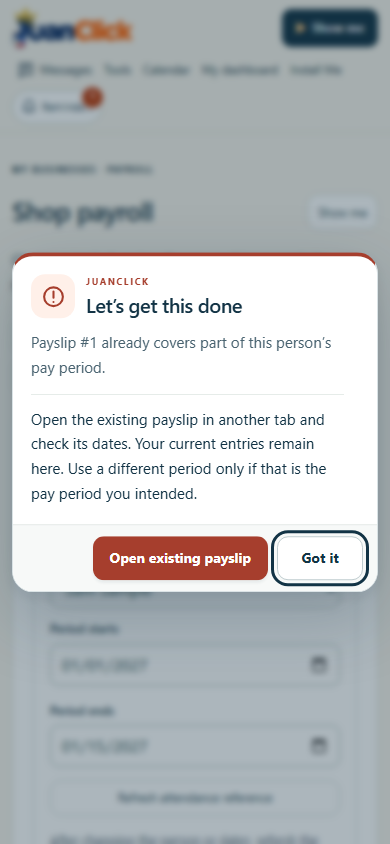
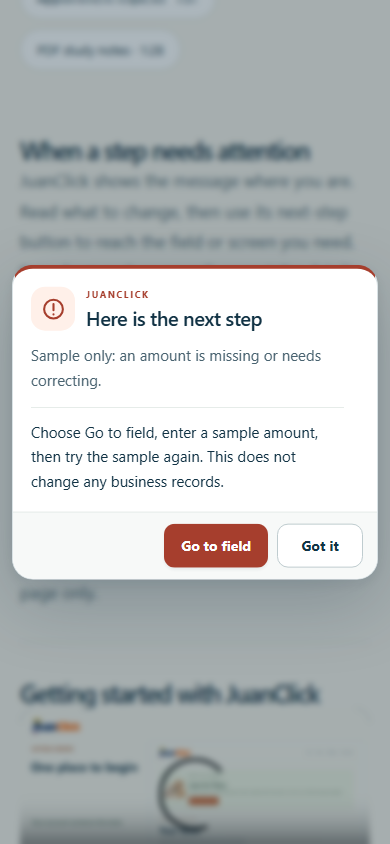
Messages stay in the current viewport. Blocking alerts explain what to do next and offer actions such as Go to field, Edit draft or Open the existing record. Important messages remain until dismissed. Phone layouts preserve readable text and large controls; routine notices wait during editing, media playback or critical work.
This update checks recovery in shop and Earlier payroll, staff invitations, attendance, cashier shifts, visits, counter sales, operations, Expenses, Rentals and Seller. Failed payroll submissions keep entered values, and links to existing records respect the signed-in account. Essential pay details, permission checks and amount safeguards remain. Payroll still requires no supporting paperwork, and notes stay optional.
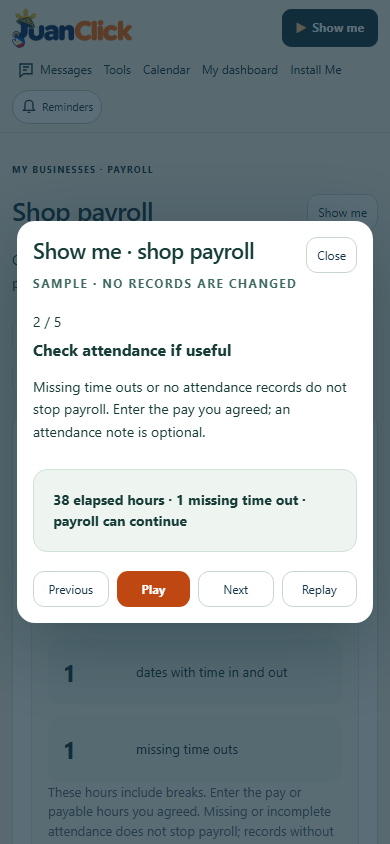
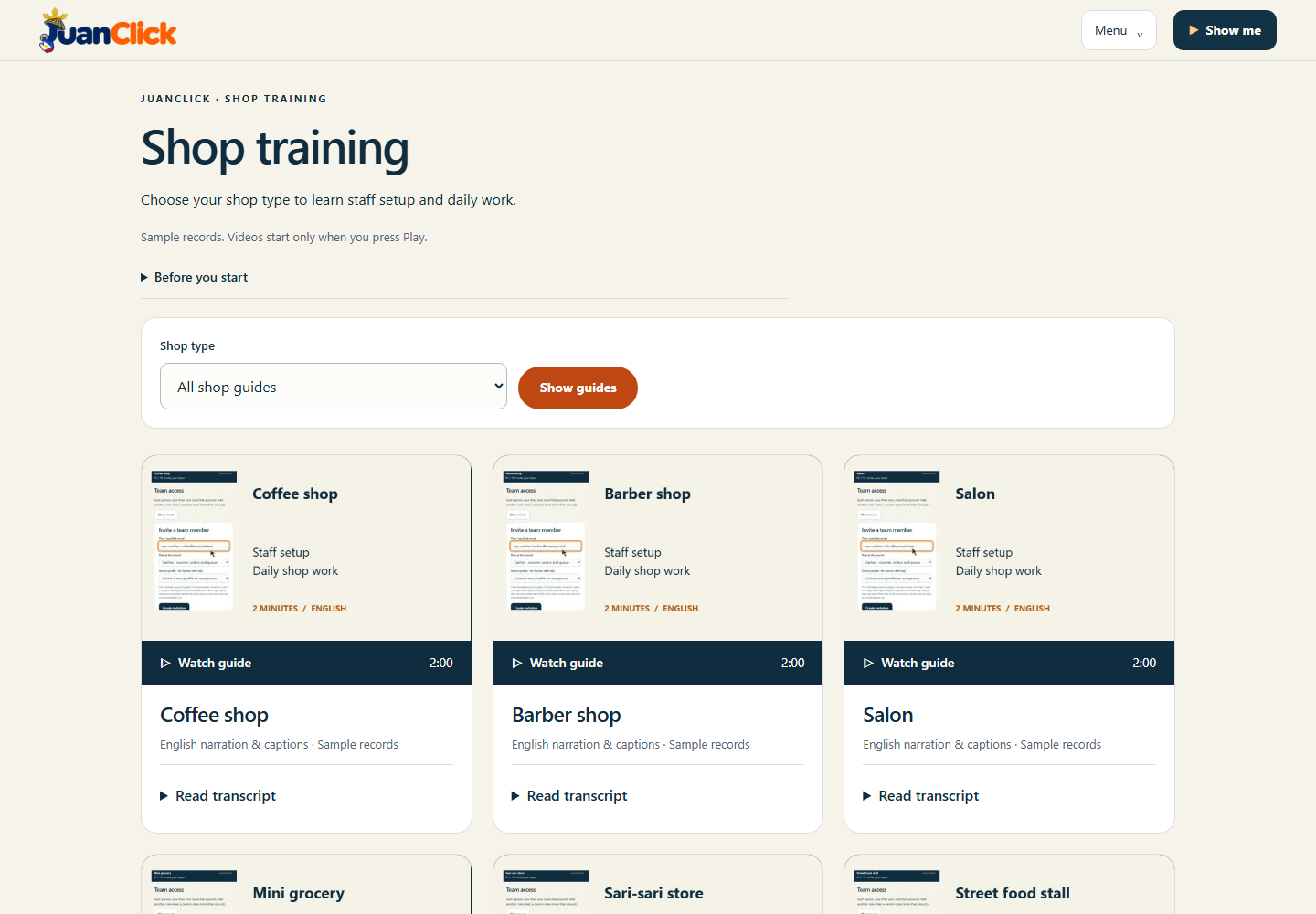
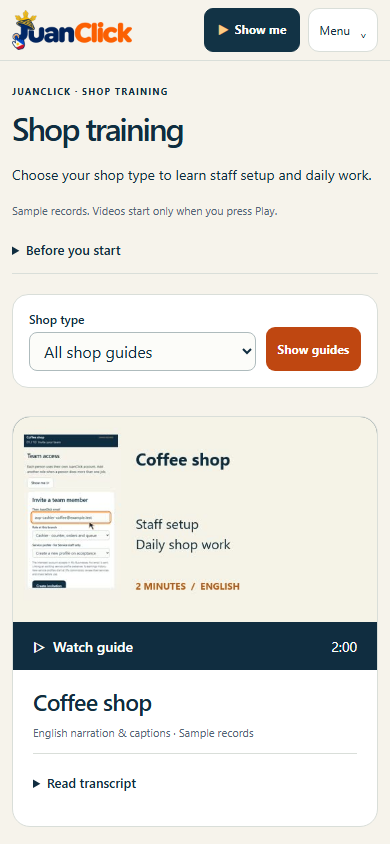
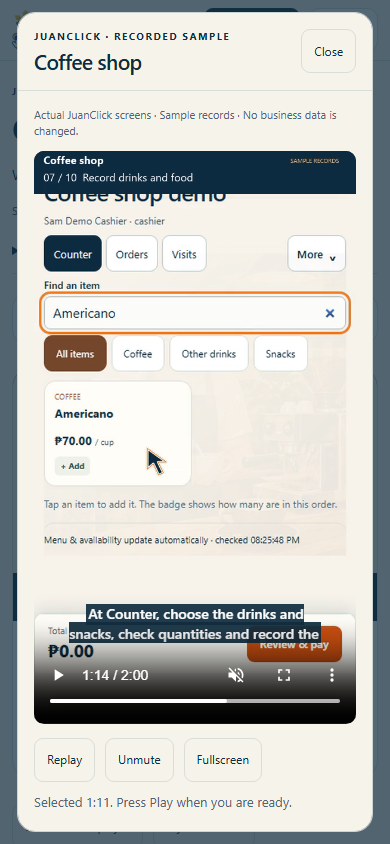
A new sample in Guides demonstrates how to correct a blocked field without changing real records. The ten two-minute shop videos from 1.61.1 remain unchanged, with Ricairtec Clear narration, captions, transcripts and playback controls; their existing media is reused without another server copy.
Requirements: A current browser, internet and a JuanClick account for private records. Use Install Me or Add to Home Screen. Existing web-app identity is preserved; no separate native installer or reinstall is required.
Updates and help: Background update checks offer Update or Later at an appropriate time. Recovery actions do not submit a form automatically or change business records for the user. The sample guide is clearly labelled.
Verification scope: Authenticated workflows use isolated synthetic records. Shared message behavior, selected blockers, source integrity and public pages are checked separately. This is not a claim that every historical workflow has received a complete audit. Physical-device and manual screen-reader acceptance remain pending. Background visit alerts still require hosting scheduler enablement and delivery verification; SMS remains deferred.
Previous releases 1.61.2 and earlier — features, screenshots and records
Actual 1.61.2 release screen, 8 November 2026. Synthetic accounts in Chromium on Windows. Phone-size captures use viewport emulation.
JuanClick connects local shops, services, learning, messages and games. Owners oversee businesses and branches; each staff member and customer uses their own account.
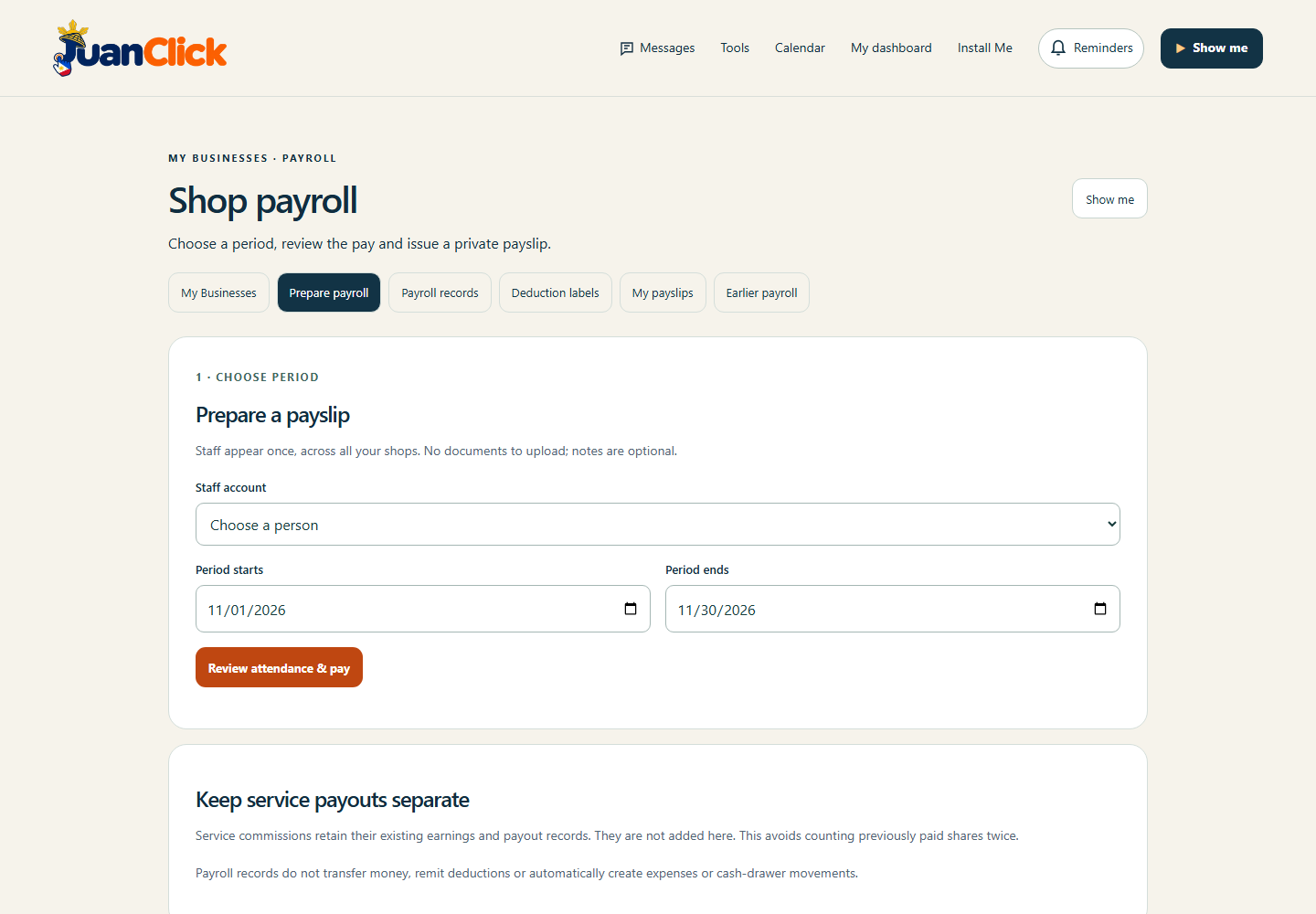
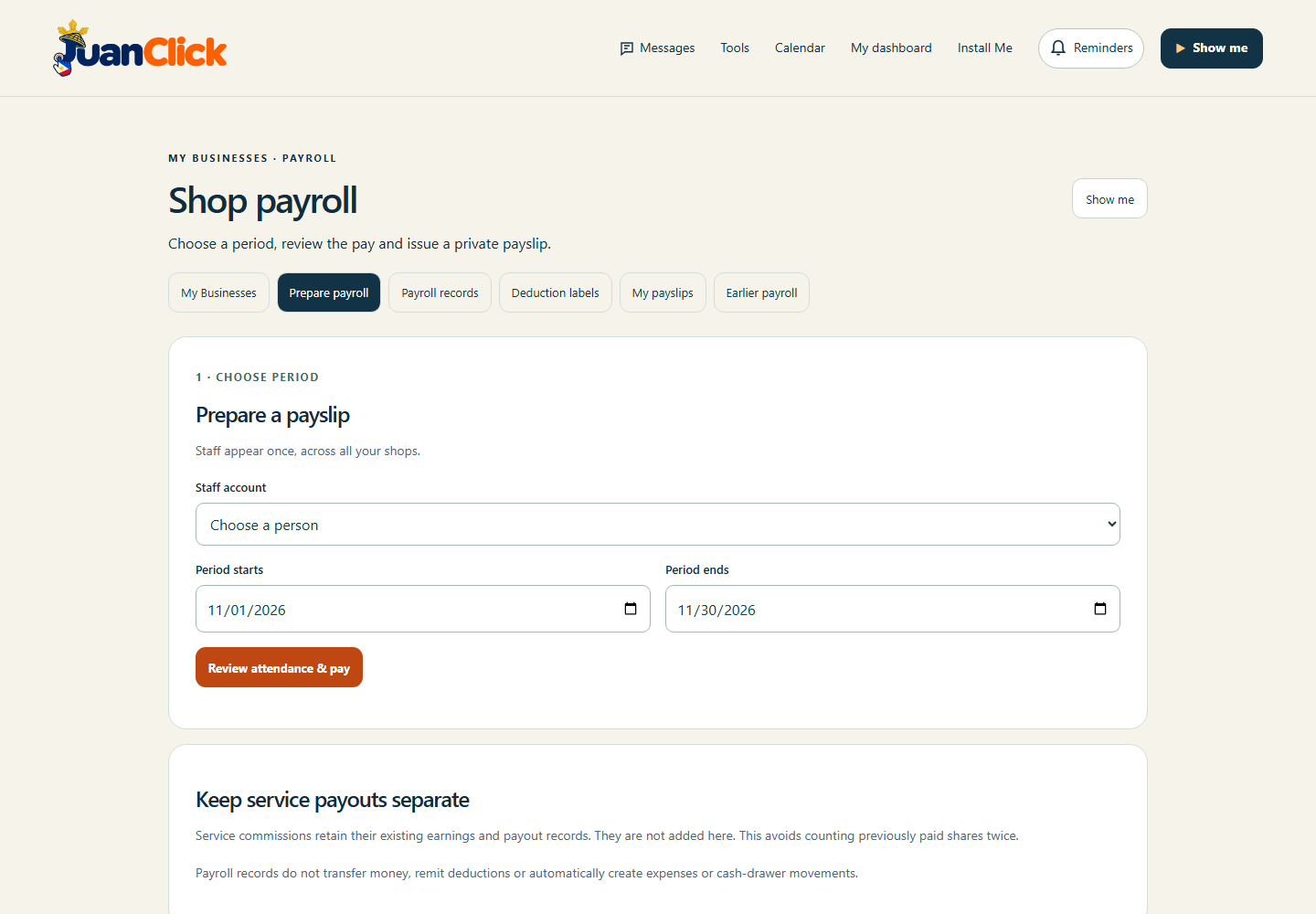
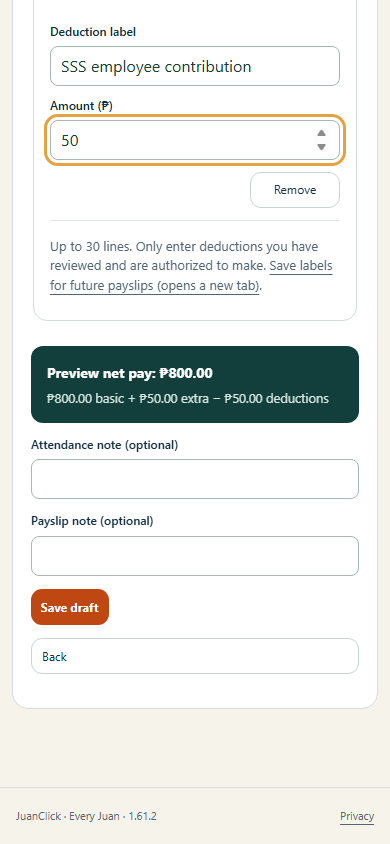
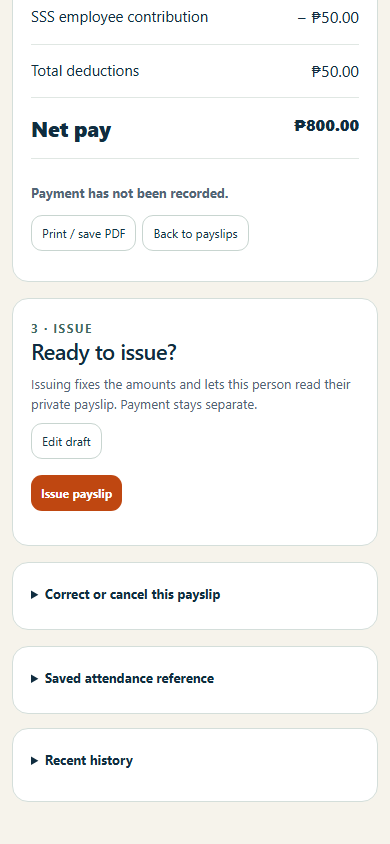
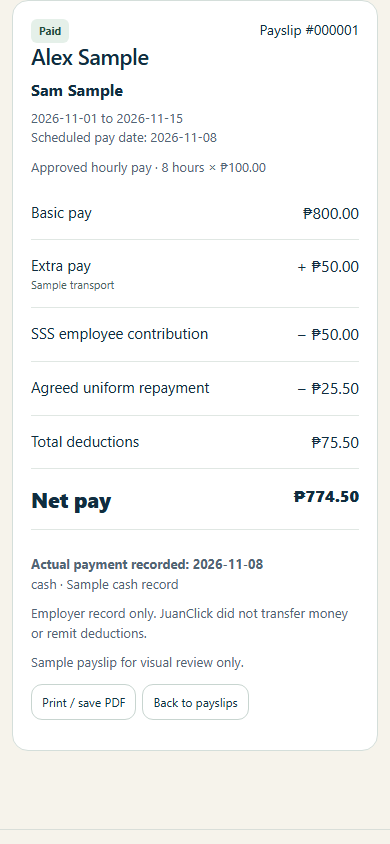
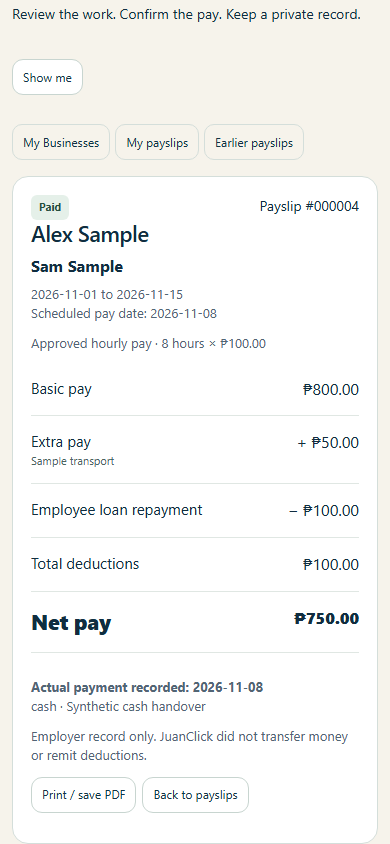
Prepare payroll without document uploads, completed attendance records or mandatory supporting explanations. Attendance, extra-pay and payslip notes are optional. Save a draft and choose Issue payslip directly, without extra review checkboxes. The same simpler notes and issue action apply to Earlier payroll. Employee, period, pay amounts and used deduction labels are still entered clearly; actual payment remains a separate action.
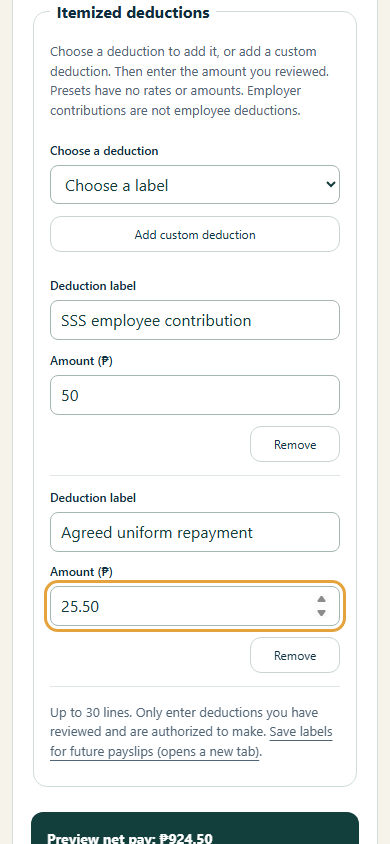
Shop payroll supports fixed, daily or hourly pay, extra pay and individually labelled deductions across the owner's branches. Standard deduction labels and custom labels remain available. Notes can still be saved when helpful. Existing amount validation, account privacy, duplicate-period prevention and changed-record checks remain in place. No automatic statutory calculations, remittances or money transfers are claimed.
The ten two-minute shop guides from 1.61.1 remain unchanged, with Ricairtec Clear narration, English captions, transcripts, chapter shortcuts, pause, replay, mute and close. Their approximately 27 MB delivery is reused without another copy. Payroll Show me guidance now explains the simpler flow.
Requirements: A current browser, internet and a JuanClick account. Owners prepare payroll; staff see only their own issued payslips. Use Install Me or Add to Home Screen. Existing app identity is preserved; no separate native installer or reinstall is required.
Updates and help: Quick background checks offer Update or Later on safe overview pages and defer during editing and demonstrations. New features have sample Show me guides and dismissible viewport messages.
Verification scope: Authenticated payroll was tested with isolated synthetic records. Public deployment, source integrity and live layouts are checked separately. Physical-device and manual screen-reader acceptance remain pending. Background visit alerts still need hosting scheduler enablement and actual delivery verification; SMS remains deferred.
Previous releases 1.61.1 and earlier — features, screenshots and records
Actual 1.61.1 release screen, 8 November 2026. Synthetic accounts in Chromium on Windows. Phone-size captures use viewport emulation.
JuanClick connects local shops, services, learning, messages and games. Owners oversee businesses and branches; each staff member and customer uses their own account.
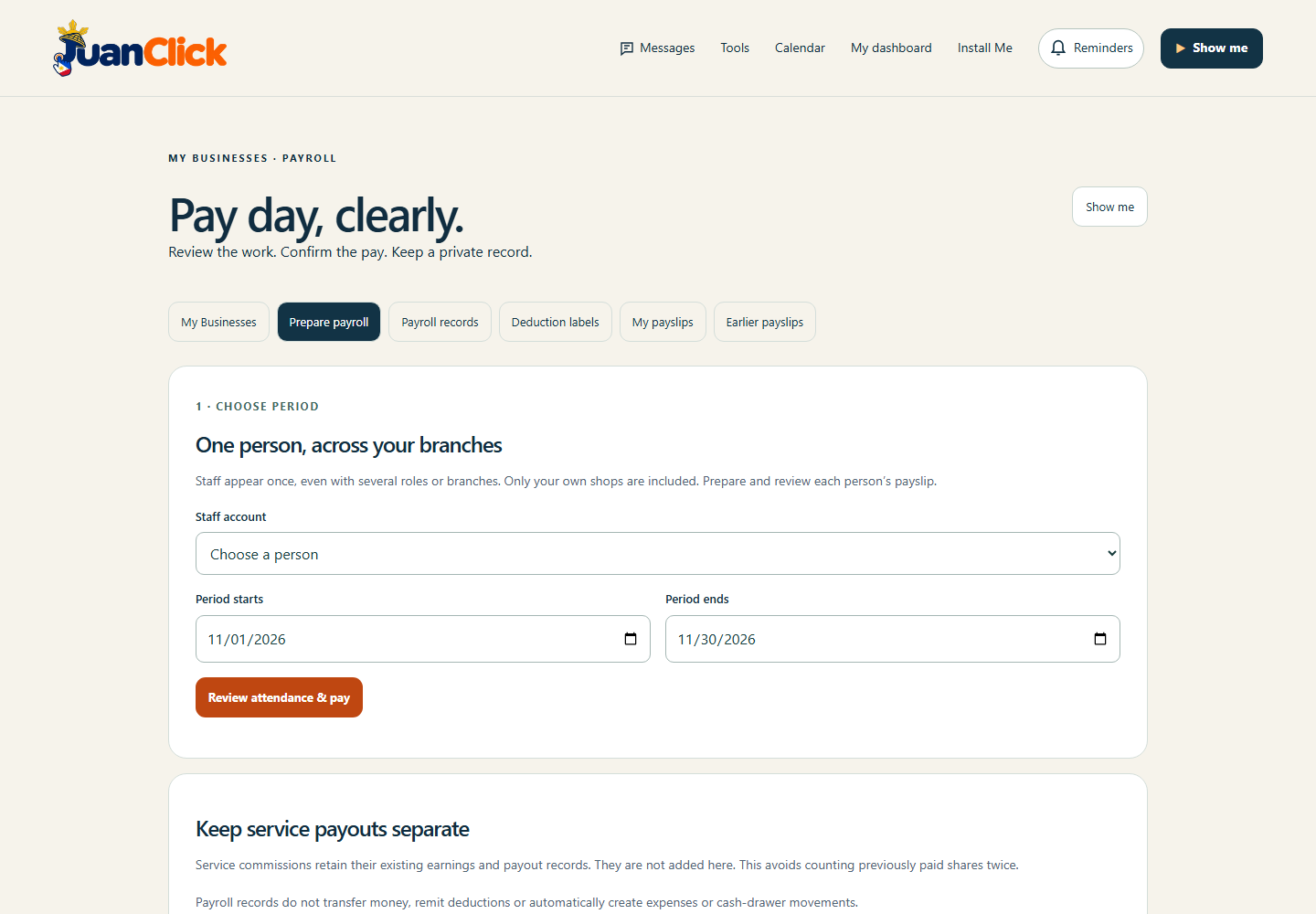
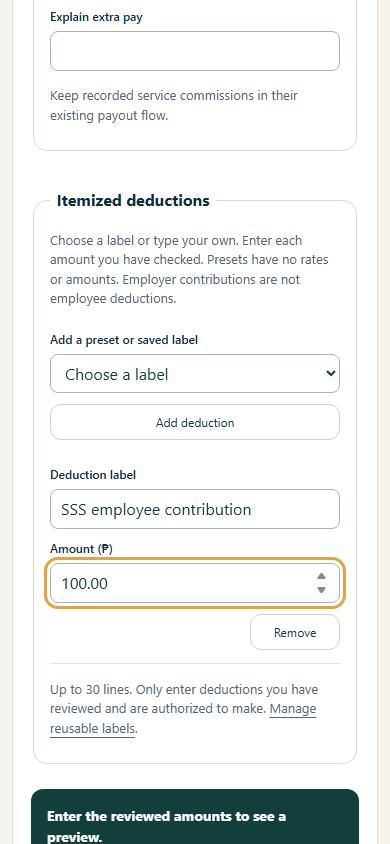
This clarity update makes deduction presets fill immediately, labels hourly/daily pay clearly and gives staff their own payslip guide. Shop payroll brings attendance across the owner's branches into one review per employee. Choose fixed, daily or hourly pay, add extra pay and individually labelled deductions, then issue a private printable payslip. Owners can use employee-contribution and repayment presets or save custom deduction labels. Amounts require owner review; no automatic statutory calculations, remittances or money transfers are claimed.
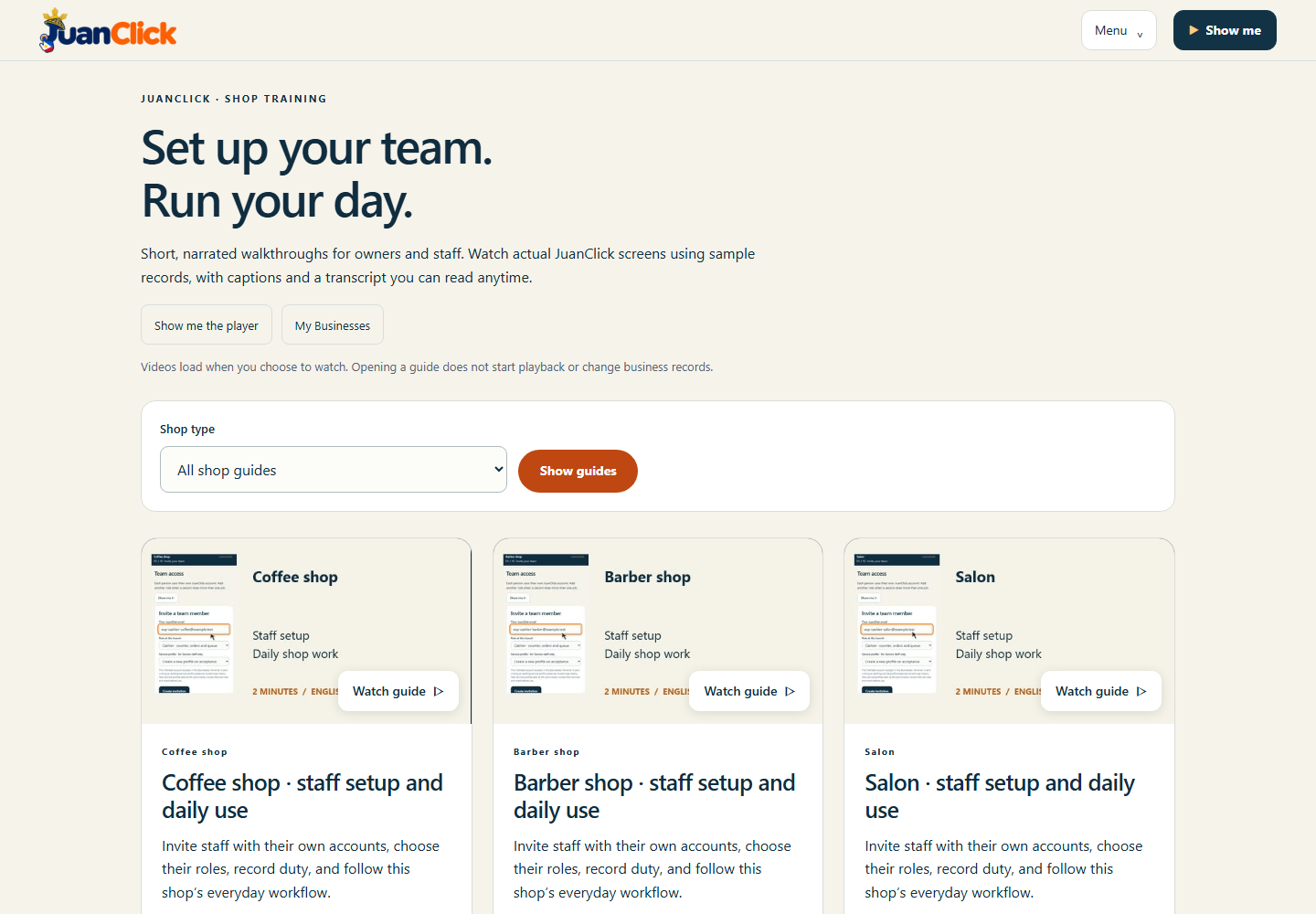
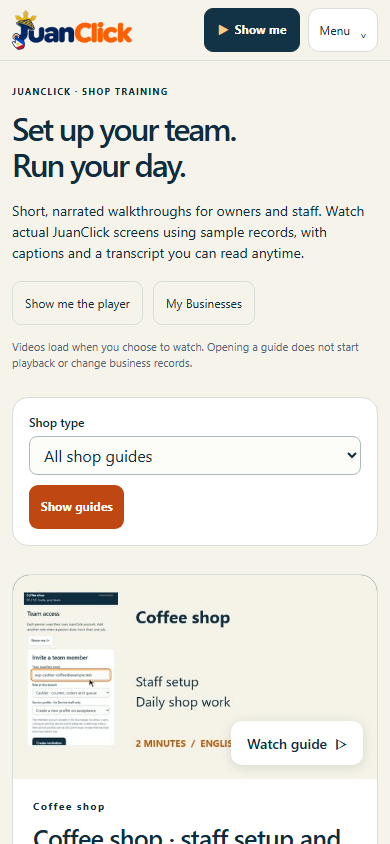
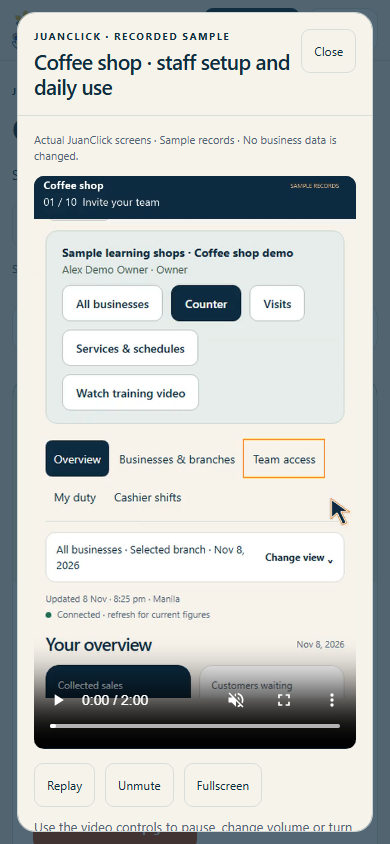
Ten corrected shop-specific, two-minute videos now show the owner enabling and saving customer Visits before teaching staff setup and daily shop work using real sample-record screens and Ricairtec Clear narration. English captions, transcripts, chapter shortcuts, pause, replay, mute and close are included. All ten videos total about 27 MB and load only on demand. Guide cards are simpler, long captions wrap on small phones, and chapter jumps return to the video.
Requirements: A current browser, internet and a JuanClick account. Owners prepare payroll; staff see only their own issued payslips. Use Install Me or Add to Home Screen. Existing app identity is preserved; no separate native installer or reinstall is required.
Updates and help: Quick background checks offer Update or Later on safe overview pages and defer during editing and demonstrations. New features have accessible sample Show me guides and dismissible viewport messages.
Verification scope: Authenticated features were checked with isolated synthetic records; public deployment, media delivery and source integrity were verified separately. Physical-device and manual screen-reader acceptance remain pending. Existing background visit alerts still require hosting to enable the automatic sender; SMS is deferred.
Previous releases 1.61.0 and earlier — features, screenshots and records
Actual 1.61.0 release screen, 8 November 2026. Synthetic accounts in Chromium on Windows. Phone-size captures use viewport emulation.
JuanClick connects local shops, services, learning, messages and games. Owners oversee businesses and branches; each staff member and customer uses their own account.
Shop payroll brings attendance across the owner's branches into one review per employee. Choose fixed, daily or hourly pay, add extra pay and individually labelled deductions, then issue a private printable payslip. Owners can use employee-contribution and repayment presets or save custom deduction labels. Amounts require owner review; no automatic statutory calculations, remittances or money transfers are claimed.
Ten shop-specific, two-minute videos teach staff setup and daily shop work using real sample-record screens and Ricairtec Clear narration. English captions, transcripts, chapter shortcuts, pause, replay, mute and close are included. All ten videos total about 27 MB and load only on demand.
Requirements: A current browser, internet and a JuanClick account. Owners prepare payroll; staff see only their own issued payslips. Use Install Me or Add to Home Screen. Existing app identity is preserved; no separate native installer or reinstall is required.
Updates and help: Quick background checks offer Update or Later on safe overview pages and defer during editing and demonstrations. New features have accessible sample Show me guides and dismissible viewport messages.
Verification scope: Authenticated features were checked with isolated synthetic records; public deployment, media delivery and source integrity were verified separately. Physical-device and manual screen-reader acceptance remain pending. Existing background visit alerts still require hosting to enable the automatic sender; SMS is deferred.
Previous releases 1.60.0 and earlier — features, screenshots and records
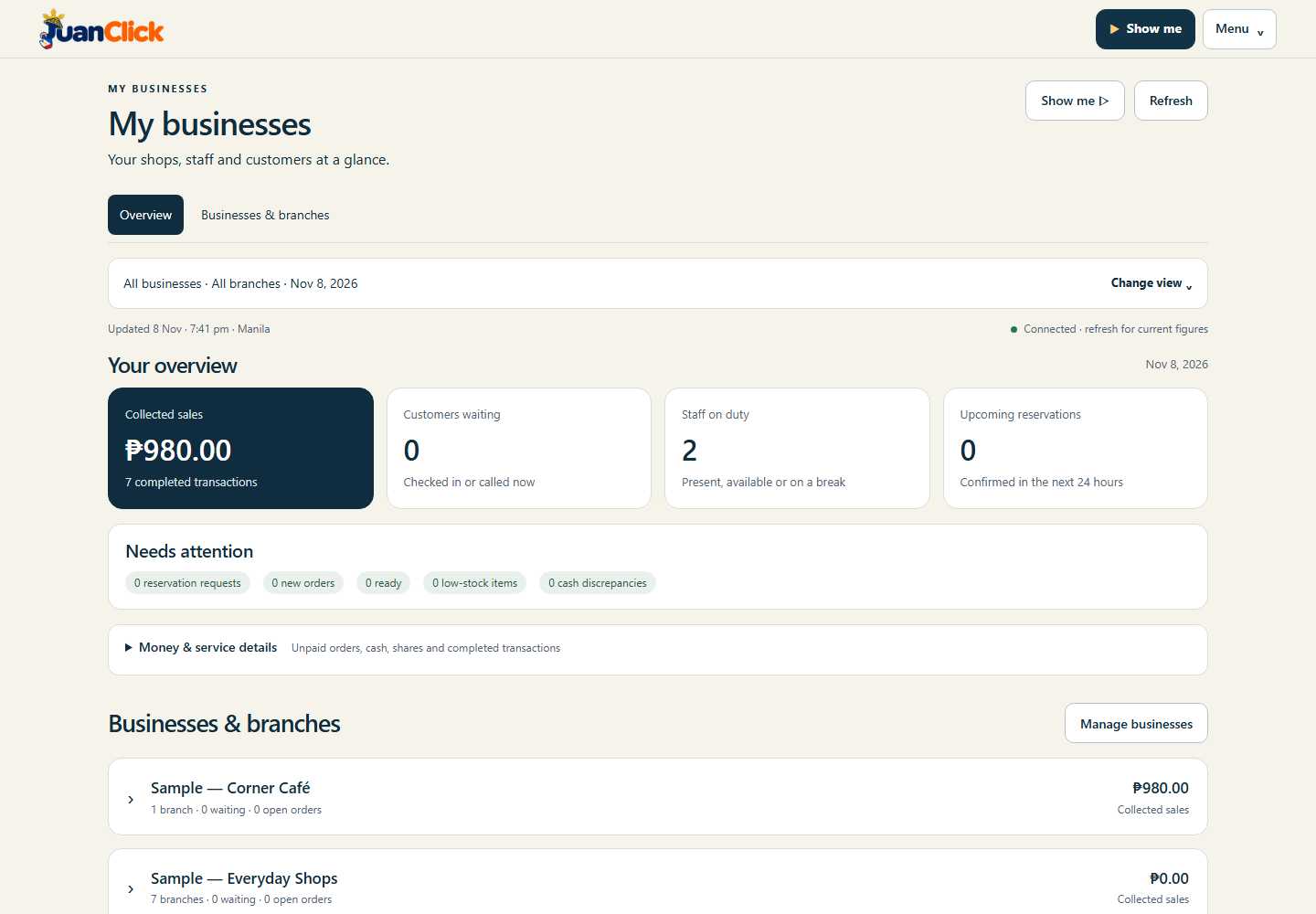
Actual 1.60.0 release screen, 8 November 2026. Synthetic businesses in Chromium on Windows. Linked phone-size screenshots use viewport emulation.
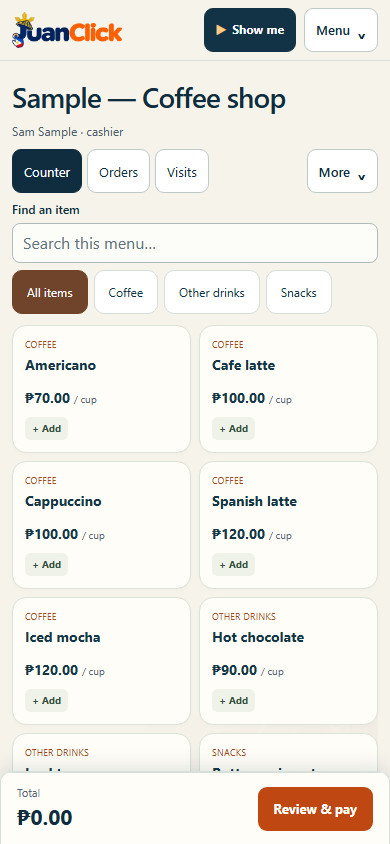
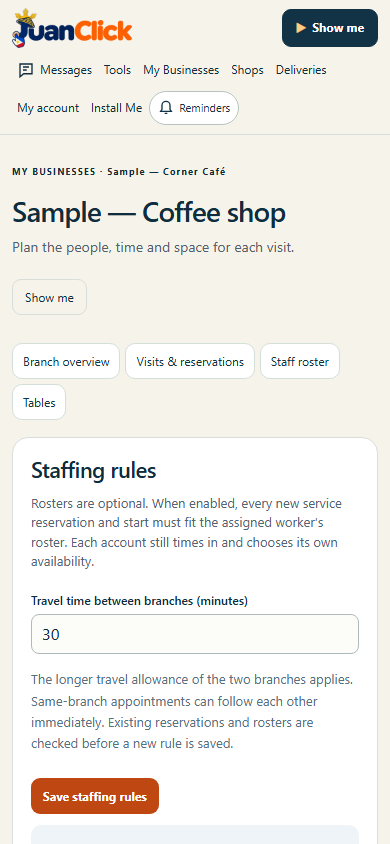
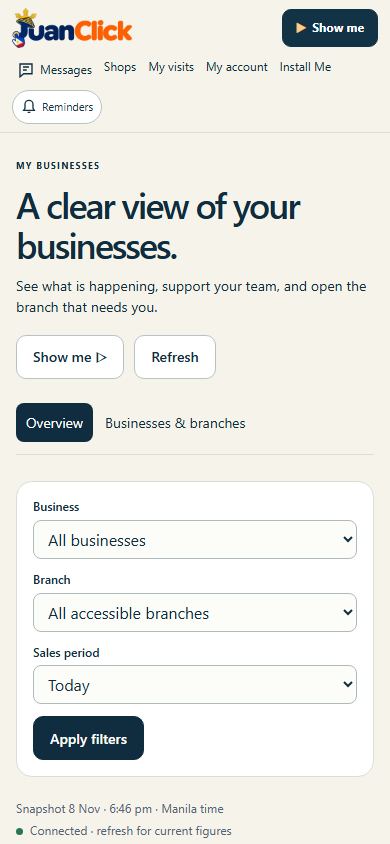
JuanClick connects local shops, services, learning, messages and games. My Businesses gives owners one view across their businesses and branches. Each owner, manager, cashier, service worker and customer uses their own JuanClick account.
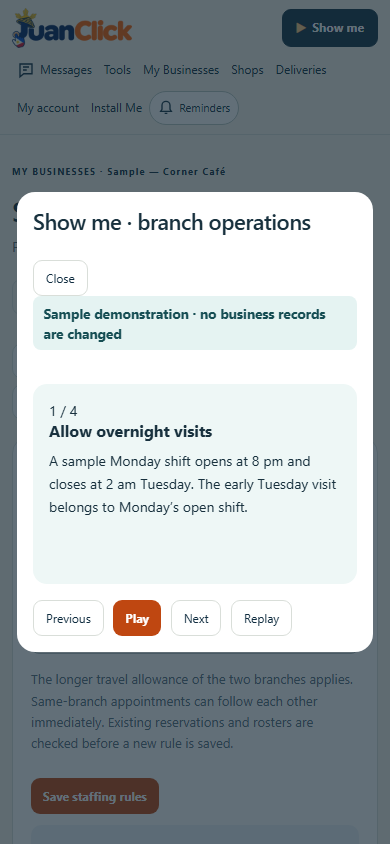
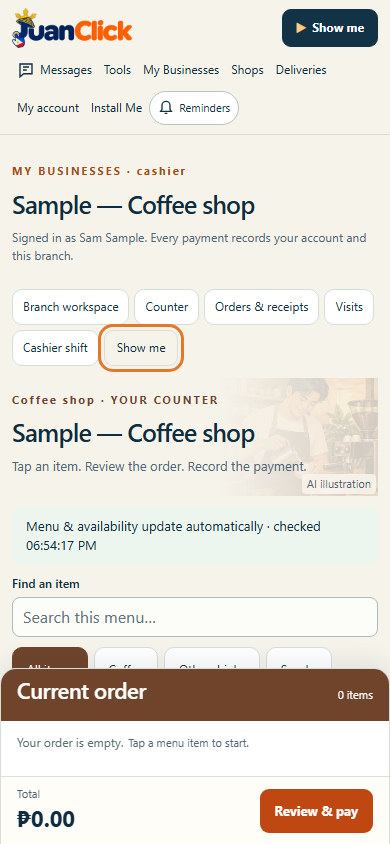
This update brings products into the phone counter's first screen and prioritizes owner figures. Shared shop operations now support overnight hours, service-specific durations, optional staff rosters with travel gaps between branches, and named tables with reservation conflict checks. Branch workflow settings support all ten current shop types and future templates.
Requirements: Current browser, internet and a JuanClick account. Owners configure branch operations; invited staff receive only their permitted access. Use Install Me or Add to Home Screen. Existing app identity is preserved; no separate native installer or reinstall is required.
Updates and help: Quick background checks offer Update or Later on safe overview pages and defer during editing and demonstrations. Counter payments are not interrupted. Updated features have accessible sample Show me guides that do not change business records.
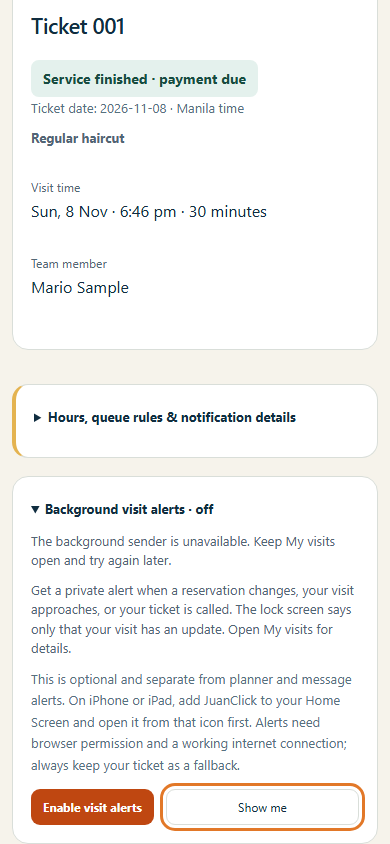
Background visit alerts: Device-level consent, private notification text and delivery handling are implemented. Hosting must enable the existing automatic sender before closed-app push can operate. The app clearly reports when it is unavailable; keep My visits open for in-page updates. SMS remains pending. Native device delivery and manual screen-reader acceptance are not yet verified.
Previous releases 1.59.0, 1.58.0 and 1.57.0 — features, screenshots and records
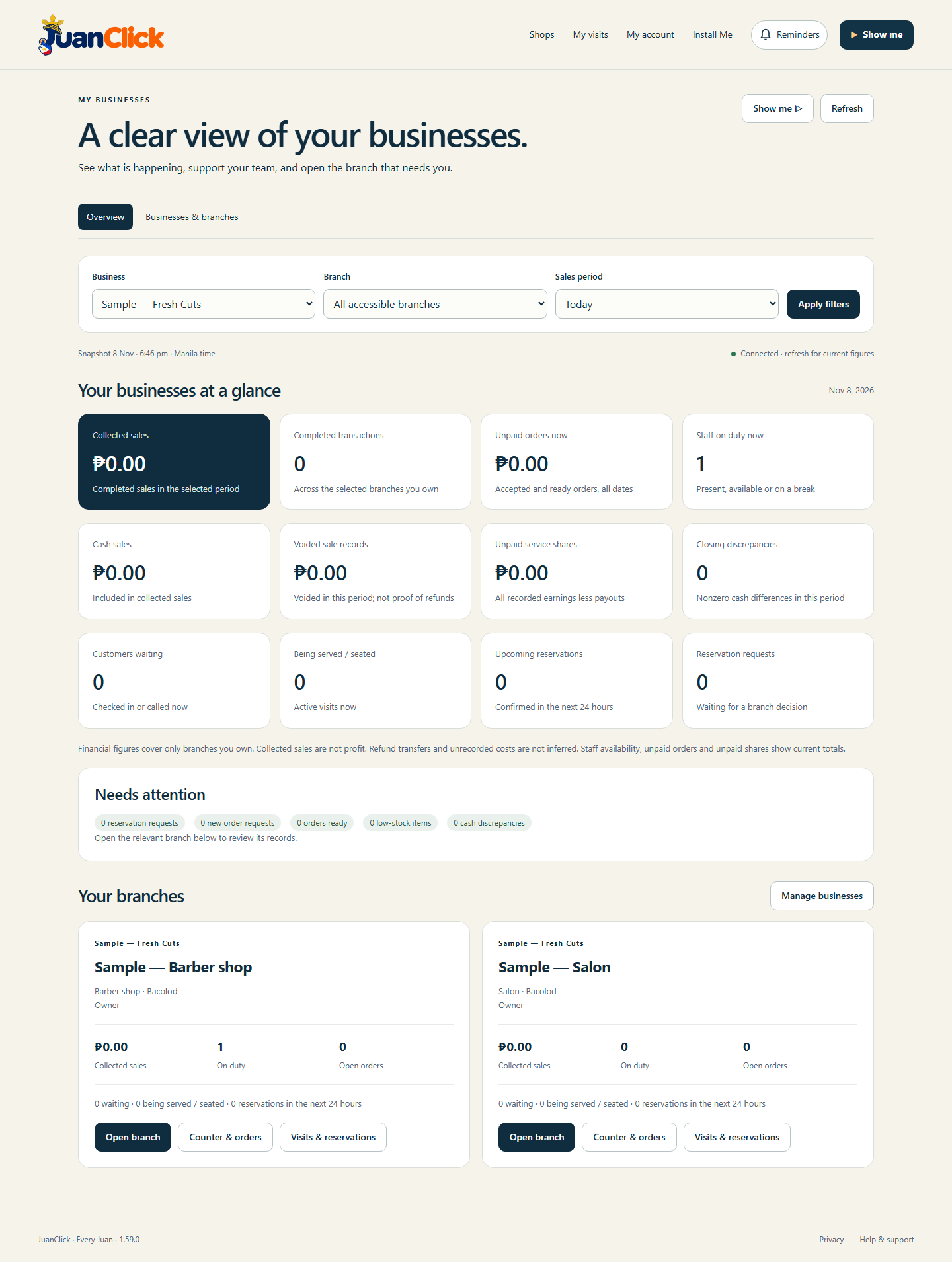
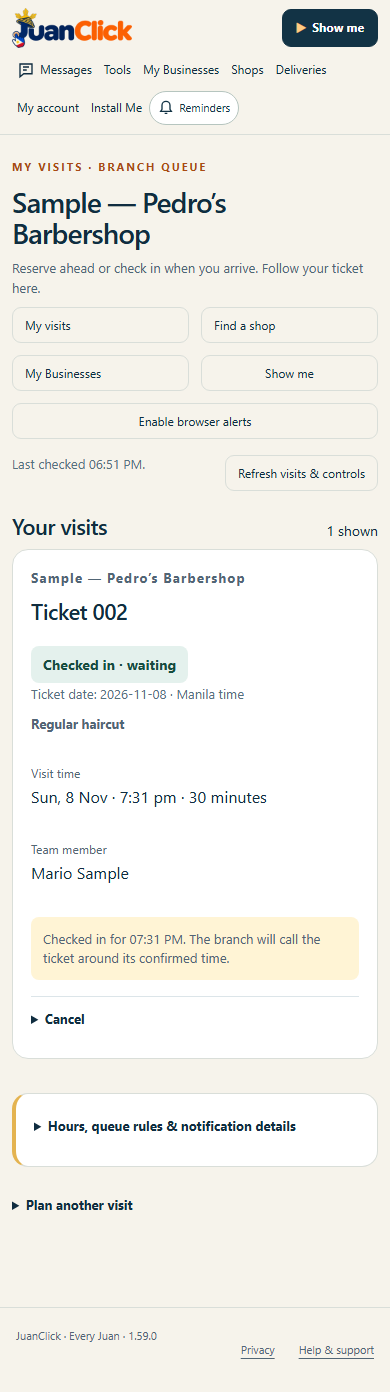
Actual 1.59.0 release screen, 8 November 2026. Sample businesses and synthetic accounts in Chromium on Windows. Phone screenshots use viewport emulation; physical-device testing remains pending.
JuanClick connects local services, shops, learning, messages and games. My Businesses now gives an owner one view across businesses and branches, with sales, staff duty, orders, reservations and items needing attention. Each person uses their own JuanClick account with branch-specific roles.
Invite managers, cashiers and service staff. Staff time in and manage availability; cashiers record sales and reconcile their own register shifts. Customers reserve or check in, follow a branch ticket, and receive updates while the visit page is open. Shared ownership, access and reporting support all ten current shop templates and future templates. Each branch can configure service appointments, pooled seating or a counter queue.
Requirements: Current browser, internet and a JuanClick account. Staff invitations must be accepted by the intended account. Use Install Me or Add to Home Screen. This is the existing web app, with no separate native installer or reinstall required.
Updates and help: Quick background checks offer Update or Later on safe overview pages and defer during editing and demonstrations. Cashier work is not interrupted. New business, staff, shift and visit features include sample Show me guides that do not change business records.
Current limits: Queue alerts require the visit page to remain open; closed-app push and SMS are not enabled. Seating uses pooled capacity, and business hours must end the same day. Recorded sales are not profit, and voiding a sale does not itself refund money.
Previous releases 1.58.0 and 1.57.0 — features, screenshots and records
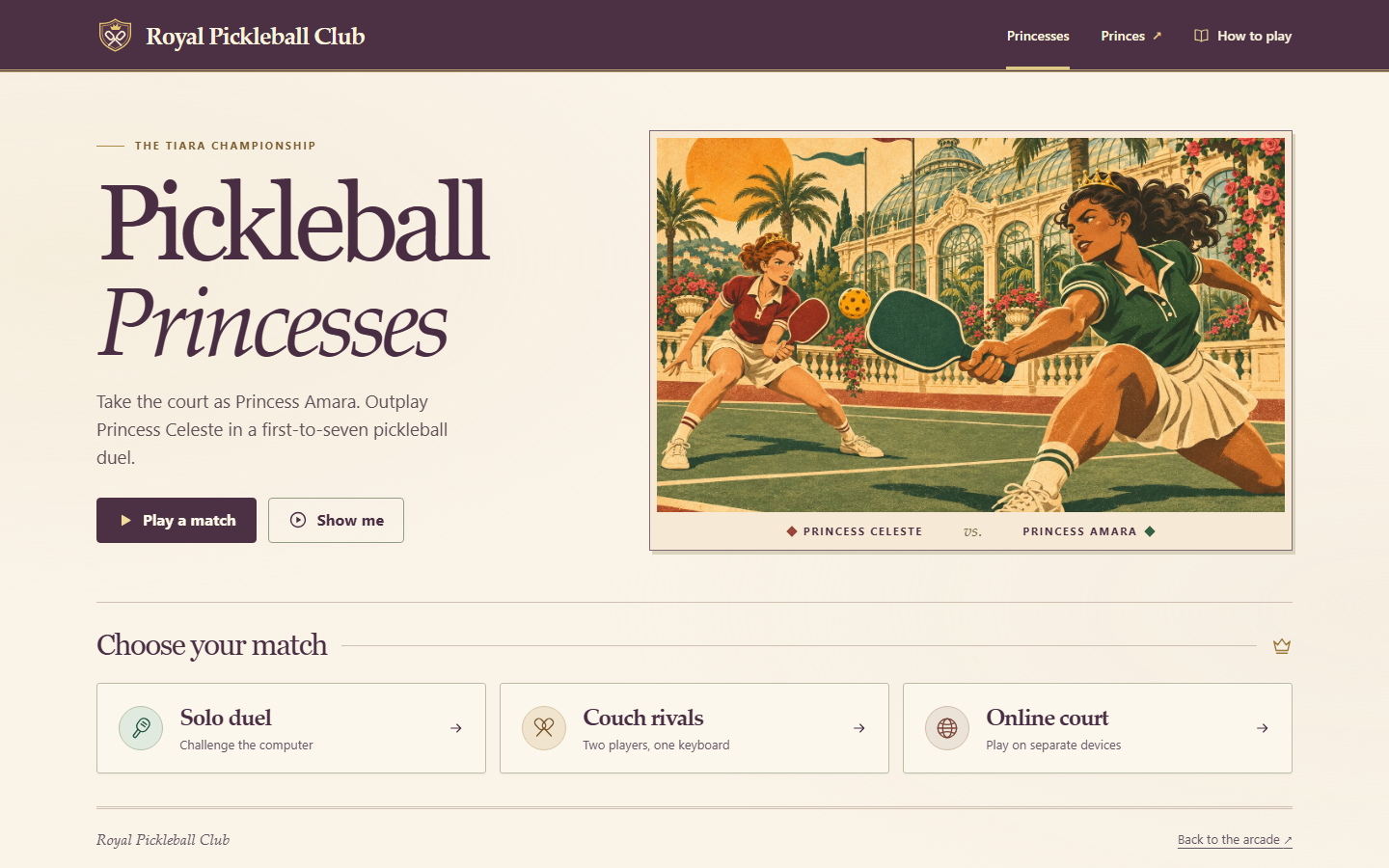
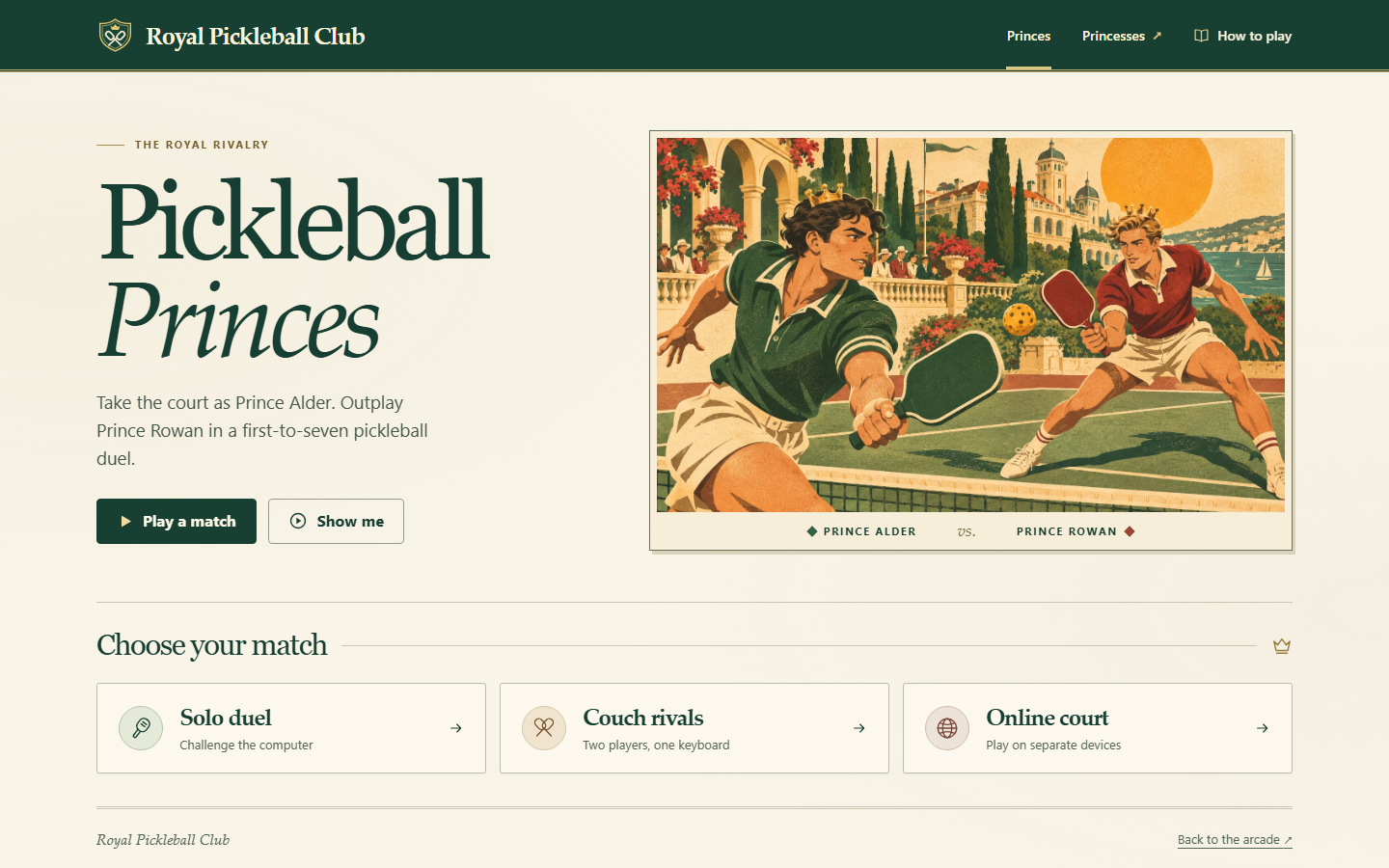
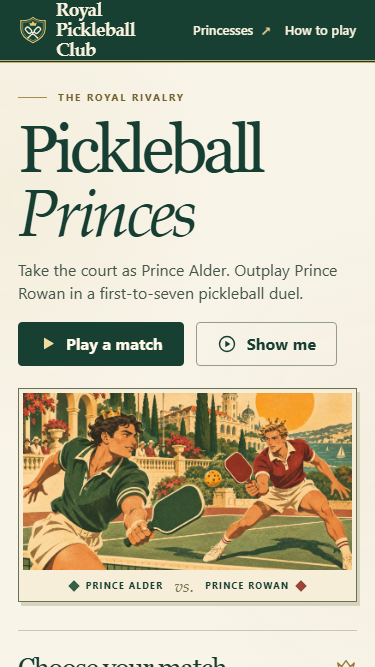
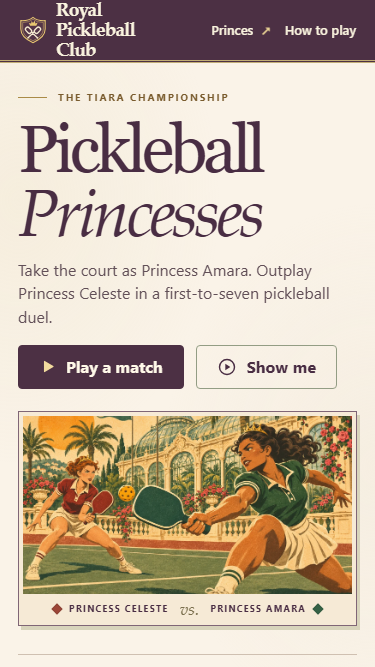
Royal pickleball editions 1.0.0, 6 November 2026. Original browser captures on Windows. The phone views use browser emulation.
JuanClick is a Philippine community web app for local services, transport, learning, messages and games. Find Pickleball Princes and Pickleball Princesses in the family games beside the original Pickleball. Sign in with your JuanClick account to play. Existing age restrictions apply to card and casino games.
Choose a royal rivalry, then play a rally-scored match to seven. Challenge the computer, share one keyboard, or join another player in the same edition on the same site. Use Drive, Lob and Smash, and charge a power by returning three shots. Open Show me for a narrated sample.
Requirements and installation. A current browser, an internet connection and a JuanClick account are required for games. To install the web app, use Install Me or Add to Home Screen. Couch mode requires a shared keyboard. Background update checks offer Update or Later outside an active match.
Previous release 1.57.0 · features, original screenshots and records
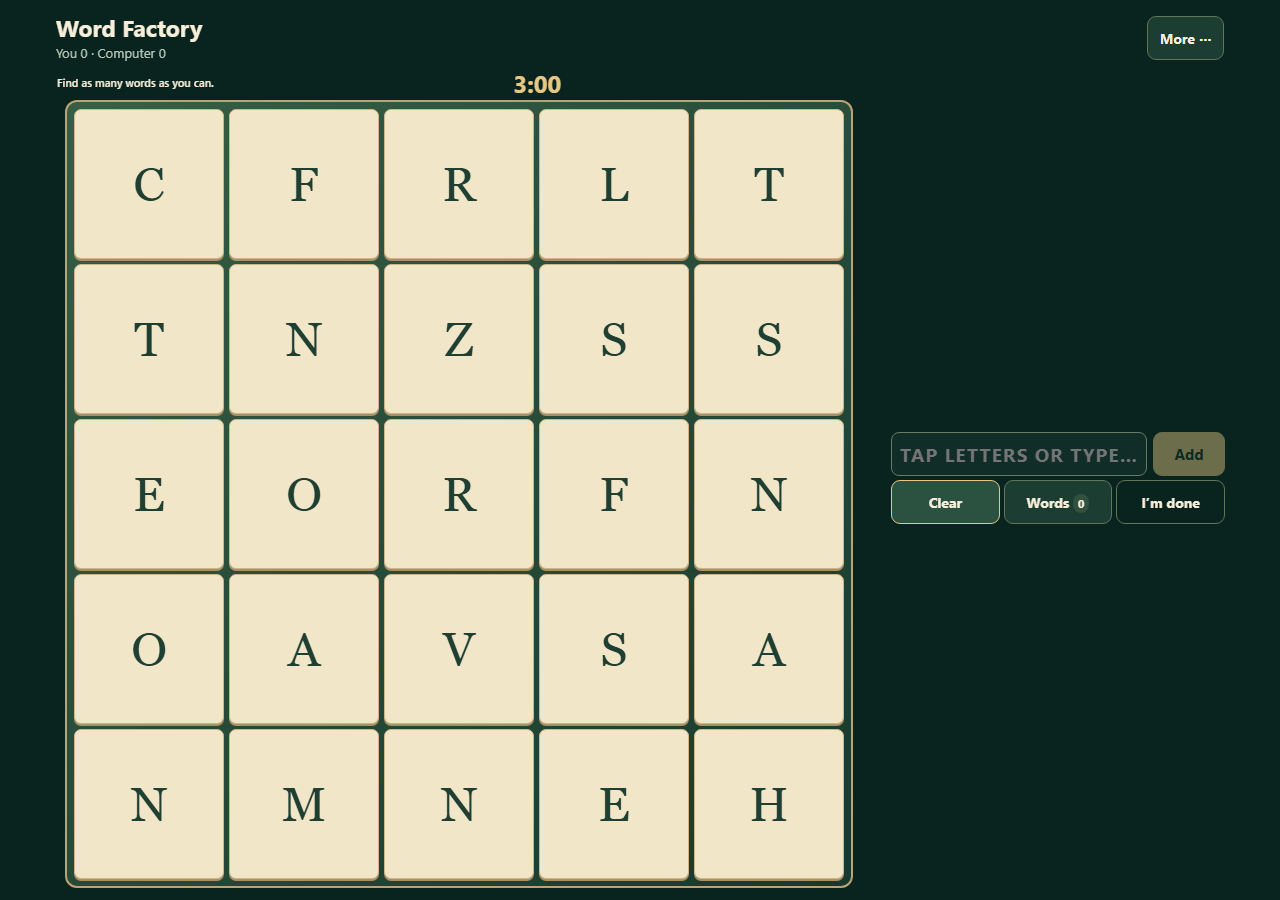
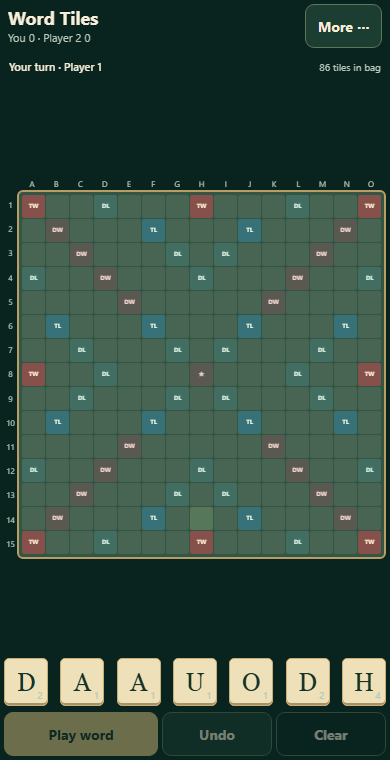
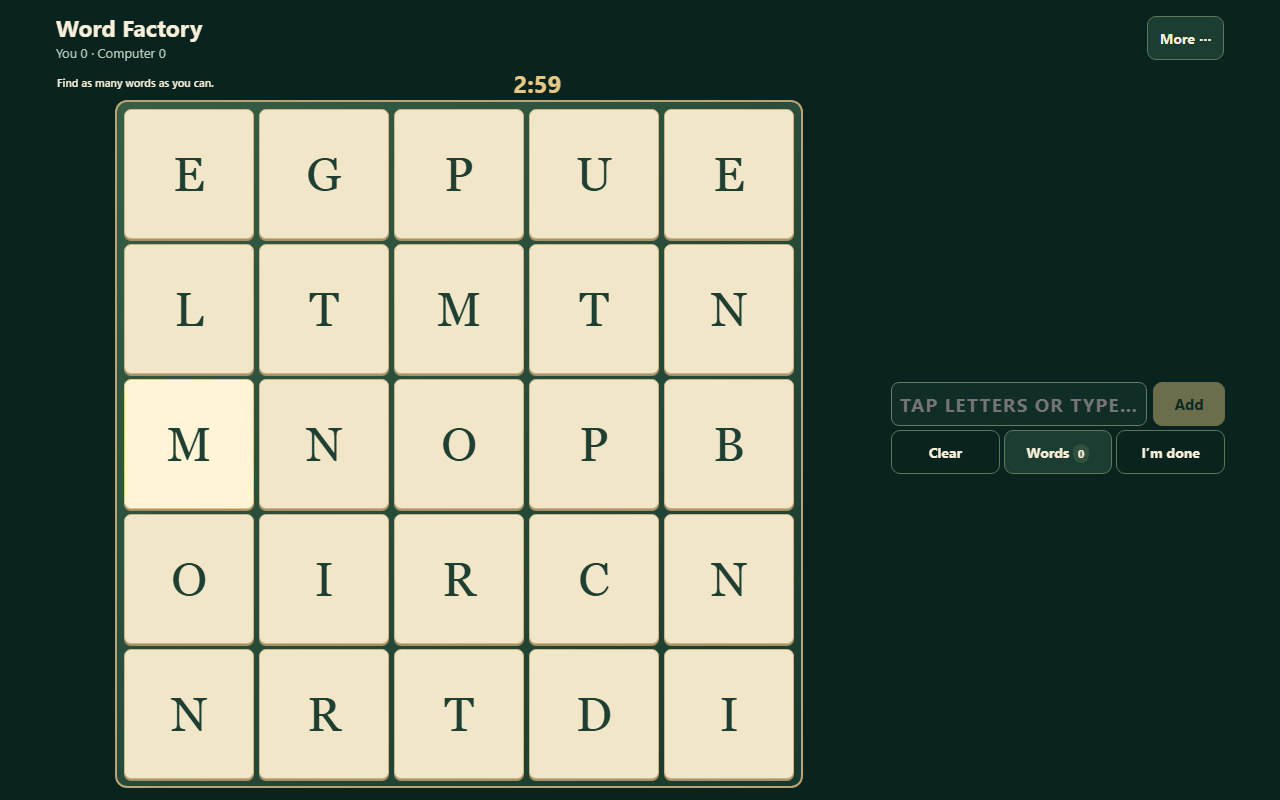
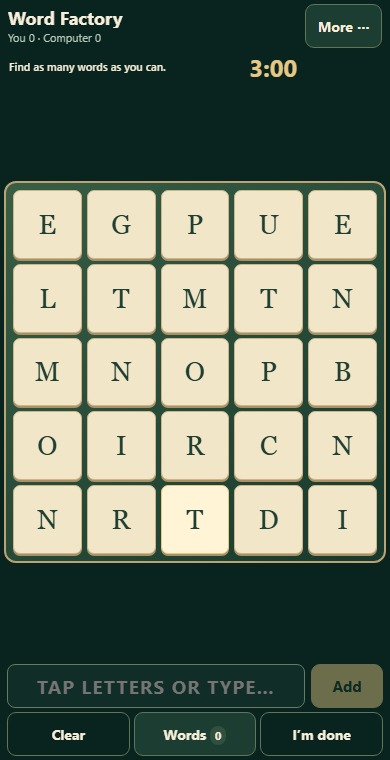
Actual release build, 6 November 2026. Chromium on Windows with a synthetic account. Desktop and phone views use browser viewport emulation; physical-device testing remains pending.
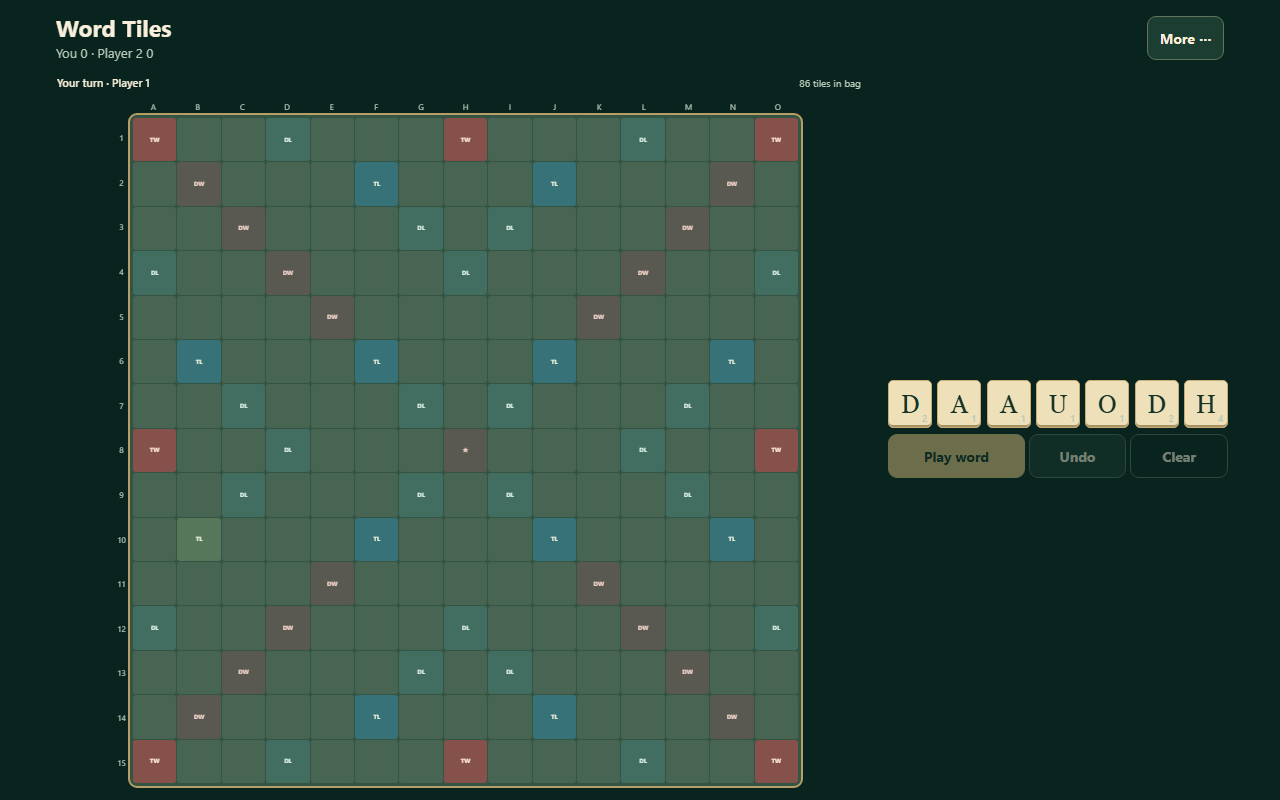
Find Clubhouse & Games in the first Home card and on your signed-in dashboard. Updated board games keep the board and main play controls together in the tested phone and landscape views. More holds secondary settings and history. Word Factory notices no longer cover Add and Clear, and Scrabble-style Word Tiles keeps an optional Larger board for precise placement.
The 17 family games remain available through JuanClick. Cards and casino-style games stay restricted to adults with a saved birth date; under-18 and unknown-age users cannot enter them. Installed-app sign-in keeps the existing 30-day inactivity and 90-day overall limits. All games are free play without cash betting or prizes.
Requirements: A current browser, internet and a JuanClick account for games. Use Install Me / Add to Home Screen. Existing app identity is preserved; this is a web app with no separate native installer.
Updates: Quick background checks offer Update or Later and wait during games, editing and demonstrations. Reopen the app to load the latest game pages. Updated sample Show me guides explain the controls without making game moves.
Royal pickleball editions 1.0.0, 6 November 2026. Original browser captures on Windows. The phone views use browser emulation.
Phakbet is a free browser arcade with board, word, sports and fantasy table games, online rooms and a Clubhouse. Pickleball Princes and Pickleball Princesses bring the Phakbet arcade to forty-four games. Find both beside the original Pickleball Party Royale.
Choose a royal rivalry, then play a rally-scored match to seven. Challenge the computer, share one keyboard, or join another player in the same edition on the same site. Use Drive, Lob and Smash, and charge a power by returning three shots. Open Show me for a narrated sample.
Requirements and installation. A current browser and internet connection are required. Play on a phone, tablet or desktop. Couch mode requires a shared keyboard. Background update checks offer Update or Later outside an active match.
Previous release 1.55.0 · features, original screenshots and records
Real release screenshot. Public Phakbet 1.55.0 release pages captured during staging in Chromium on Windows; desktop and phone viewport emulation. Browser phone viewports are emulated; this is not physical-device or customer evidence.
Boards and main play controls now fit together in the tested phone, landscape and desktop views. Word Tiles, Word Factory, board games, Chess, tile games, sports, duels and Pickleball use the available screen; More keeps extra details and history within reach where provided. The arcade still has 42 game tiles, including Scrabble-style Word Tiles and the 5×5 Word Factory. Existing sample Show me demonstrations remain available.
Live web 1.55.0 · November 6, 2026 · Phone, tablet and desktop browsers. Free play with no purchases, real-money betting, cash-out or real-world prizes. No installer. Physical-device and manual screen-reader checks remain pending.
Open a game and use its available play options. Internet is required for the word games and online tables. Sign into the Clubhouse for online play. Automatic background update checks offer Update or Later and wait while you are playing.
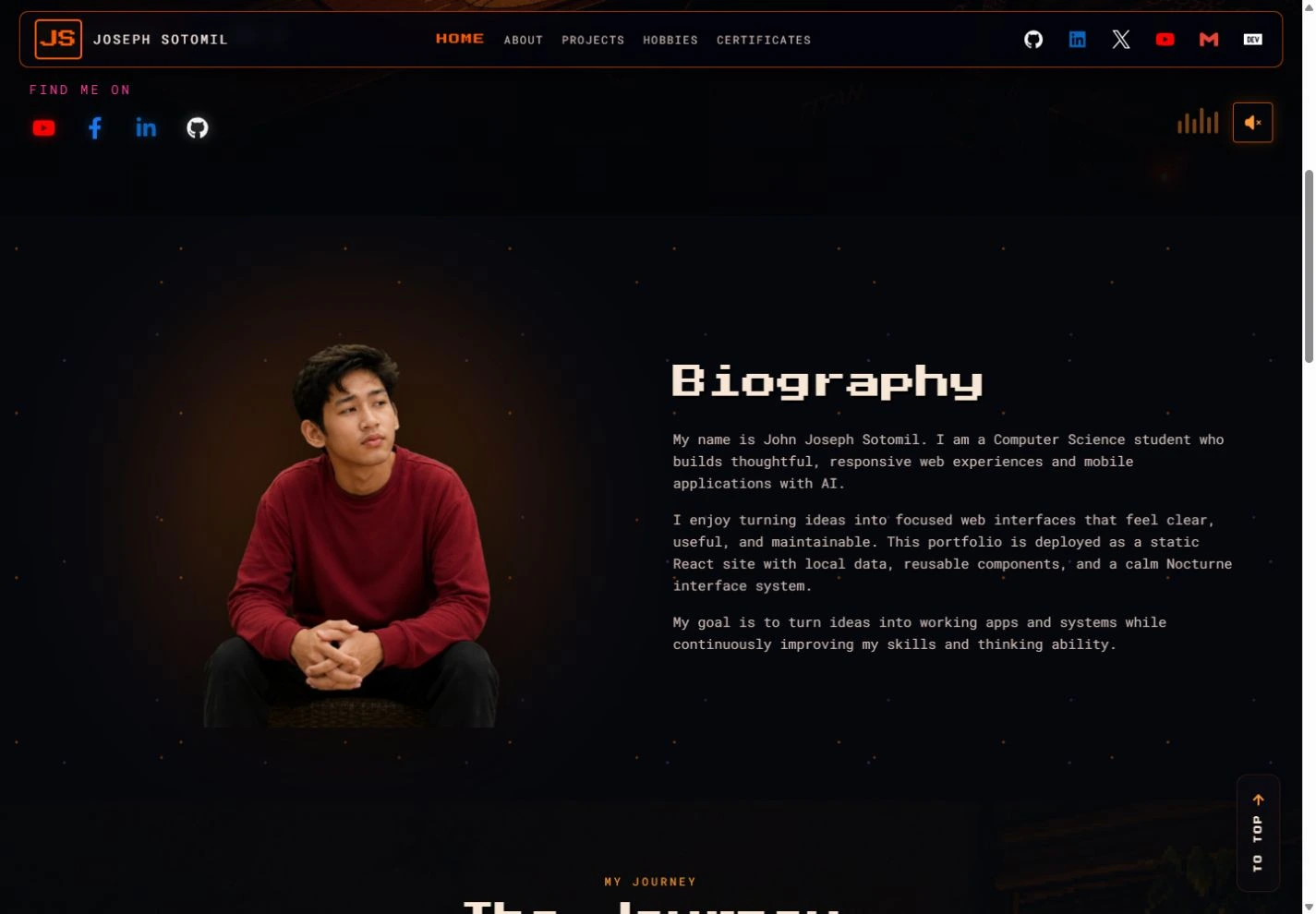
Actual desktop Chromium captures on Windows on October 19, 2026, including responsive phone-width views. These are browser captures, not physical-device tests. Actual public website screenshots; no generated people or testimonial.
Joseph Sotomil’s personal developer portfolio at coffeetoffees.com brings together his introduction, biography, learning journey, selected work and links to projects, hobbies and certificates. A dark, responsive presentation gives his work a clear home on desktop and phone.
Public website captured October 19, 2026. The portfolio is live in a desktop or phone browser; no installer or account is required to browse the homepage. Listed example projects are presented by the portfolio owner; their underlying products were not independently audited in this showcase refresh.
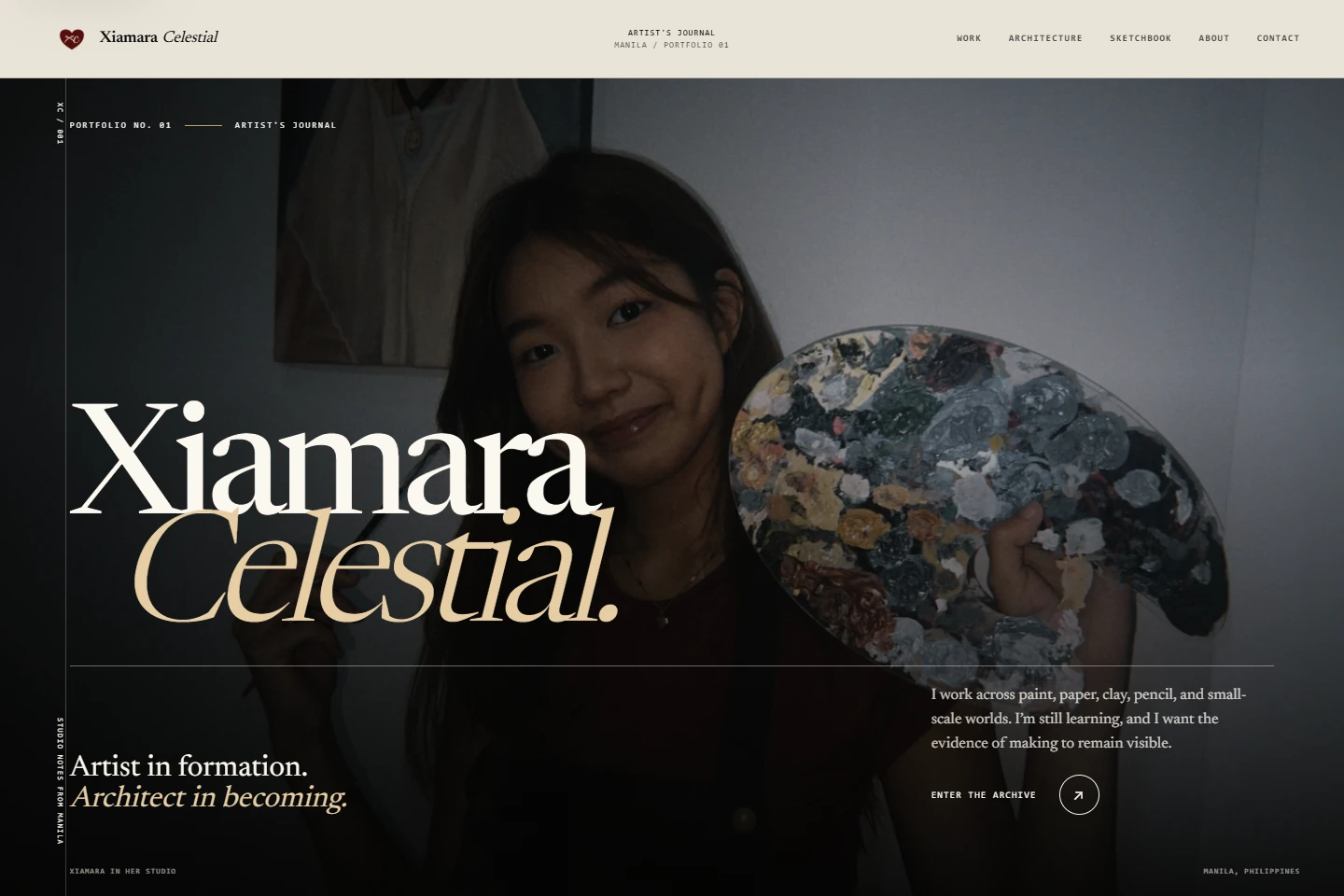
Actual desktop Chromium captures on Windows on October 19, 2026, including responsive phone-width views. These are browser captures, not physical-device tests. Actual public website screenshots; no generated people or testimonial.
An editorial portfolio for Xiamara Celestial’s art and architecture journey. Selected mixed-media works, material studies, architectural models and a sketchbook sit alongside an artist introduction and contact links. Large imagery and a journal-like layout keep the work at the center.
Public website captured October 19, 2026. Responsive homepage and public navigation checked in desktop Chromium; no installer or account is required to browse. Some on-site editorial wording is still marked for owner approval. This showcase refresh does not certify artwork availability or modify the artist’s website.
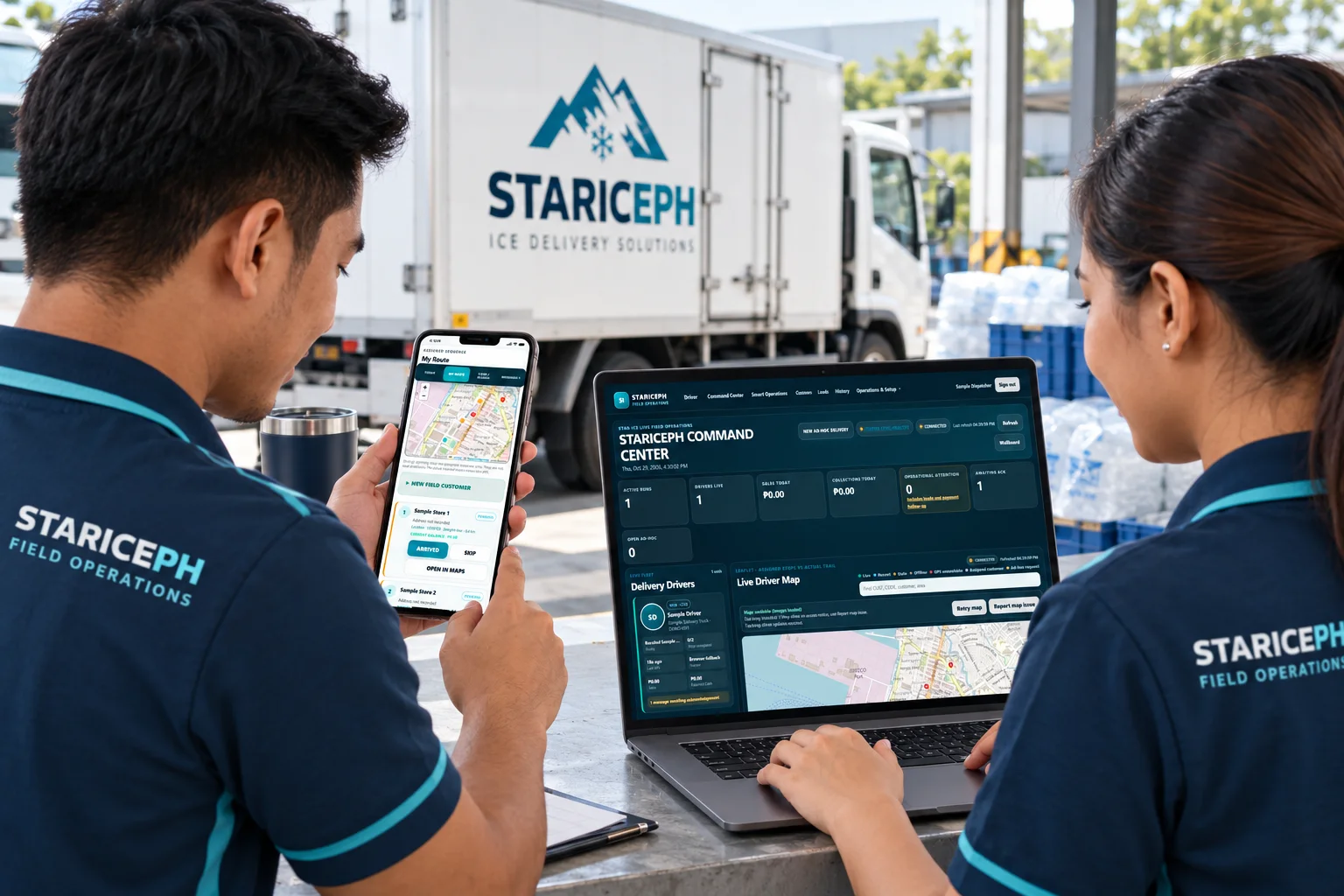
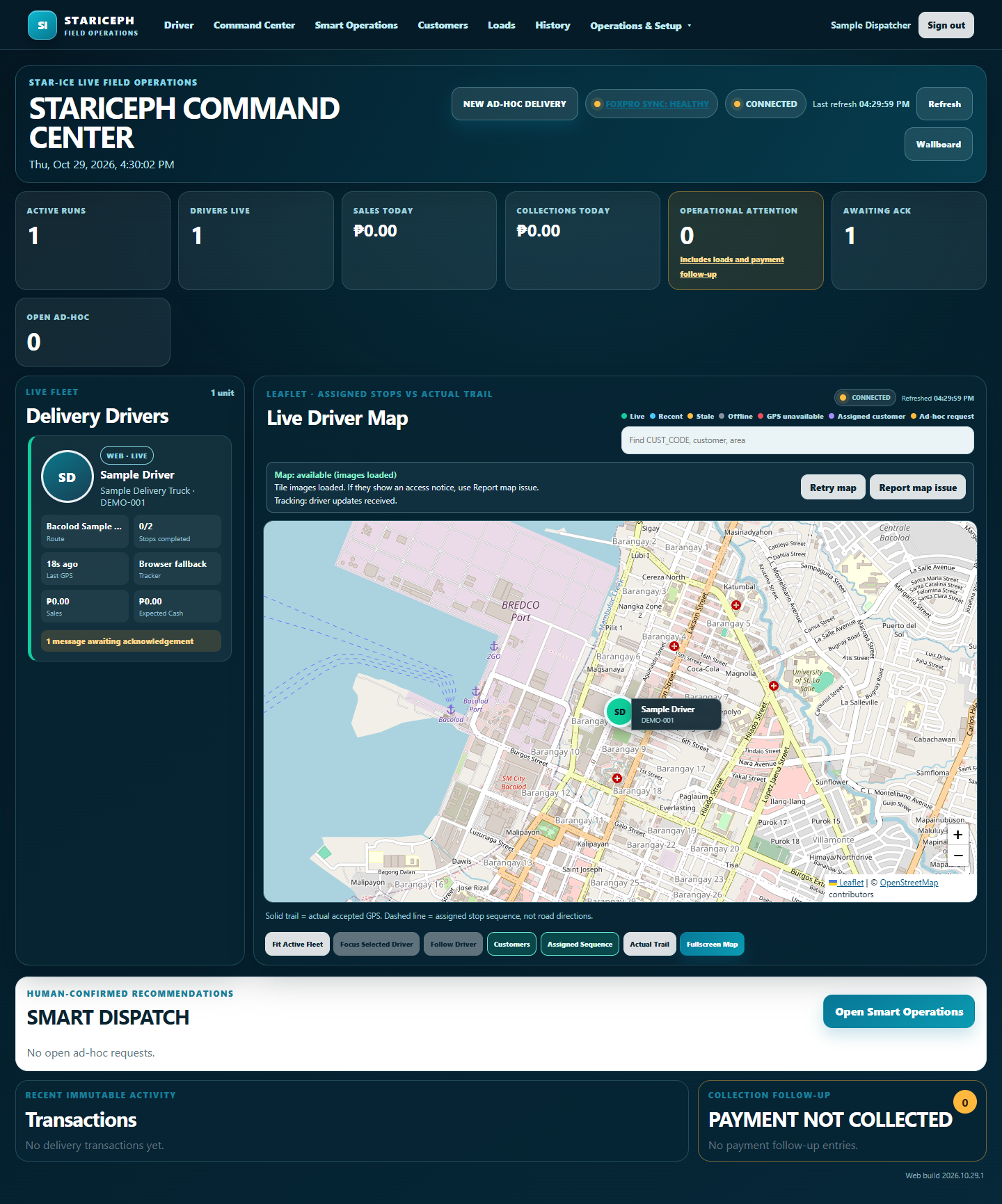
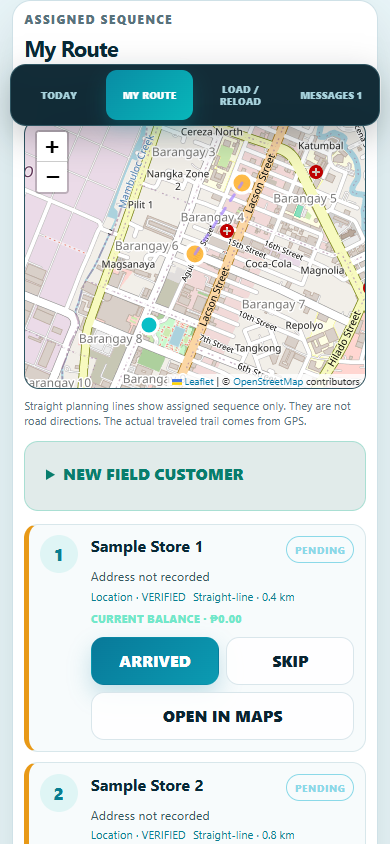
AI-generated illustration of fictional colleagues using actual STARICEPH 6.0.1 screens with sample records. Windows Edge captures; phone viewport emulated. Not a customer testimonial or physical-device field test. Generated fine details may vary; original captures are linked below.
STARICEPH connects delivery crews and dispatchers through phone-based routes, loads, sales, collections, messages and a fleet command map. Web release 6.0.1 reduces repeated downloads with compact unchanged-data responses, lossless transfer compression and a route map that loads when opened. GPS recording rules and dispatch-check intervals are retained.
Requirements: Authorized account, registered delivery device, current phone or desktop browser, and HTTPS location permission.
Installation: Open the web portal and sign in. No installer is needed. No APK installation is needed for this web update. Server compression benefits existing sessions immediately. Updated browser code is obtained on a subsequent online load; a waiting service worker activates after older app pages close naturally. Active delivery screens are not forcibly reloaded, and saved GPS and transaction queues are retained.
Verified in Windows Edge using the actual application and isolated sample records, at desktop and emulated phone sizes. Physical-phone, locked-screen and live delivery-day data-use verification remain pending. Browser GPS may pause while a phone is locked; the existing optional Android tracker is a separate component and was not updated in this release.
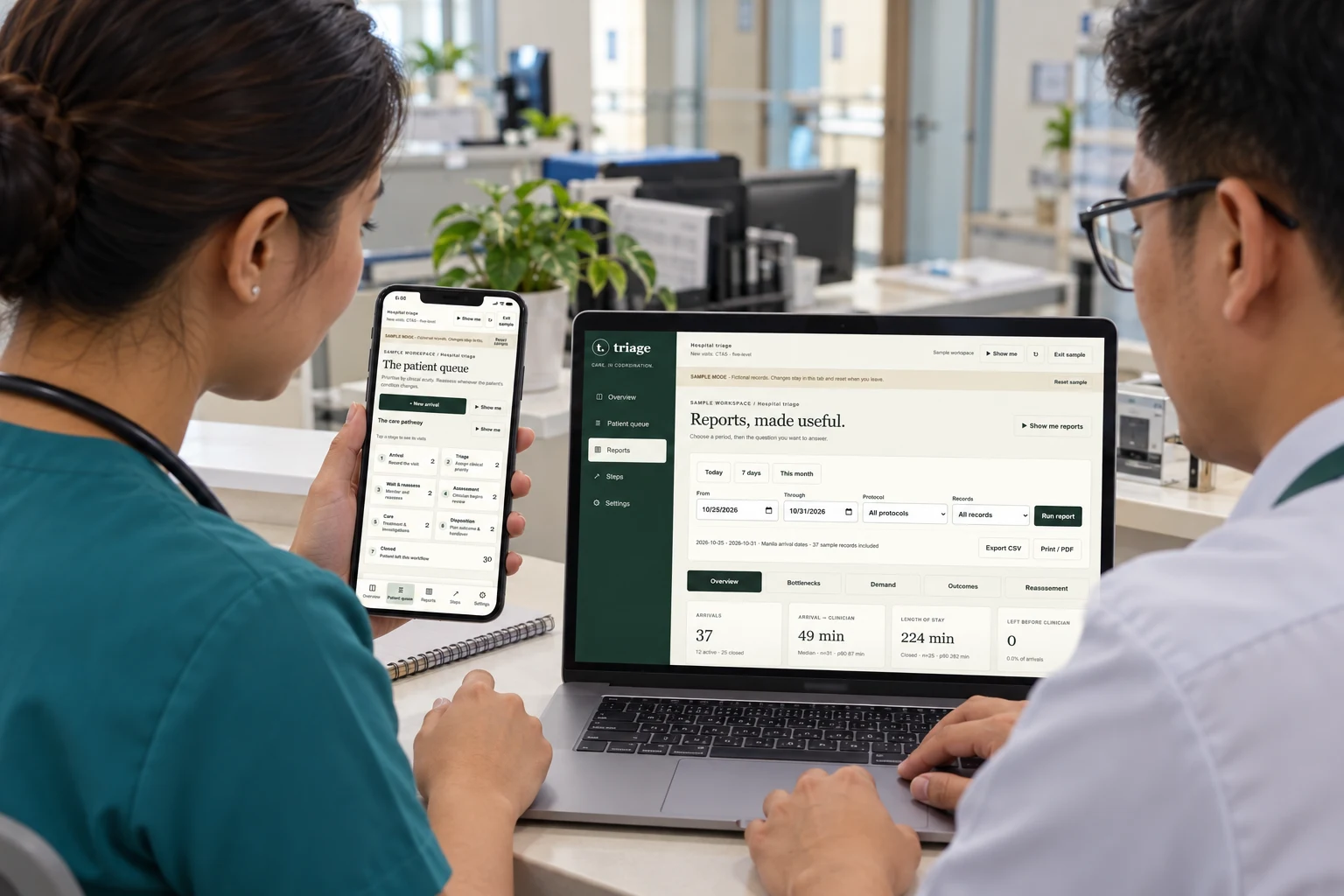
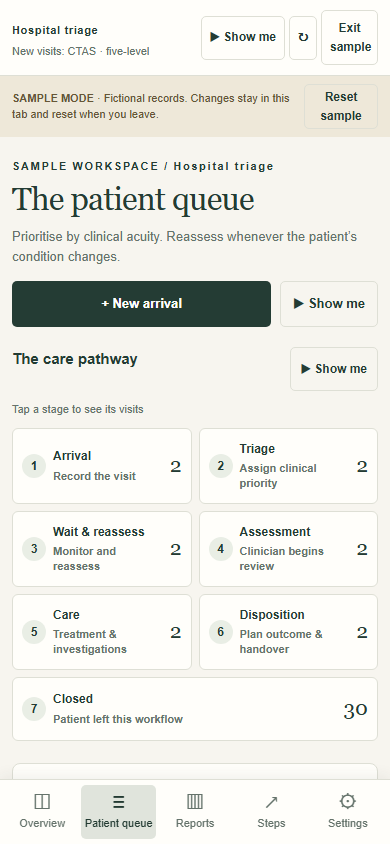
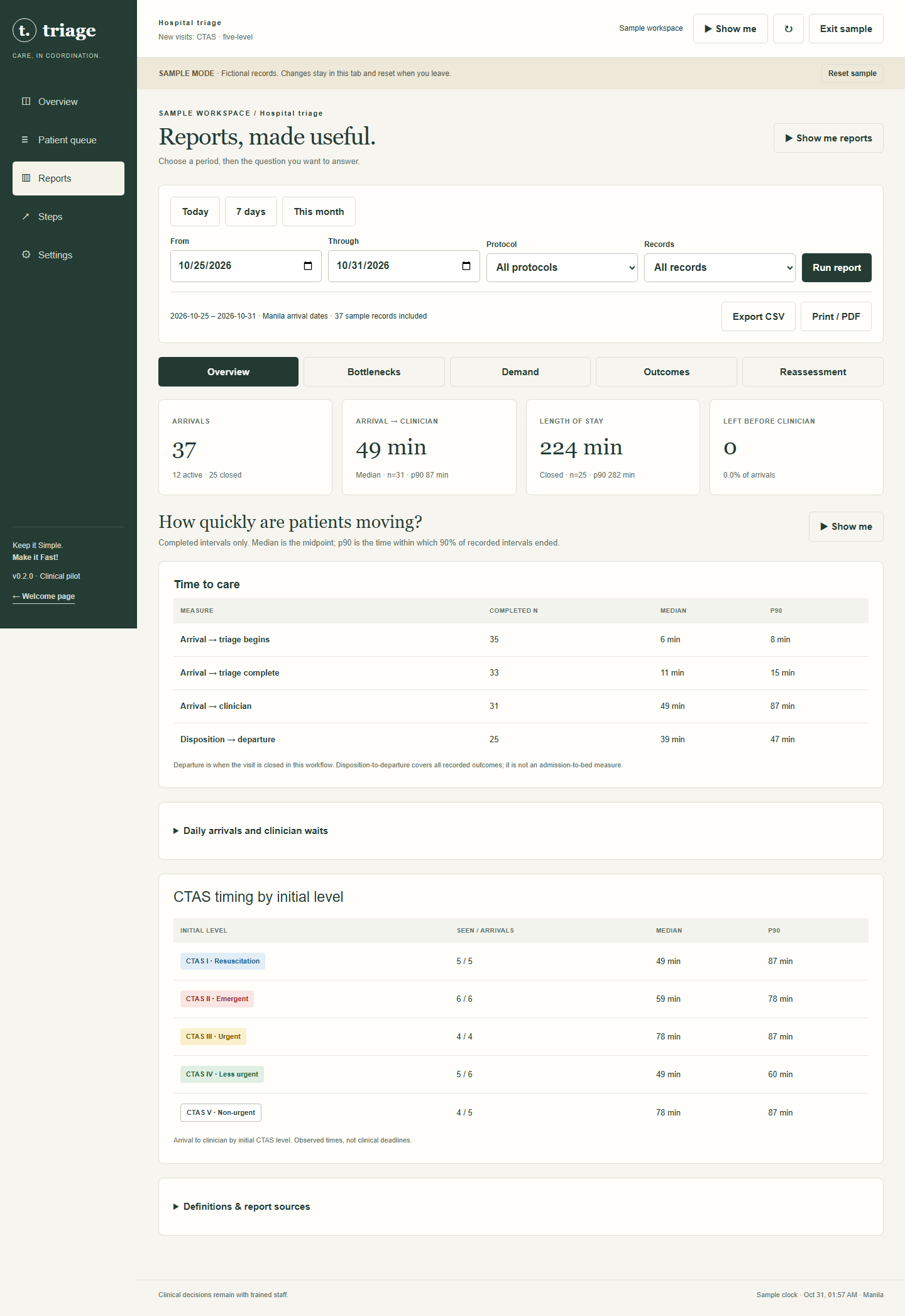
AI-generated illustration of fictional hospital colleagues using actual Triage 0.2.0 sample screens as references. Not a customer testimonial or field-test photograph. Generated screen details may vary; original screenshots are linked below.
Triage helps hospital teams follow each visit from arrival through clinical triage, reassessment, assessment, care, disposition and closure. Version 0.2.0 makes the seven stages explicit, adds focused operational reports and improves the phone workflow with bottom navigation and readable touch controls.
23 Ricairtec Show me guides, operational reports and admin-only sample cleanup.
Requirements: Current JavaScript-enabled browser, HTTPS and individual account for staff. Public sample mode available. Installation: None; open the web app. Refresh when ready for web updates.
Verified on Windows in Chromium and WebKit at desktop and emulated phone sizes from 320 to 430 pixels, plus landscape. Physical iPhone touch, keyboard, speaker and hospital clinical/privacy acceptance remain pending. Clinical priorities are assigned by trained staff; this is not a certified automated CTAS scoring engine.
Our latest apps check for updates and show you what changed. Checks run quietly in the background with a short timeout. ClearDocs and ClearTorrent show a small update notice. RideTalk asks Update or Later when no conversation or invitation is in progress. Nothing installs automatically.
Already using RideTalk 0.6 or earlier, ClearDocs 1.0 or ClearTorrent 0.1? Download the new version here once to add update checks.
IN PREPARATION
ClearDocs for iPhone & iPad
The native project is prepared. An installable release still needs Apple signing and testing, so there is no iPhone download yet.